Welcome to the Onshape forum! Ask questions and join in the discussions about everything Onshape.
First time visiting? Here are some places to start:- Looking for a certain topic? Check out the categories filter or use Search (upper right).
- Need support? Ask a question to our Community Support category.
- Please submit support tickets for bugs but you can request improvements in the Product Feedback category.
- Be respectful, on topic and if you see a problem, Flag it.
If you would like to contact our Community Manager personally, feel free to send a private message or an email.
Mesh imports but doesn't show up in parts studio
 lee_warwick
Member Posts: 6 ✭
lee_warwick
Member Posts: 6 ✭
I've been importing meshes with no issue but I've made a couple of scans that I've used an extrude command on in meshmixer and mesh inspector to make a surface into a solid part. When I import these into Onshape I get a message they have imported and get a new tab but they don't show up in the part studio. When I hover over the tab there is a preview of the part and if derive the part into anther part studio there is also a preview of the part but nothing comes in. The base mesh before extruding in either mesh mixer or mesh inspector comes in perfectly so Onshape doesn't seem to like when the part is extruded and made into a solid. Is there something I can do to make it show up or is this a bug in Onshape? Any help would be appreciated…
https://cad.onshape.com/documents/704cef274bc3bbe69f7a280d/w/2d2137de0b5600cb554f25fb/e/4473b91a18b0c7560e85aceb?renderMode=0&uiState=69a6e9a87d61ec3c5358a339
Best Answer
-
 MDesign
Member Posts: 1,329 PRO
MDesign
Member Posts: 1,329 PRO
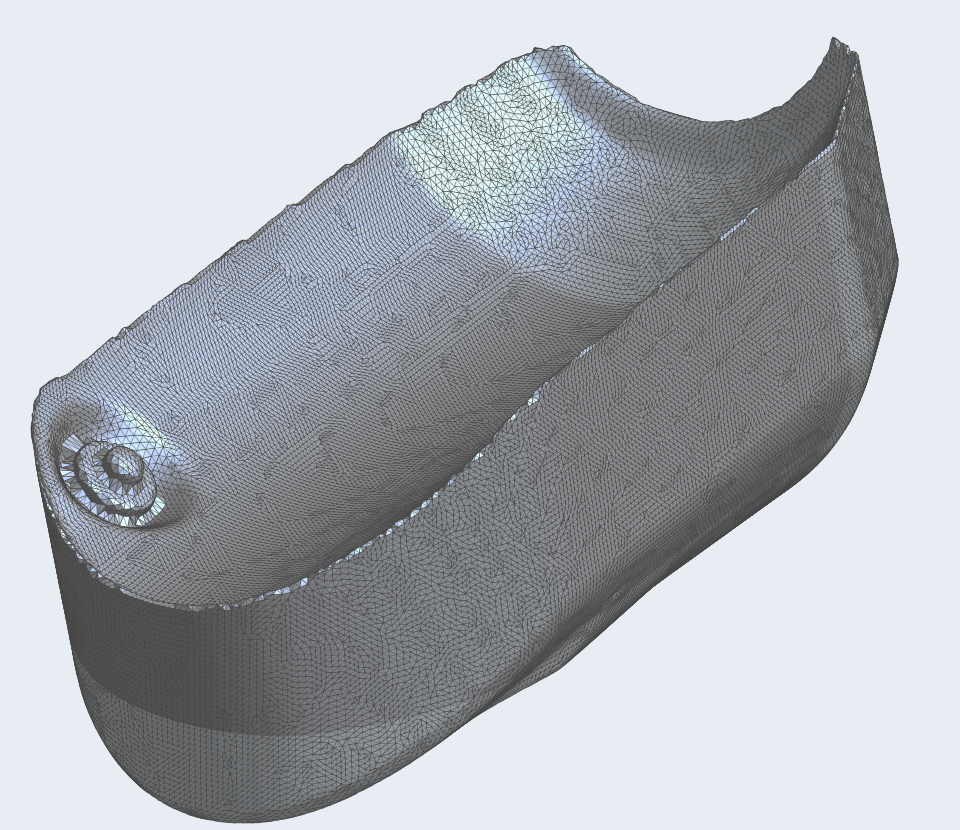
It's right there in front of you…Actually its super tiny…LOL Just update the units of the import and it'll rescale appropriately.
1
Answers
Just tried importing these meshes into Fusion and all come in okay, so must be something up with Onshape, but what?
It's right there in front of you…Actually its super tiny…LOL Just update the units of the import and it'll rescale appropriately.
It's there, it's just really small.
Turn off all planes and hit f key.
Update units from here - see below
Unemployed Onshaper - Operating on European time - More of me here ➤➤ https://linktr.ee/Liam.G
Well, what a dummy, didn't even think to look at the units/scale as the original part that came in before was the correct size, so somewhere in the process of extruding the units got screw up. Mystery solved, thank you all.