Welcome to the Onshape forum! Ask questions and join in the discussions about everything Onshape.
First time visiting? Here are some places to start:- Looking for a certain topic? Check out the categories filter or use Search (upper right).
- Need support? Ask a question to our Community Support category.
- Please submit support tickets for bugs but you can request improvements in the Product Feedback category.
- Be respectful, on topic and if you see a problem, Flag it.
If you would like to contact our Community Manager personally, feel free to send a private message or an email.
Sliding gauge
 ProApe
Member Posts: 234 ✭✭
ProApe
Member Posts: 234 ✭✭
Hello,
Since I can't find my large sliding gauge for woodworking (about 1 metre long and 50 cm wide), I came up with the idea of constructing one, which I have already designed in rough form.
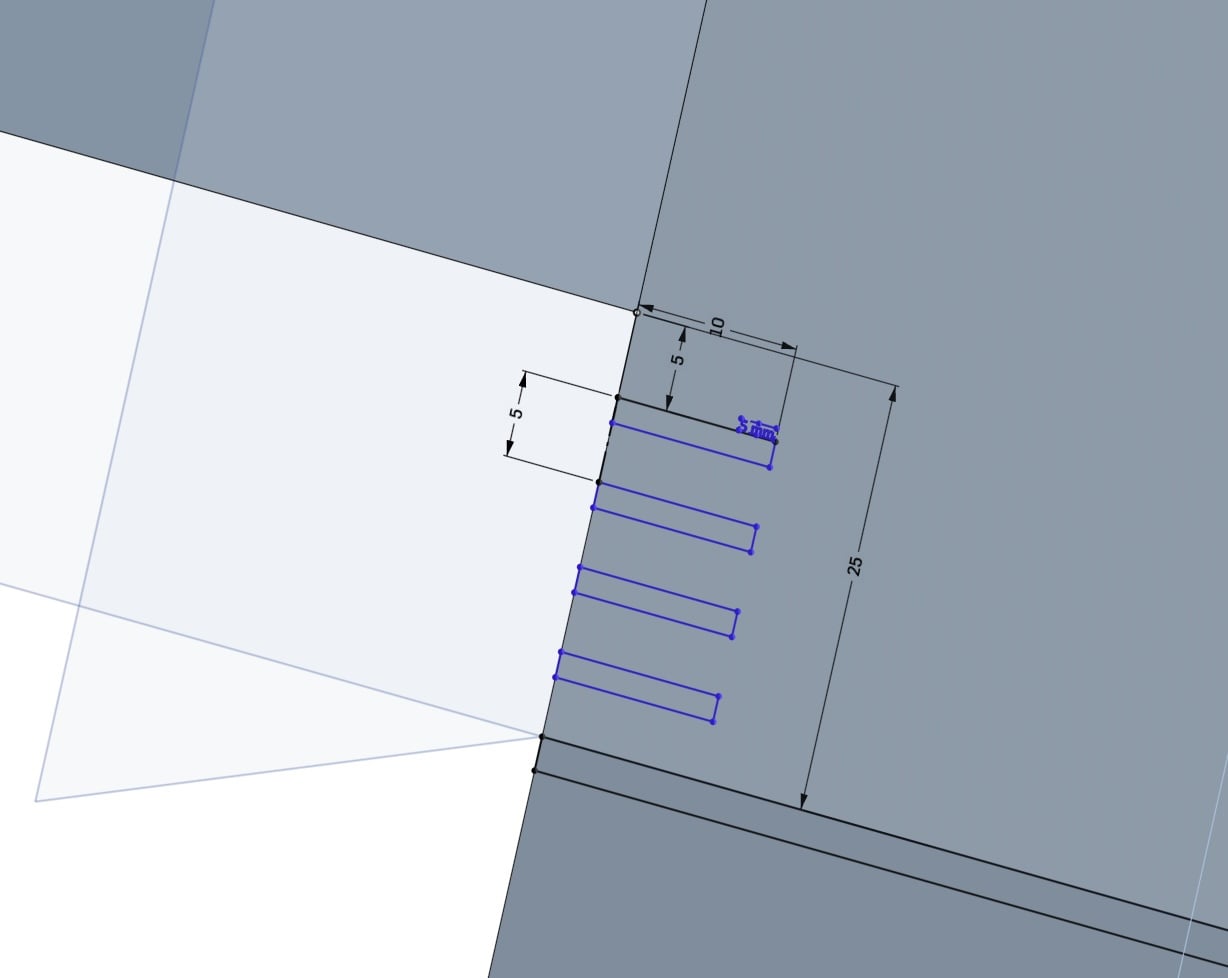
The problem I'm having now is the measuring scale in 5 mm increments. Is there a way to do this easily in Onshape?
To ensure that the movable arm slides smoothly, I have the idea of using ball bearings pressed outwards by compression springs on the four inner sides of the hollow part, but this idea is still quite abstract at the moment.
First, I would like to resolve the issue with the scale.
Does anyone have any ideas on how to achieve this?
Kind regards
ProApe
Comments
Since no one seems to have a better idea, I'll do it differently, better: I'll stick a metal tape measure flush onto the long part.
It looks better, is guaranteed to be accurate and finer, in 1 mm increments.
https://cad.onshape.com/documents/76e3dd9038999f0066d181dd/w/1869c532a5d39d1b5d28eac6/e/be512b0a3a16a01b5cad1010?renderMode=0&uiState=69ae9c563bf442a601eaf8e7