Welcome to the Onshape forum! Ask questions and join in the discussions about everything Onshape.
First time visiting? Here are some places to start:- Looking for a certain topic? Check out the categories filter or use Search (upper right).
- Need support? Ask a question to our Community Support category.
- Please submit support tickets for bugs but you can request improvements in the Product Feedback category.
- Be respectful, on topic and if you see a problem, Flag it.
If you would like to contact our Community Manager personally, feel free to send a private message or an email.
Yet another Loft question

Answers
-
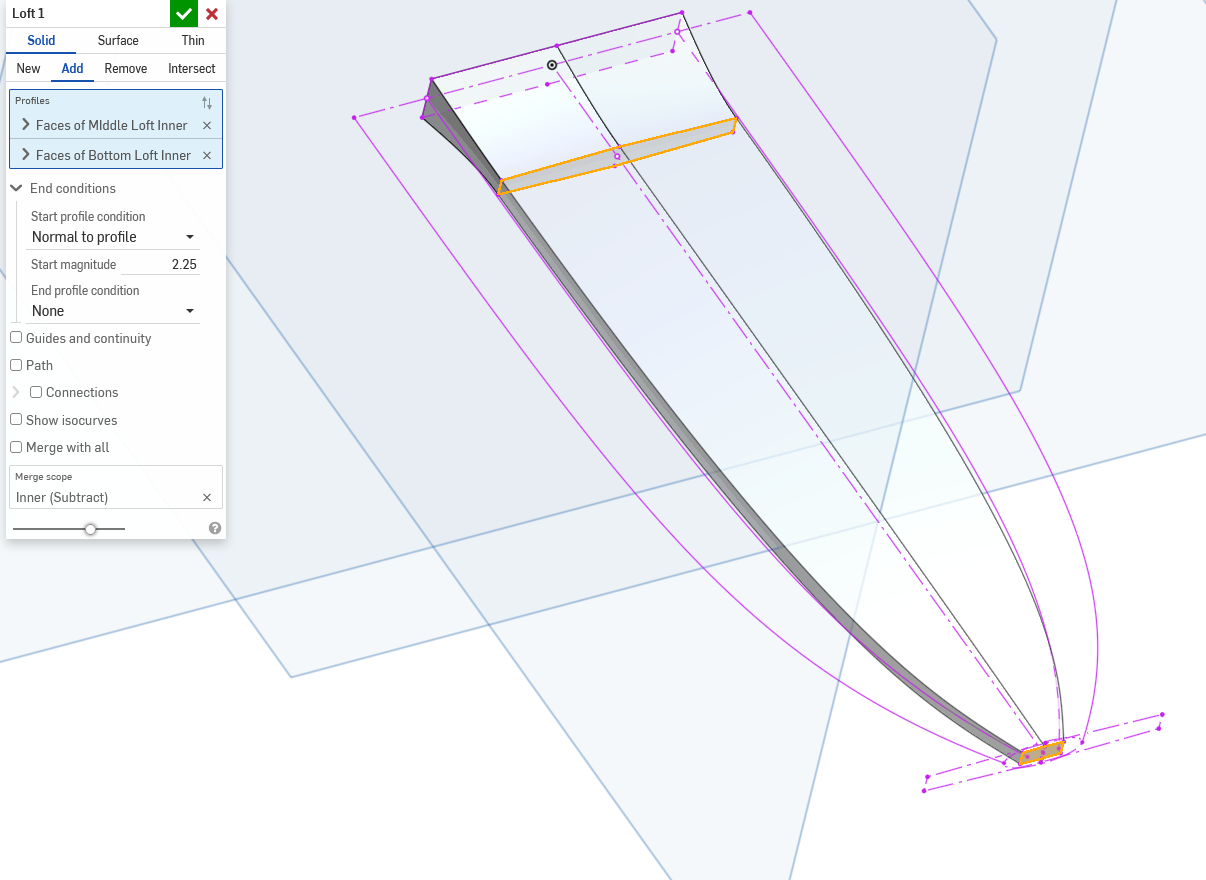
Do you have a link to the model? It could be that its self intersecting regardless of having the correct connection points defined. Happy to peek!
0 -
Thanks @Kevin_Cowles and @S1mon for being generous with your time on this.
Here's a shared link: https://cad.onshape.com/documents/d372e0f2c329dfb8015def94/w/a7eeda0f8870916fcf82d1ce/e/97b24175a4f9db2b41f41d68?renderMode=0&uiState=69cedd1265d0d166f12491c7
I can make it "work" if I loft in two parts and boolean the whole thing.
I was also surprised to learn that the guide edges must be coincident with the edge of any profile being used. For that reason, I would need to make a few adjustments to use the guide edges, but that was a step I was reserving after I got the loft to work on its own.
0 -
That ended up being more complicated than I initially thought. A few issues:
- Some of your sketches were not fully defined. This can cause a lot of issues with loft profiles lining up with guides.
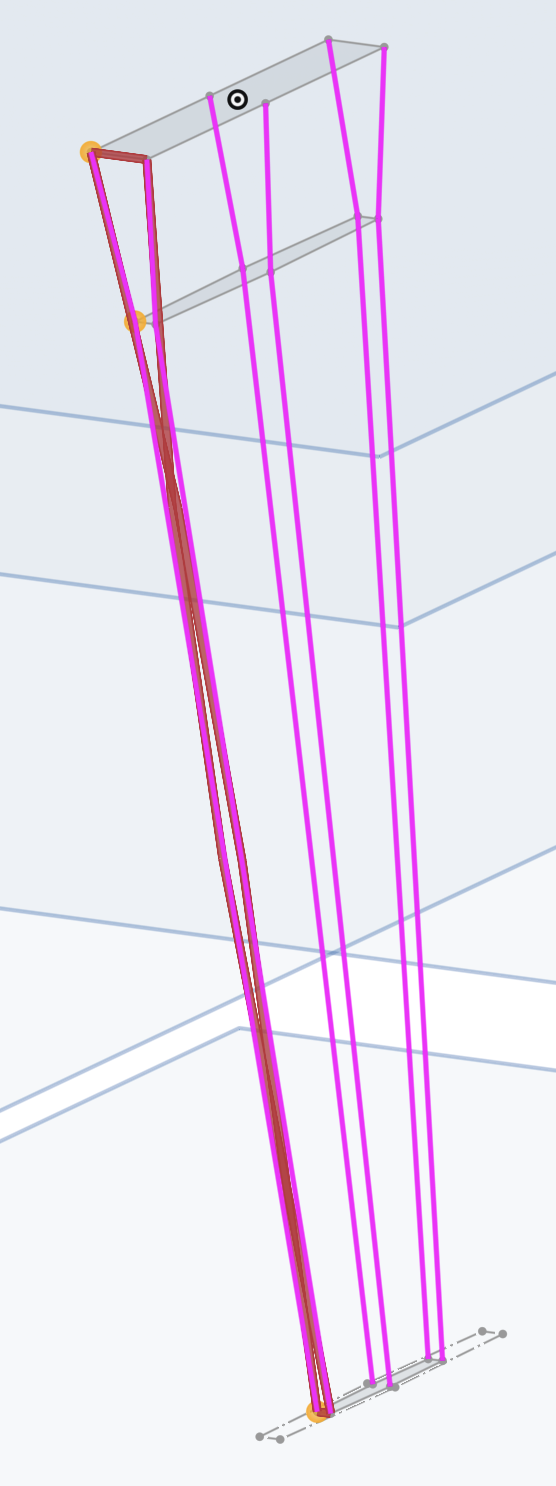
- Connections work when Loft can easily create some splines to connect the profiles, but in this case, it wants to make edges which twist over one another which is a no-go.
- It's not entirely clear what you were after, but I made some guesses.
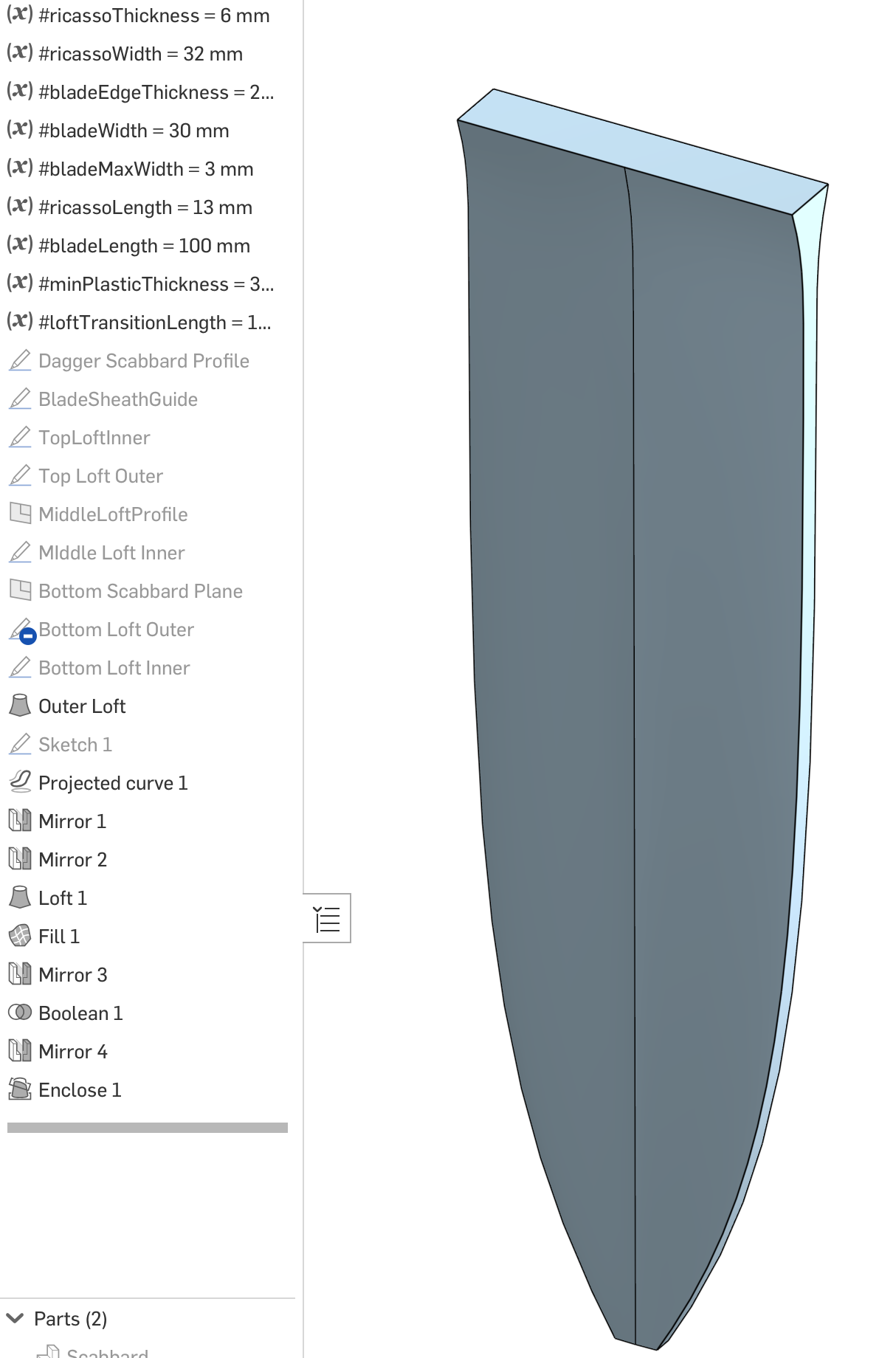
- It's sometimes easier to model things as surfaces and then make a solid.
- I'm sure I could have taken fewer steps, but I leave that for you to clean up
Simon Gatrall | Product Development, Engineering, Design, Onshape | Ex- IDEO, PCH, Unagi, Carbon | LinkedIn
0 -
Thanks for your help @S1mon ! I'll need some time to digest this different approach.
Any guesses as to why the loft didn't work?
In other software I have seen situations where the curves created by the splines that are created by the loft force a crossover, but in that case it should have happened to all the sides, not just a single edge, so I'm still confused. In those cases, the solution would be to have more intermediary profiles to force the splines to conform, so I'll try that here.
The approach I ended up going forward with was to simply do the loft in two segments (top and bottom) and then union the two, which in this case worked out, but in other cases would have produced a sharp transition where one would have wanted a smooth one.
Lofts continue to be my worst enemy. I really need to invest some time in learning surface modeling.
0 -
When there’s an issue like that cross over, it only shows the first error. I would assume that it would create the same issue with the other side. I think you can verify this even lofting just that surface without the guides.
Typically you don’t want to add lots of profiles because that will just make the loft surfaces that much more complex and potentially lumpy. Breaking things up and/or guides is likely a better option.
Simon Gatrall | Product Development, Engineering, Design, Onshape | Ex- IDEO, PCH, Unagi, Carbon | LinkedIn
0 -
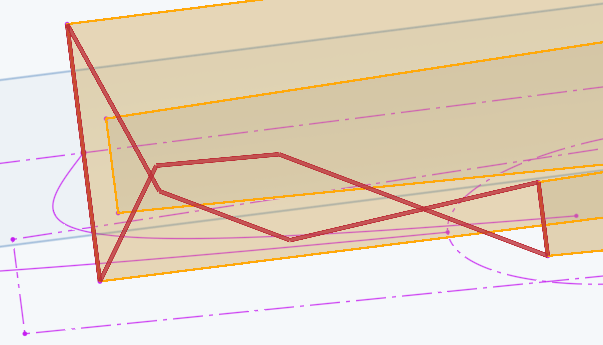
Connections aren't going to help in this situation. Like Simon suggested the error is present on both sides. you can test that by making you mid profile thicker on one side to resolve the crossover that is happening as the result of the way OS has to flow the corners to each other. How to resolve it depends on your desired final geometry.
0 -
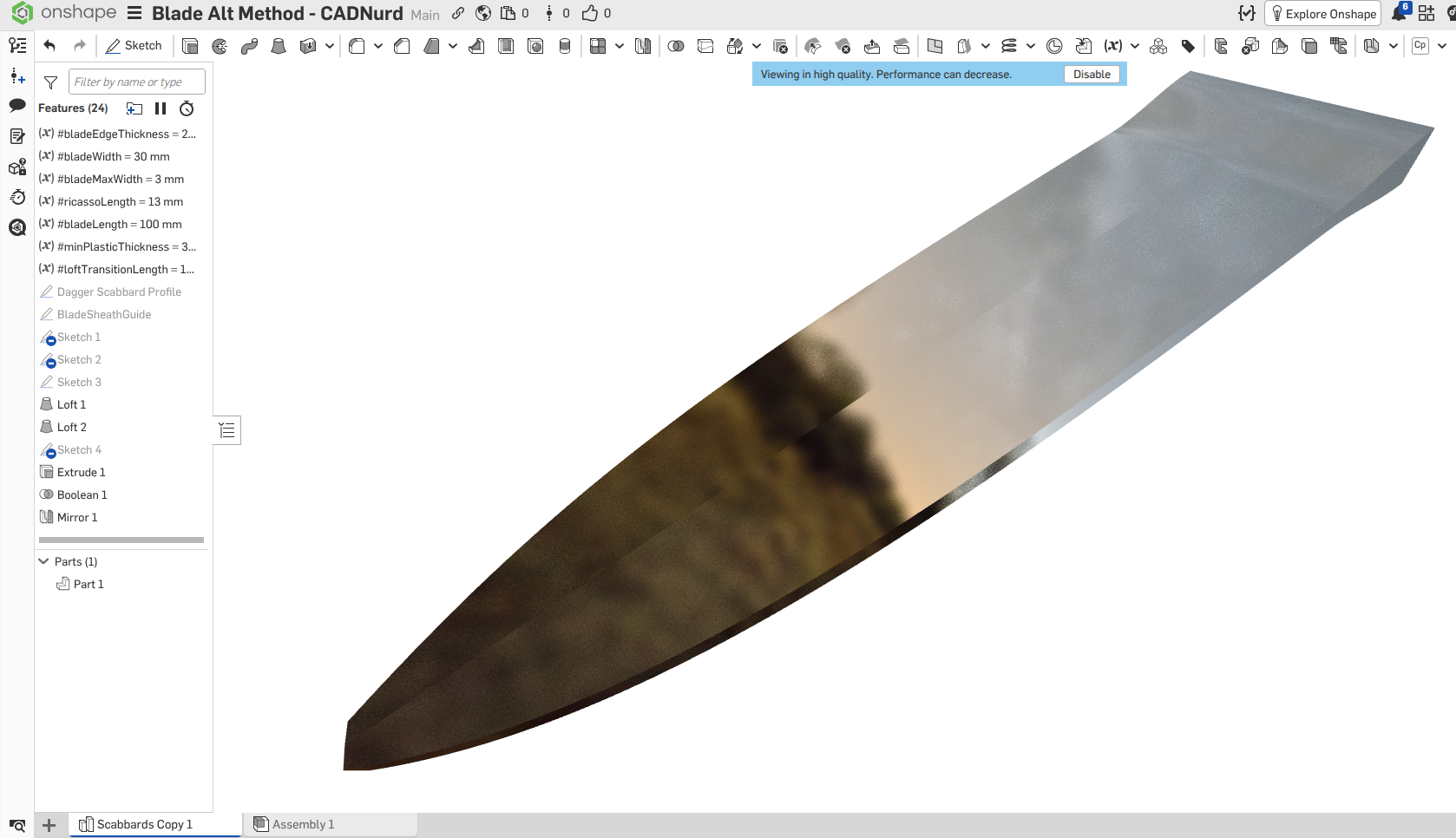
Thought I might have a 'stab' at this one (pun intended)
No surfaces or curves in my attempt - just solids.
Unemployed Onshaper- Operating on European time - More of me here ➤➤ https://linktr.ee/Liam.G0