Sketches won't loft

brad_shostak
Member Posts: 4 ✭
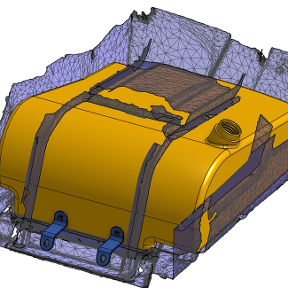
I am trying to get the two faces in my document to loft be each time I try the inner profile just goes red. No idea how to fix this, would really appreciate some help.

https://cad.onshape.com/documents/a029e4e0f14f06e8c8efb638/w/5c0b632cb8f6c2a9d3d007c4/e/e7762b37295653af6d83ecfc
0
Answers
-
I bet the error you're getting says "cannot use faces or regions with inner loops as profiles."
0 -
-
Thanks for the input but I still can't seem to get this to work. What am I missing??
 0
-
Try making it thinner? Or flipping the thickness direction?
Easiest would be to share a link to your public document.
0 -
With a circle you'll likely have to set connections in the loft feature or break up the circle in segments that the loft can connect to the other profile
0