Welcome to the Onshape forum! Ask questions and join in the discussions about everything Onshape.
First time visiting? Here are some places to start:- Looking for a certain topic? Check out the categories filter or use Search (upper right).
- Need support? Ask a question to our Community Support category.
- Please submit support tickets for bugs but you can request improvements in the Product Feedback category.
- Be respectful, on topic and if you see a problem, Flag it.
If you would like to contact our Community Manager personally, feel free to send a private message or an email.
Improve surface of complex shape

I try to create the head of a fantasy panda. The result is not as smooth as I wanted it to be. So I'm asking you if you recognize mistakes or space for improvement. For that I'd like you to quickly guide you through my process:
I started with this sketch. The head consists of two splines. I made sure the had the same angle where they connect so that it is fluent and clean. Then I added a nose with another spline. Later I trimmed the line separating the the nose from the rest. There is already an imperfection. The spine of the nose starting on the top curves slightly inside the head before moving out of the bubble. Remember that for the end result, where there is an ugly cut over the nose. How could I correctly add a nose to the head in this sketch?
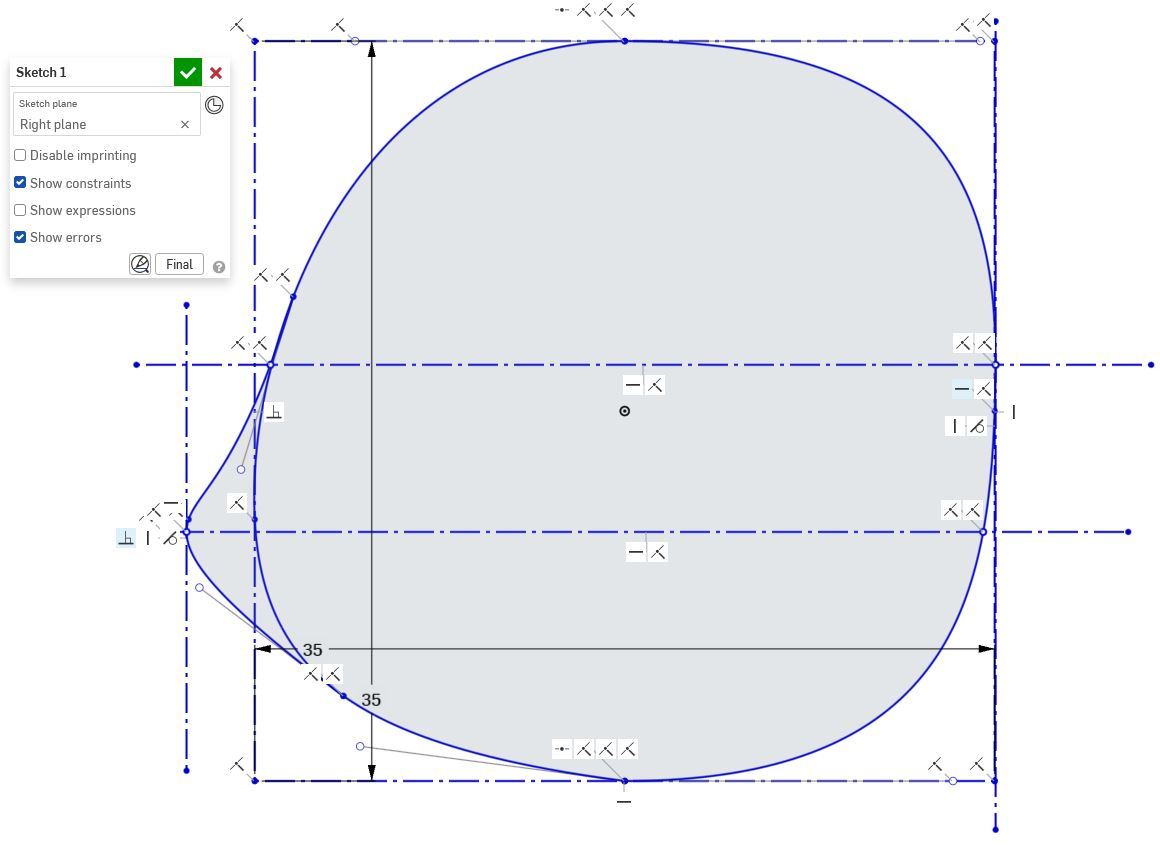
I added horizontal and vertical splines.
The upper vertical line hits the furthest point to the right of the head and the bottom vertical lines hits the furthest point to the left of the head (or nose in this case).
I pierced all the crossing lines. I made sure the ends and beginnings are in a right angles so that that transition to mirrored part later is clean.
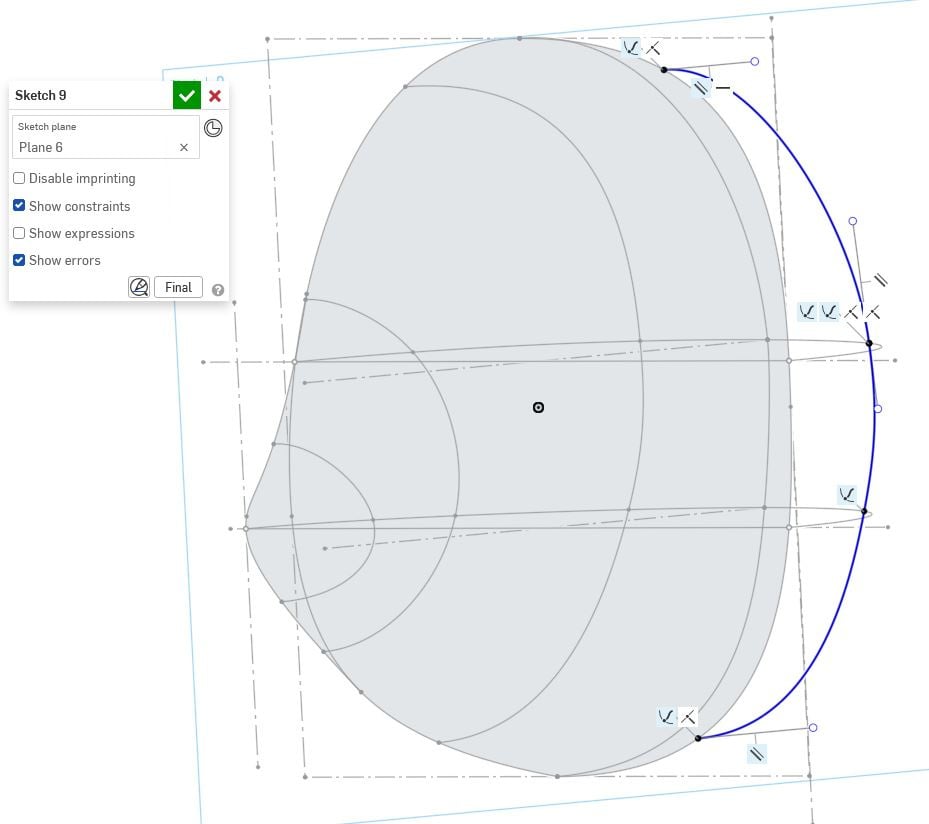
Next I used Loft to create the majority of the surface. Unfortunately I was not able to loft a step deeper to the left side, because the horizontal guides end and that led to errors.
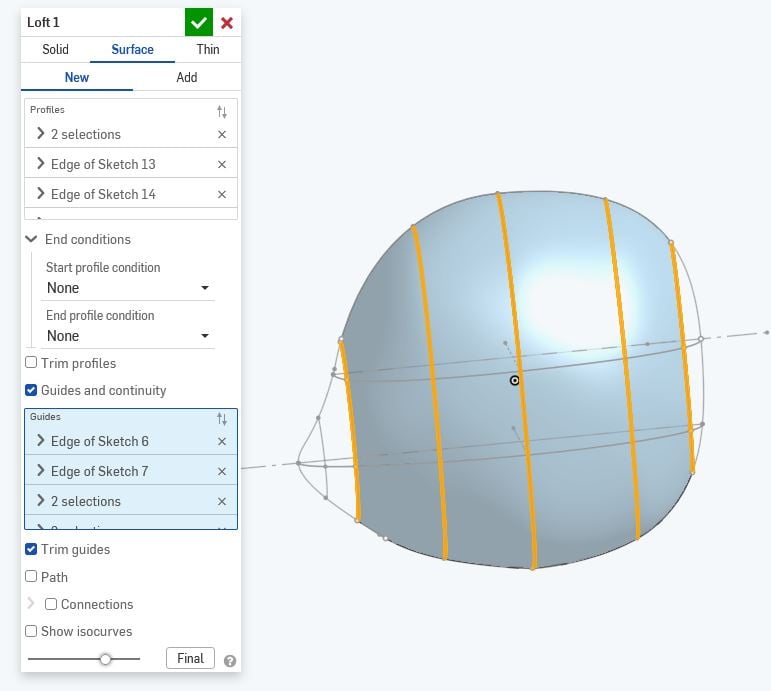
Then I lofted the nose and the back of the head separately, again with guides.
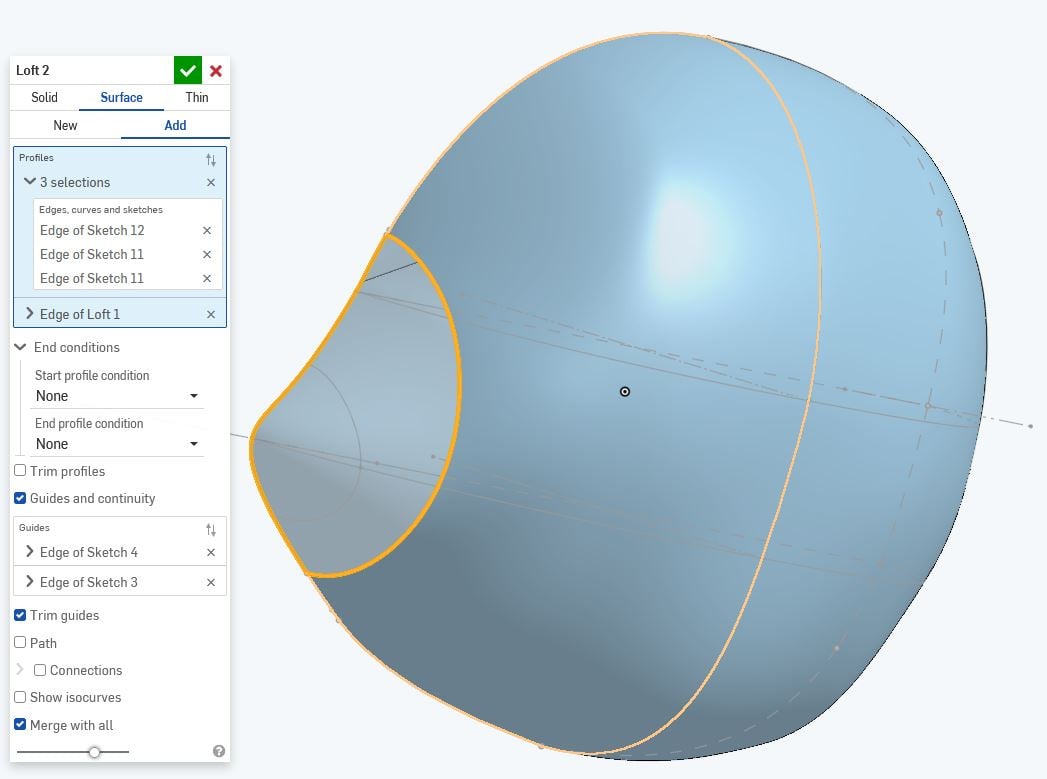
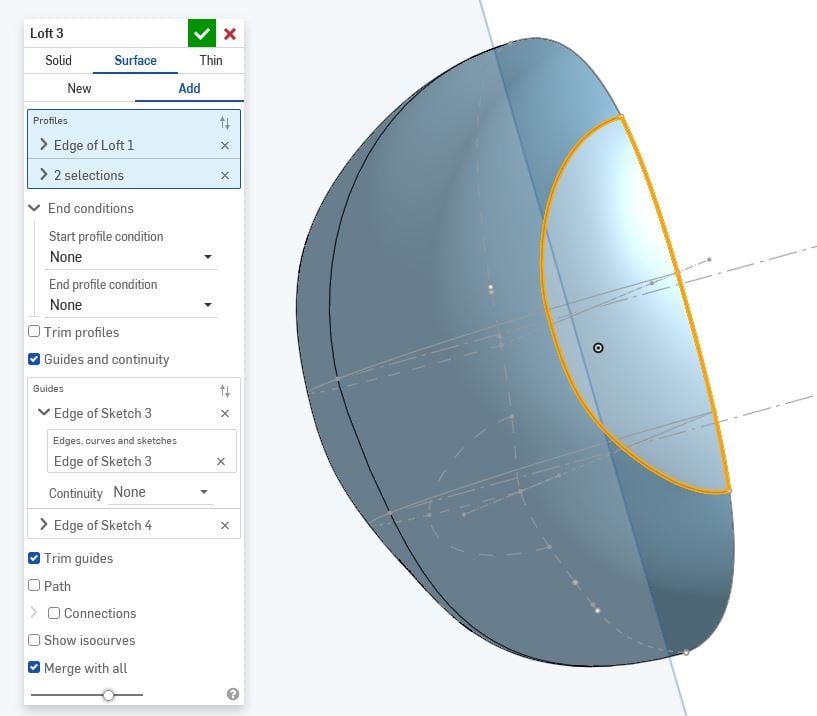
In the end I used mirror the get the whole surface of the head and enclosing to create a solid part out of it.
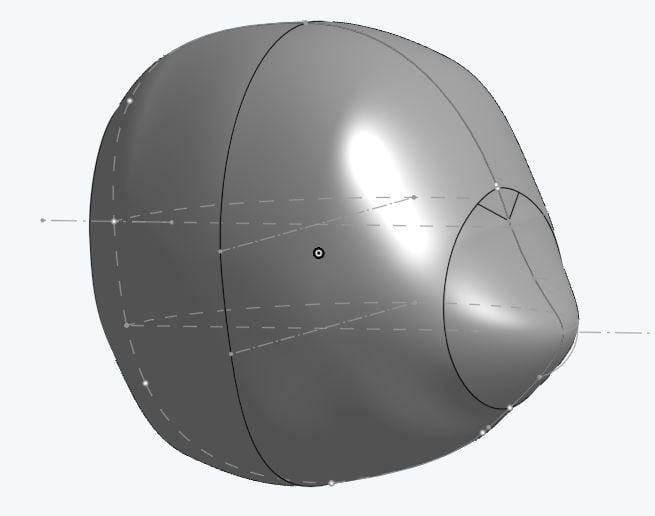
With zebra stripes flaws are even better visible:
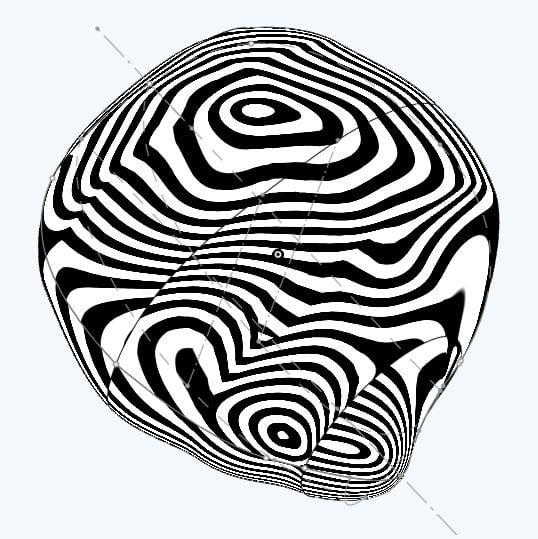
Thanks to everyone who makes the effort to go through all these pictures, it's a lot.
Answers
-
Through point splines and loft are all stuck with multi-span degree-3 curves. They will be internally continuous, but only G2. Surfaces in any NURBS based modeler want to be 4 sided. You can loft with 3 or even 2 sides, but that creates degenerate corners.
In general, making your base surface with 4 guides and 3 sections makes it more complex than necessary.
You should also be checking this with the curvature analysis tool (shift-C) - with curvature combs and the control polygons on. You will see that these surfaces are very complex, because they are built from through-point splines with loft, with a lot of curves.
You really want to create something like this with Bézier curves and boundary surface. The ends can be done with 4-sided surfaces (if you trim back your base surface the right way) or perhaps with a fill surface, but those are always going to be the hardest part of making an organic shape like this.
It would be easier to help if you share a link to a public document.
Simon Gatrall | Product Development, Engineering, Design, Onshape | Ex- IDEO, PCH, Unagi, Carbon | LinkedIn
0
