Welcome to the Onshape forum! Ask questions and join in the discussions about everything Onshape.
First time visiting? Here are some places to start:- Looking for a certain topic? Check out the categories filter or use Search (upper right).
- Need support? Ask a question to our Community Support category.
- Please submit support tickets for bugs but you can request improvements in the Product Feedback category.
- Be respectful, on topic and if you see a problem, Flag it.
If you would like to contact our Community Manager personally, feel free to send a private message or an email.
How can i connect these two shapes?

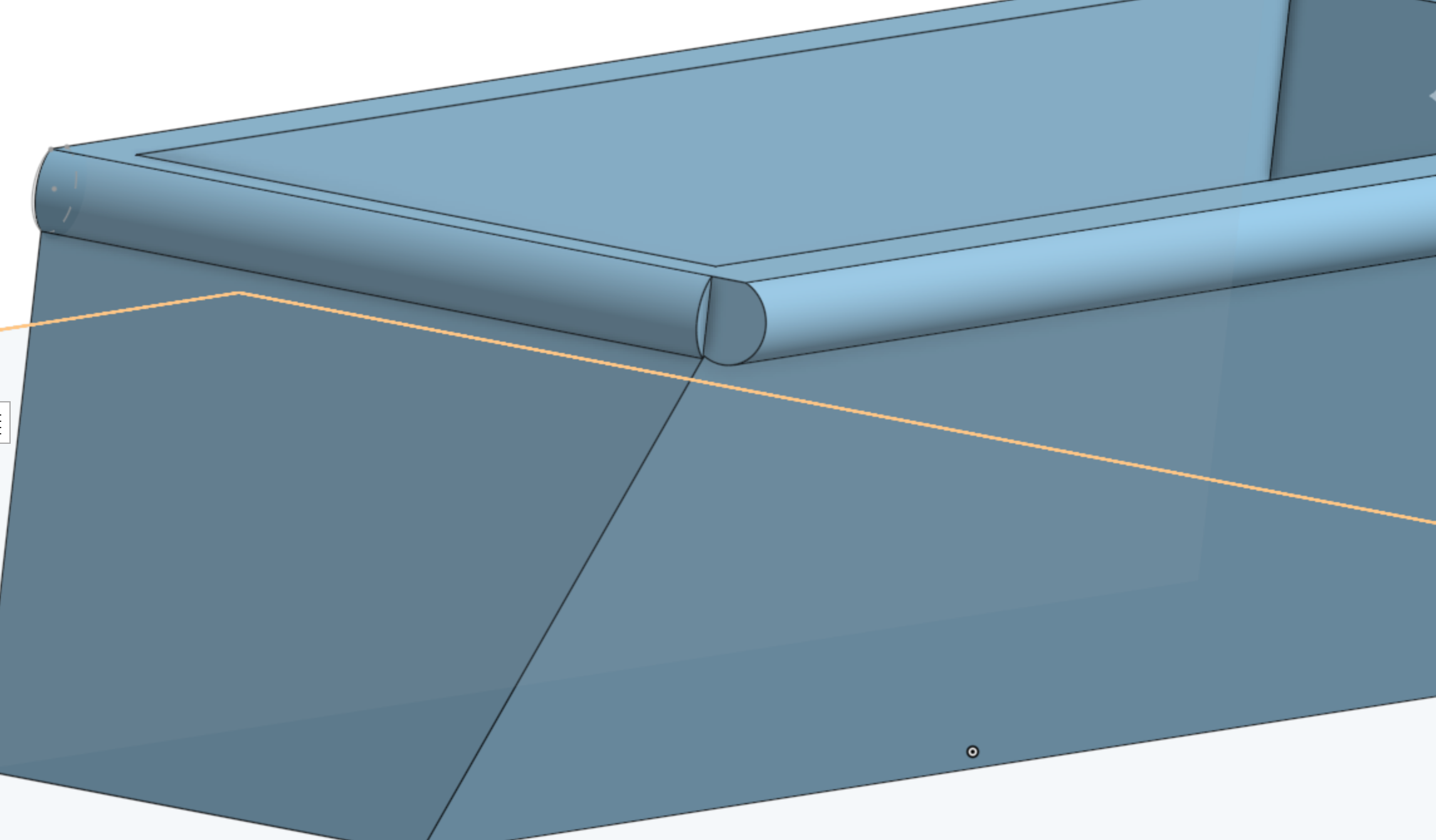
This might be super simple but im relatively new to onshape…. I attempted to use the sweep tool and nothing would work, i was unsure what to select. i need to connect the ends of those two cylinder like shapes at the top, into like a rounded off corner.
Answers
-
If you provided a link to your (public) document, you might get more trageted help.
In this case, it appears the general approach is less elegant than would be desirable and the problems connecting the shapes come from the history of the design. You can still connect theses faces, but it'll always look awkward, with some leftover faces, because these both ends have so much different properties. Sometimes it helps to start with the corner, then create the sides.
What if you started the corner with a sphere or a mitre plane?
0 -
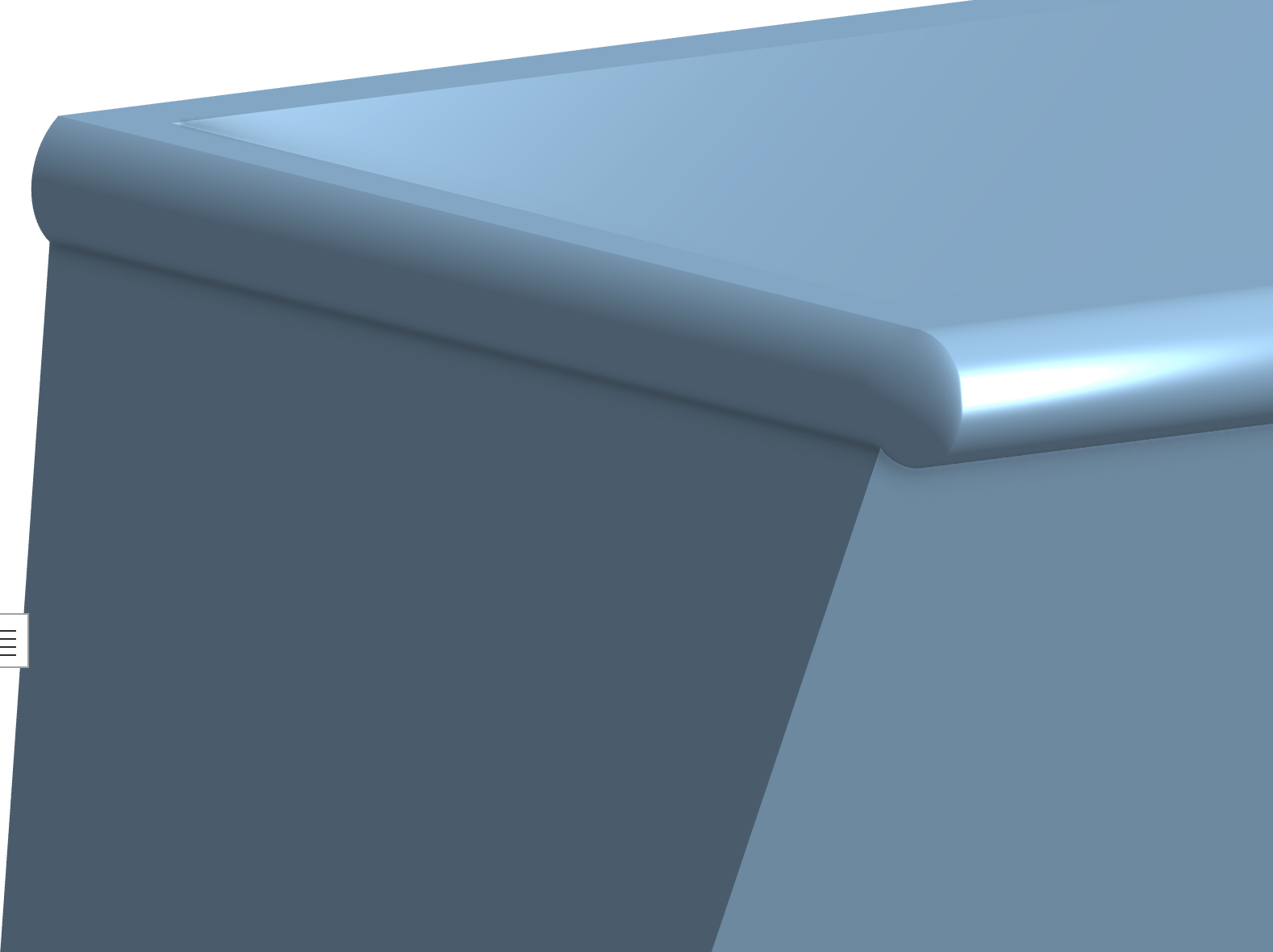
Can't tell for sure unless you share your public doc, but a loft might do the trick.
 0
0

