Best way to pattern Honeycomb part

Hello, I'm looking for the best way to make a Honeycomb wall. unfortunately my part has some "complex" geometry so I can't seem to get the fill pattern tool to work. I started by created a single cell and then orignally did multiple linear patterns to form the wall. I have tried this 2 difference ways one taking 8.91 seconds and another 3.91 seconds. This throws a flag in my brain and makes me think that there is probably a more simple efficient way that I don't know about.
https://cad.onshape.com/documents/9488c6ae37762abbc1ead355/w/10dc564e8253812856bd9c51/e/ae376145690db3e392b7930c?renderMode=0&uiState=69e7d383dbab1ef21e3f3bd6
If anyone has questions or has advice I'm all ears thank you!
Best Answer
-
have you looked into @EvanReese's grid extrude:
https://cad.onshape.com/documents/d1489499c6bfdc52ce5cf32a/v/c8434e78be6e712bab86bd1d/e/1e65c10a40f2fe803e5816de
and I've created a 'hexagonal' pattern tool for other cases:
https://cad.onshape.com/documents/784dc878d42b19c14bb62f6e/v/1b822ebbc176a1ce6f121c36/e/f3c821d0e6a0efec9f85612e0

Answers
-
Its hard to know exactly what you're looking for, but I hope this saves you some time.
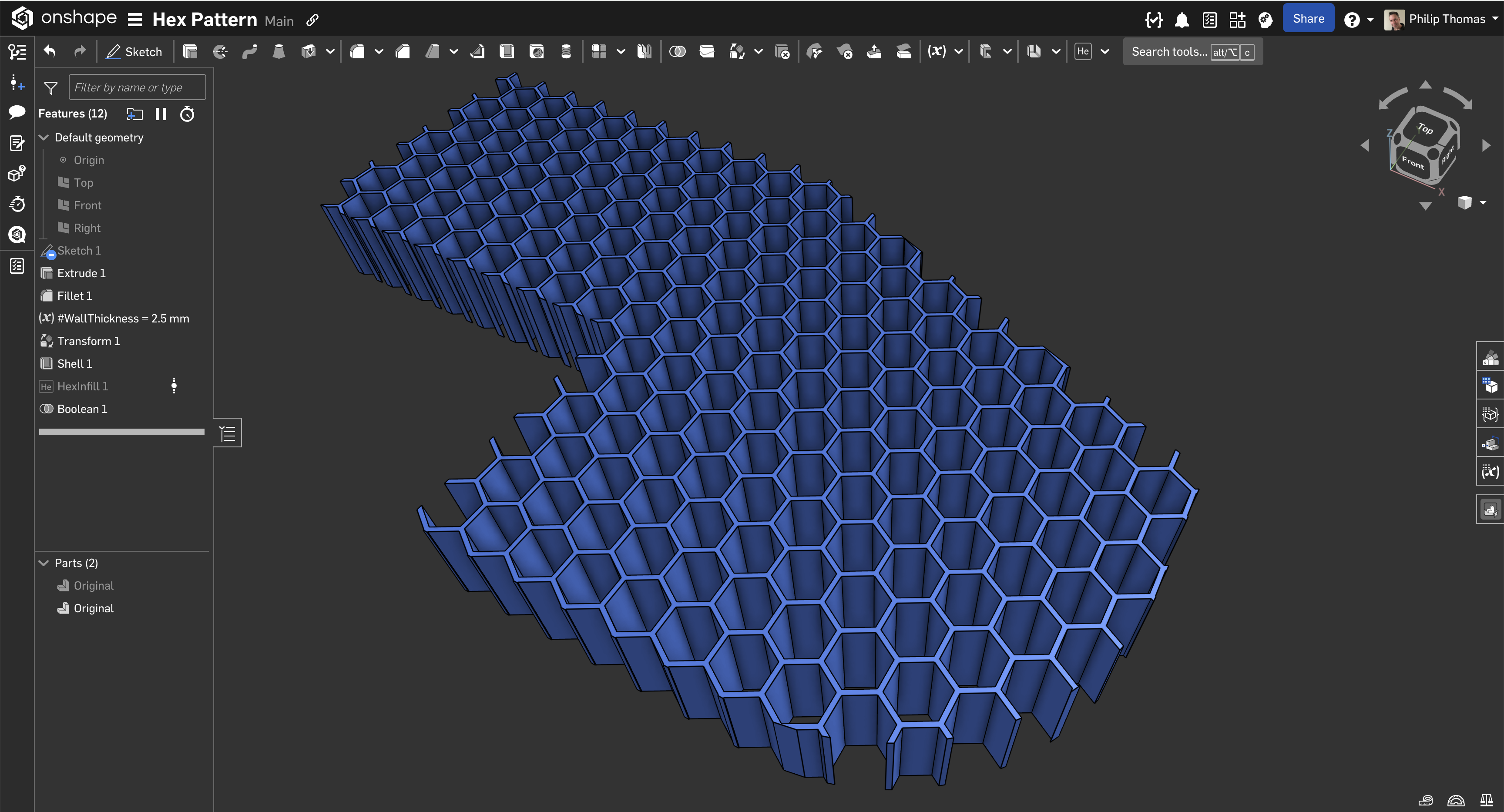
https://cad.onshape.com/documents/9cb887558d3b0fb2522b0f90/w/0b74d1d48e42571a0fca1c61/e/fa756a84975569dce74dc529
1 -
Heres another one for you to play with
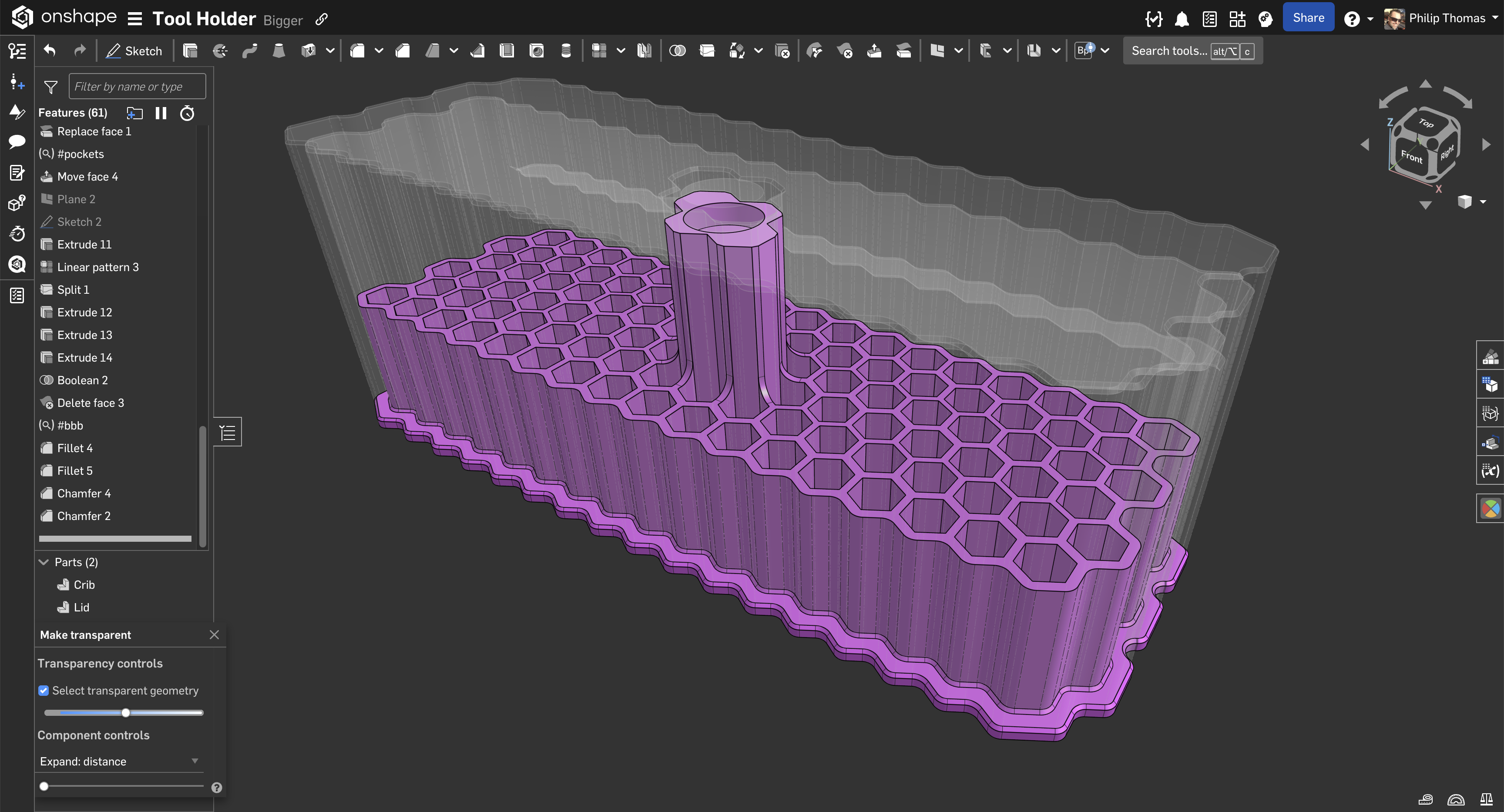
https://cad.onshape.com/documents/9475efc7d2b70d180736de37/w/c64519094b6d87996e9823e6/e/c19a9aef97b2dc8bbc9c44e4
1 -
have you looked into @EvanReese's grid extrude:
https://cad.onshape.com/documents/d1489499c6bfdc52ce5cf32a/v/c8434e78be6e712bab86bd1d/e/1e65c10a40f2fe803e5816de
and I've created a 'hexagonal' pattern tool for other cases:
https://cad.onshape.com/documents/784dc878d42b19c14bb62f6e/v/1b822ebbc176a1ce6f121c36/e/f3c821d0e6a0efec9f85612e0 -
The 'hexagonal' pattern tool was the key. I had tried the grid extrude and fill pattern already however they didn't provide quite the functionality I was looking for.
My current method was using linear patterns multiple times and resulted in long load times.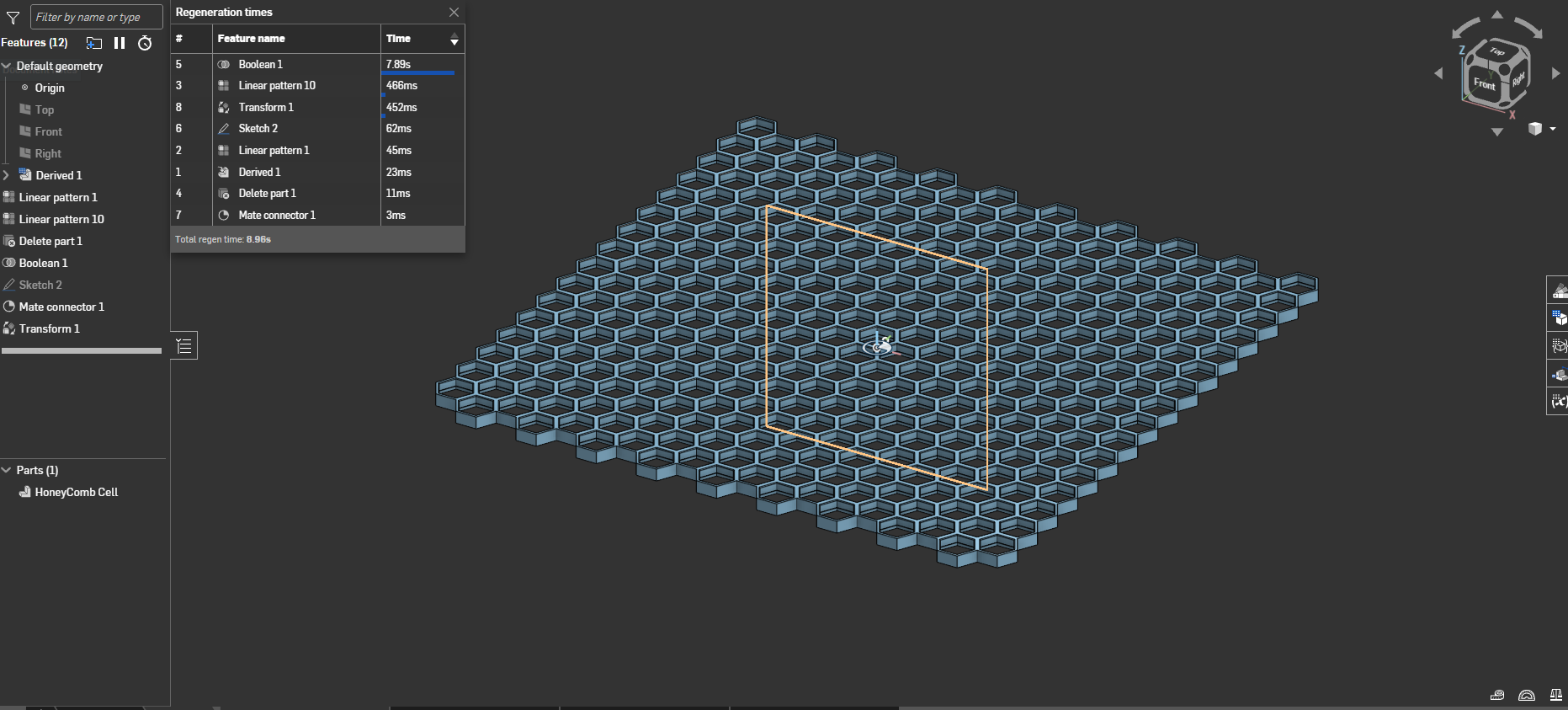
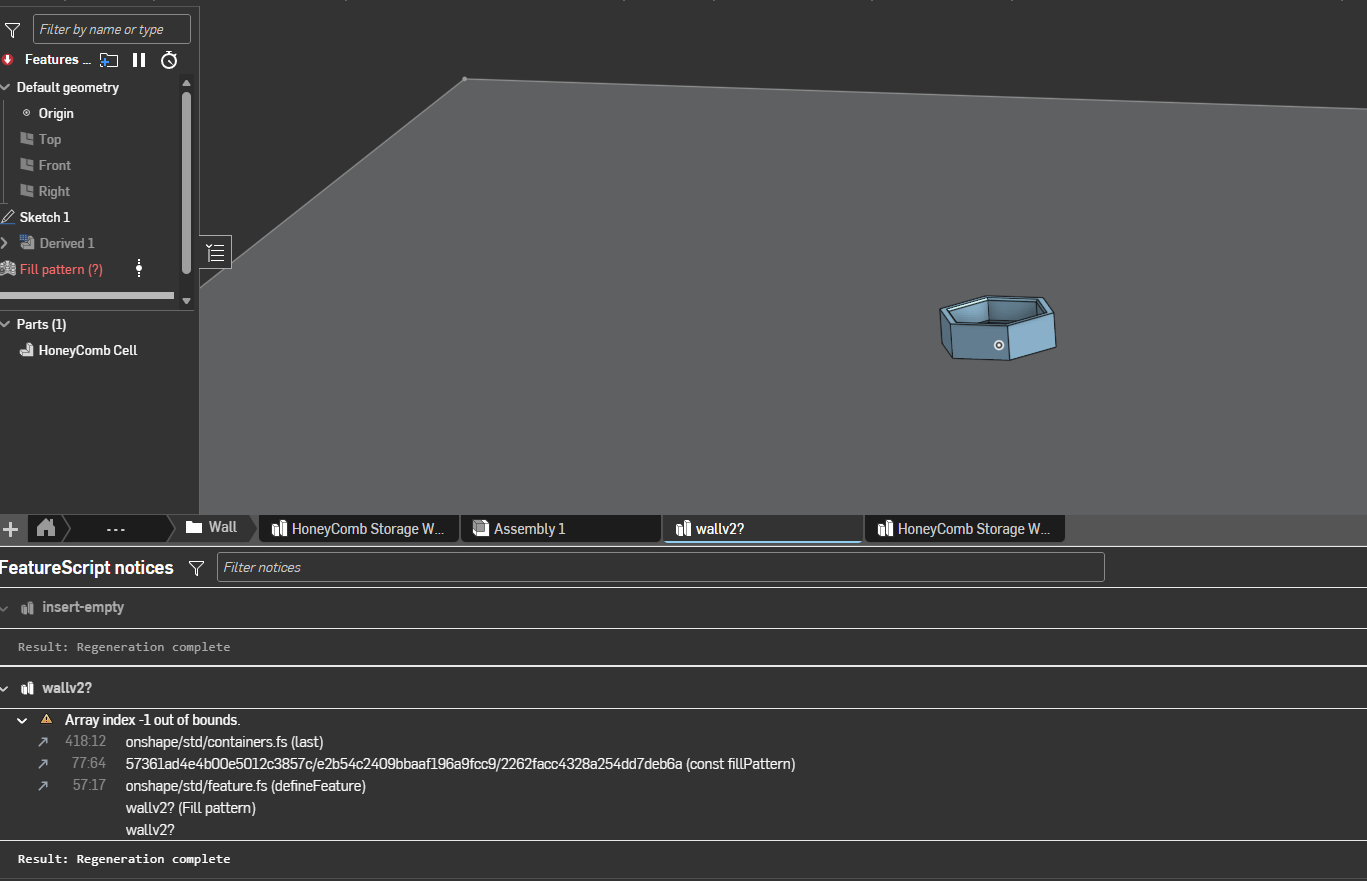
Fill pattern would throw errors, I believe due to the geometry that I was trying to pattern. Grid Extrude didn't capture the geometry I needed. Images of errors and feature below.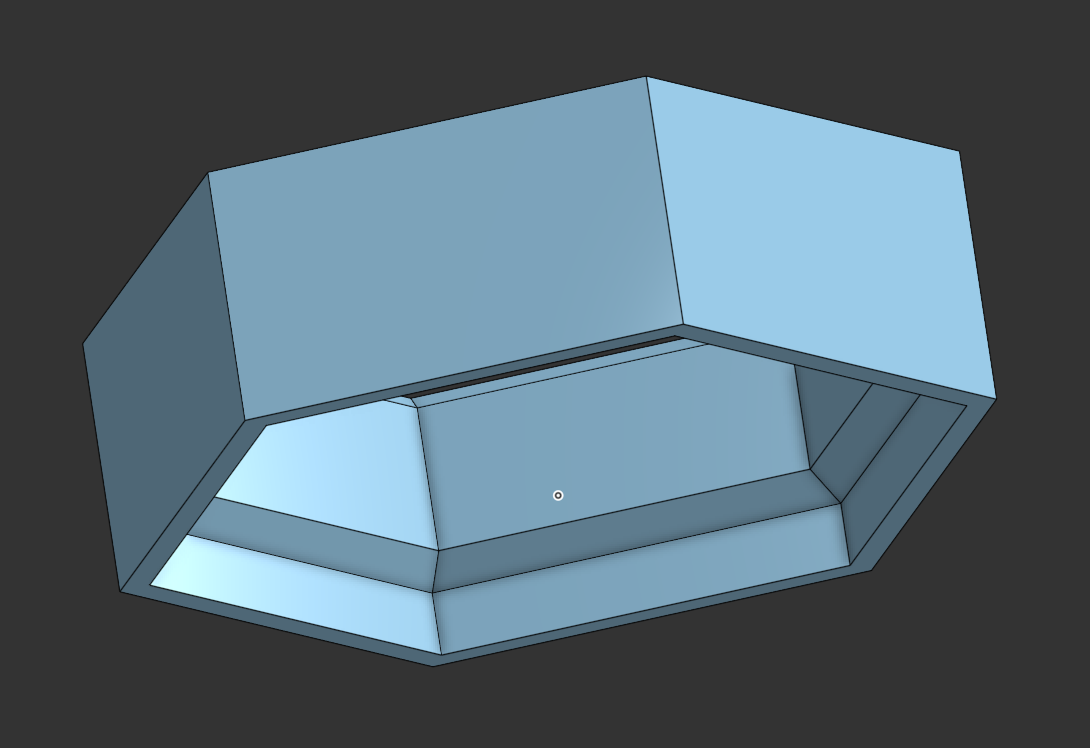
Fill Pattern Error
Thank you guys for your assistance!0 -
Glad it's been of good use to more than just myself and my Featurescript coding learning
0