Welcome to the Onshape forum! Ask questions and join in the discussions about everything Onshape.

First time visiting? Here are some places to start:
  1. Looking for a certain topic? Check out the categories filter or use Search (upper right).
  2. Need support? Ask a question to our Community Support category.
  3. Please submit support tickets for bugs but you can request improvements in the Product Feedback category.
  4. Be respectful, on topic and if you see a problem, Flag it.

If you would like to contact our Community Manager personally, feel free to send a private message or an email.

Building a Regular Octagon Mine Shaft Cover

rudy_salazarrudy_salazar Member Posts: 2

Hello,

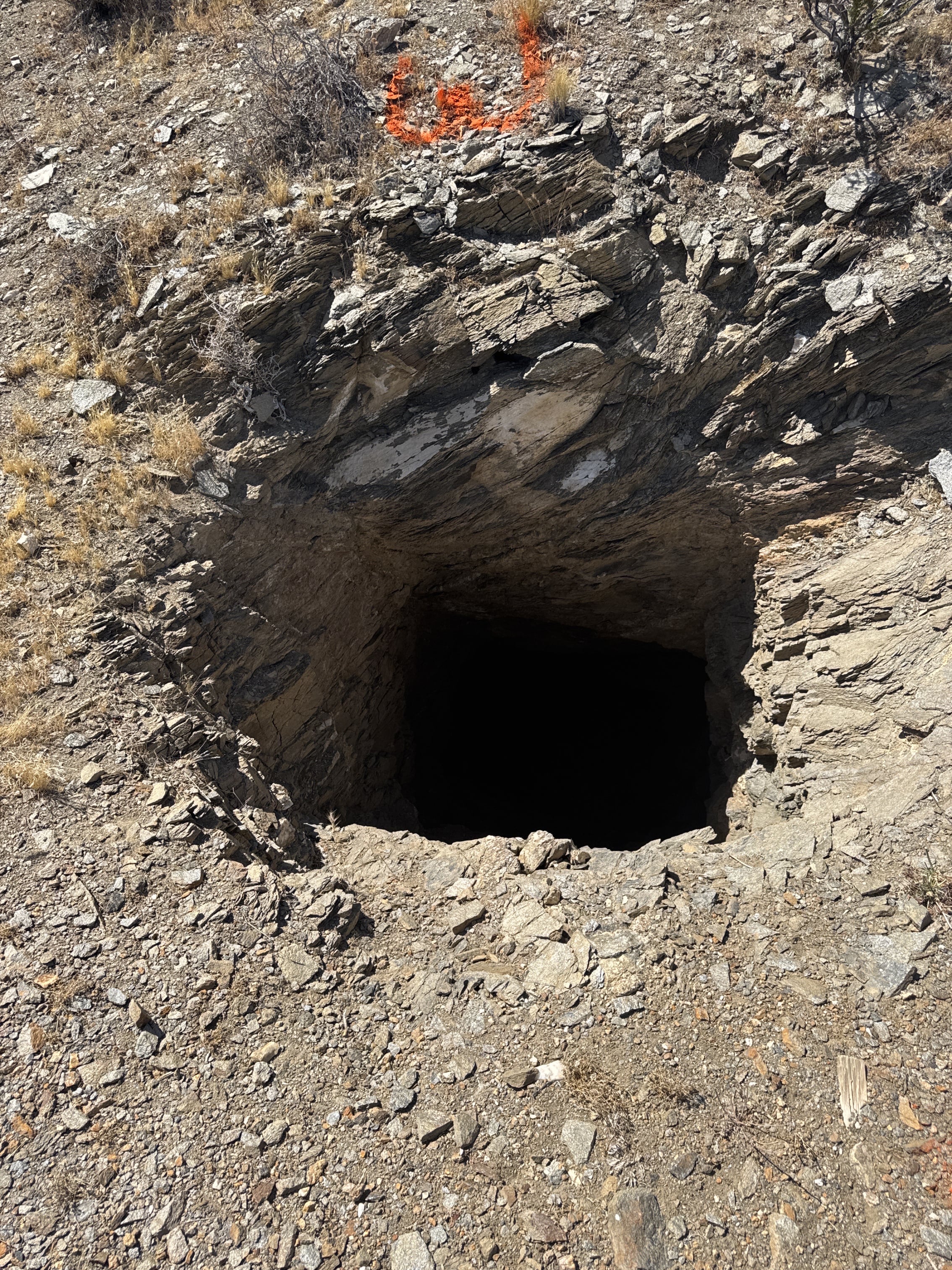
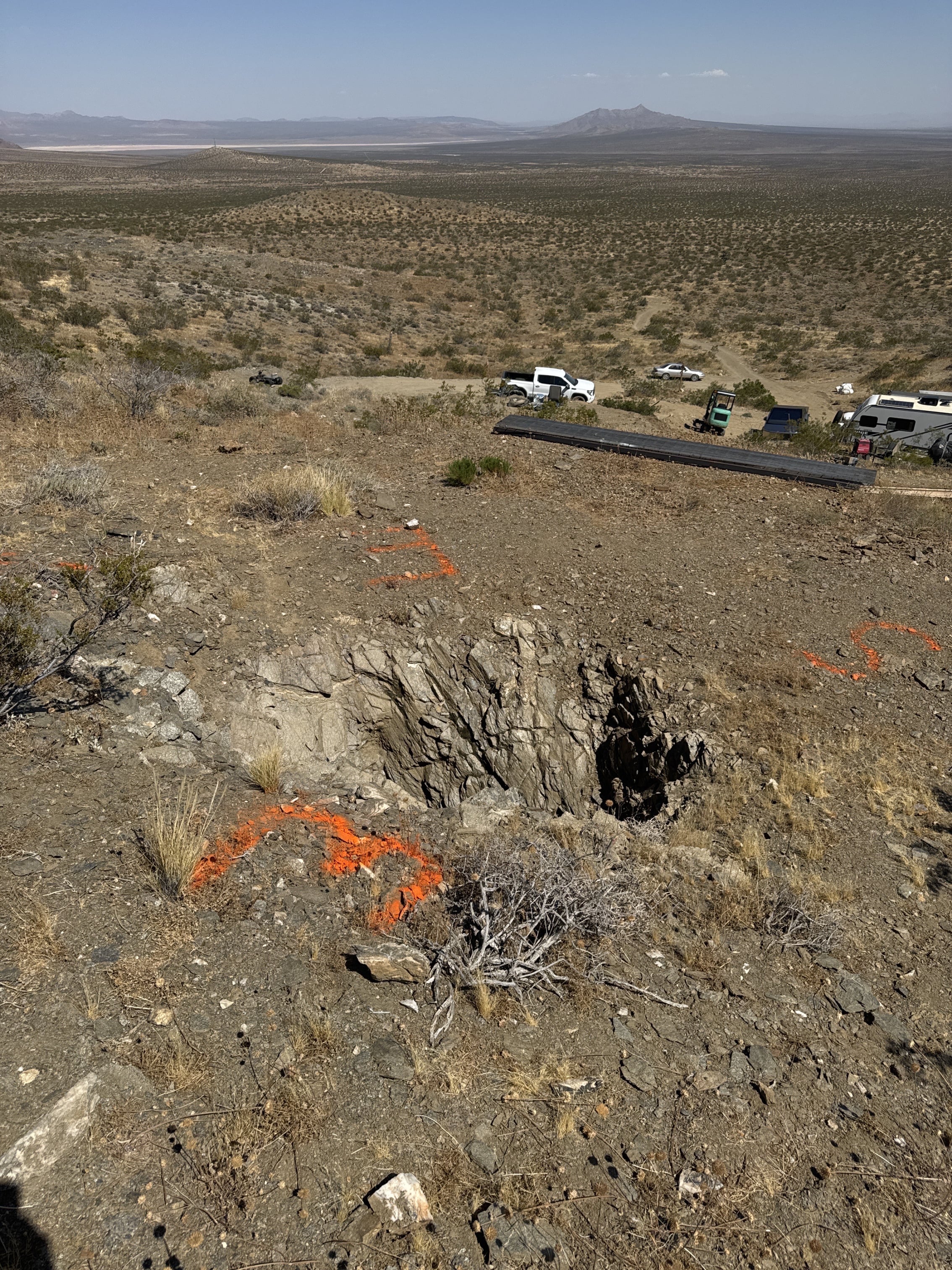
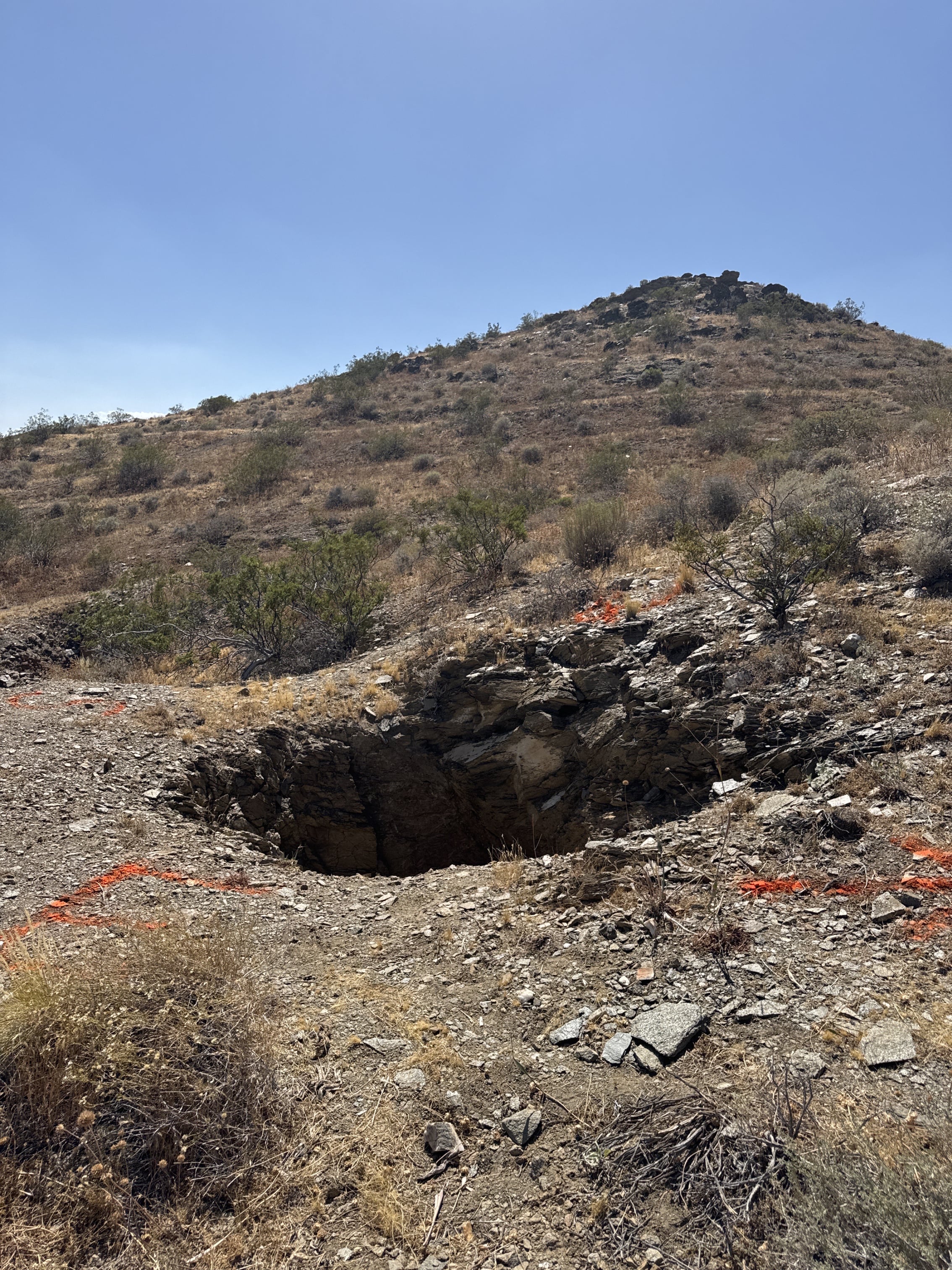
I have a mine shaft opening i am welding up a cover for. I have never used any kind of CAD but I think I should. I started to work off drawing ChatGPT created for me. I am buiding this at a lower level and plan to drag it up and flip it over on to the opening. Can I get help on getting started with onshape. how should I be using onshape to effienently acconlish this build.
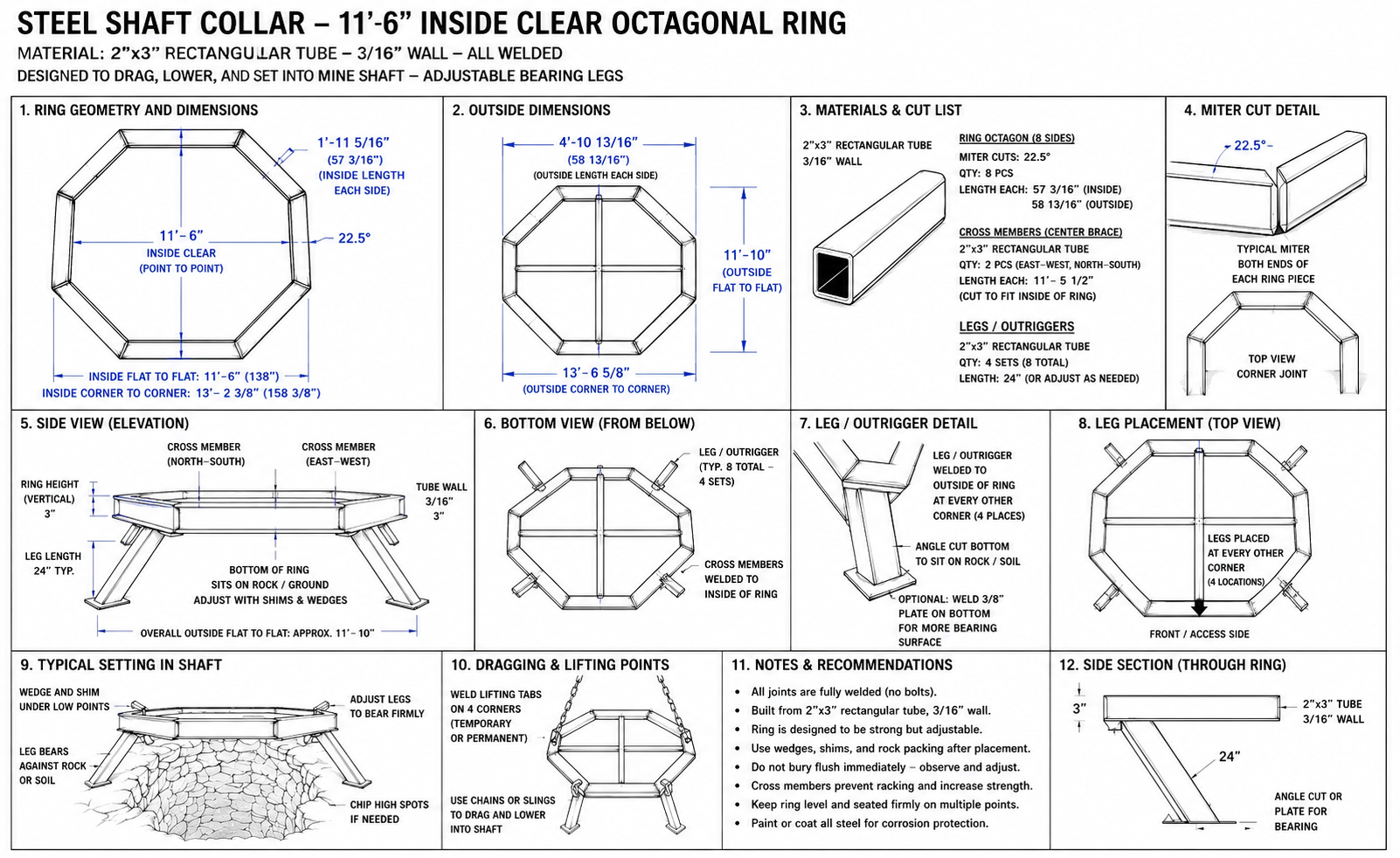
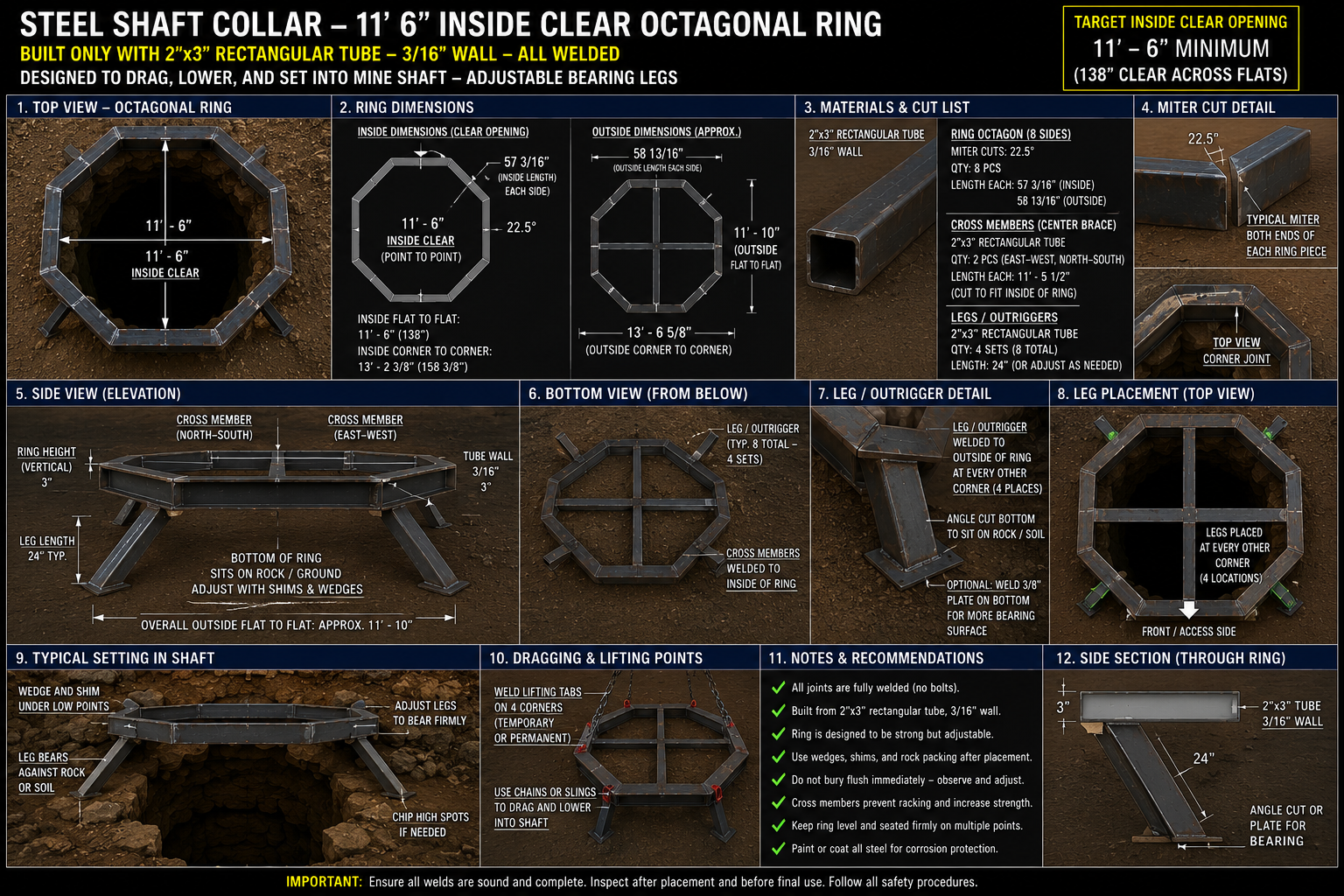
ChatGPT Image May 31, 2026, 10_17_59 AM.png ChatGPT Image May 31, 2026, 10_19_15 AM.png IMG_0026.jpeg IMG_0028.jpeg IMG_0030.jpeg

Answers

  • nick_papageorge_dayjobnick_papageorge_dayjob Member, csevp Posts: 1,205 PRO

    Frames is the toolset you want for this project. It has all the cross sections of common steel beams built in. (and you can add your own). Here is the course for it (free):

    https://learn.onshape.com/courses/frames-fundamentals

    Although, if you are brand new to OS, you may want to do the "new to cad" courses also or first:

    https://learn.onshape.com/learn/learning-path/introduction-to-cad

Sign In or Register to comment.

Howdy, Stranger!

It looks like you're new here. Sign in or register to get started.