Improvements to Onshape - May 7th, 2021


May is here and we’re kicking off this month with an update! This release has a lot of exciting new drawing improvements. Let’s take a look!
CAD IMPROVEMENTS
FULL ROUND FILLET
The fillet tool has been improved to create full round fillets.
DRAWING IMPROVEMENTS
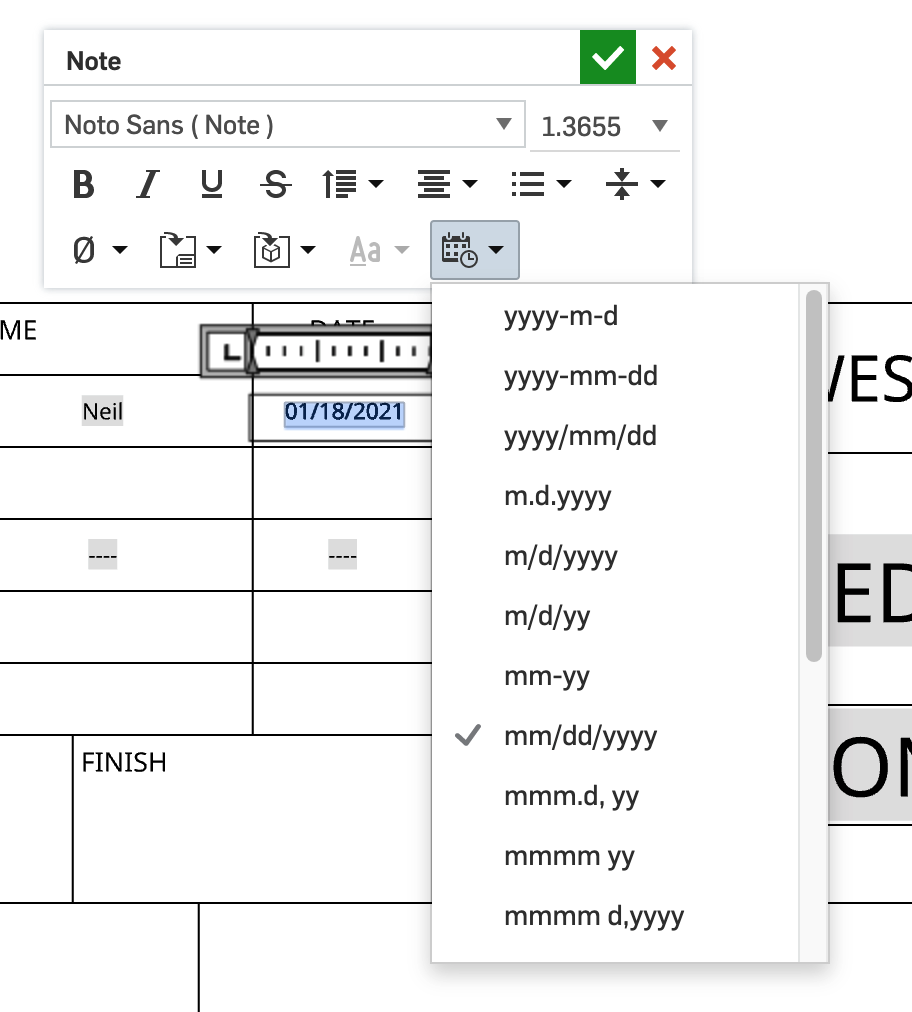
DATE FORMAT IMPROVEMENTSOnshape added support for dd-mm-yyyy, d-MMM-yyyy, dd/mm/yy, dd/mm/yyyy, dd.mm.yy, and dd.mm.yyyy in drawing notes and the revision table.
DEFAULT OPTION FOR VIEW SIMPLIFICATION
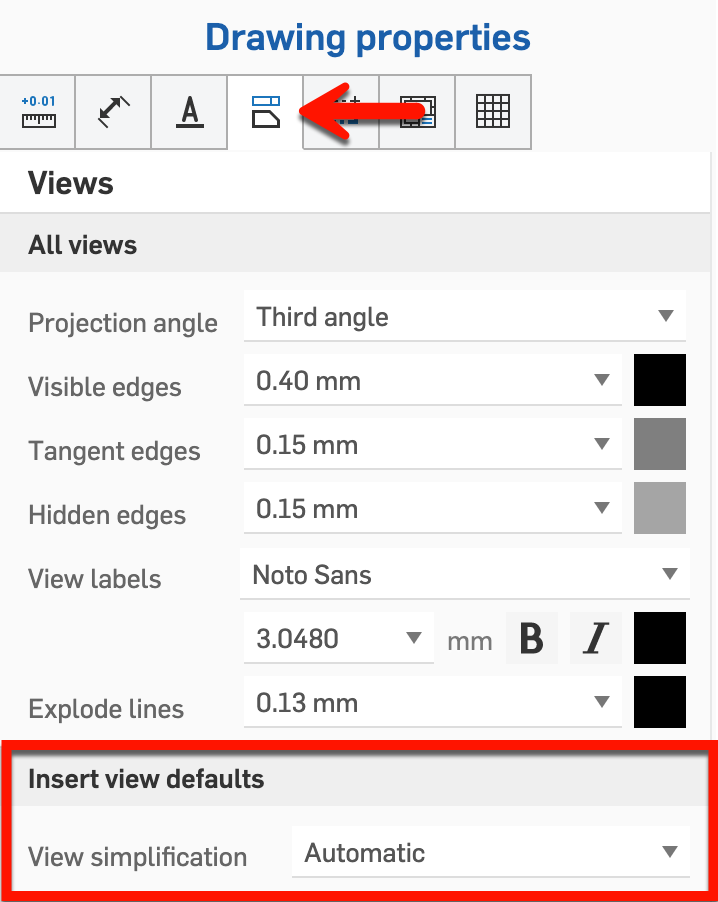
A new default option for view Simplification has been added to drawings. You can choose from None, Absolute, Ratio to studio, Ratio to part, and Automatic. For best performance, it is still recommended to leave it on Automatic unless it is necessary to change it.
DETAIL VIEW IMPROVEMENTS
You can now show/hide sketches in detail views.

GENERAL IMPROVEMENTS
COPY LINK FROM DETAILS PANEL
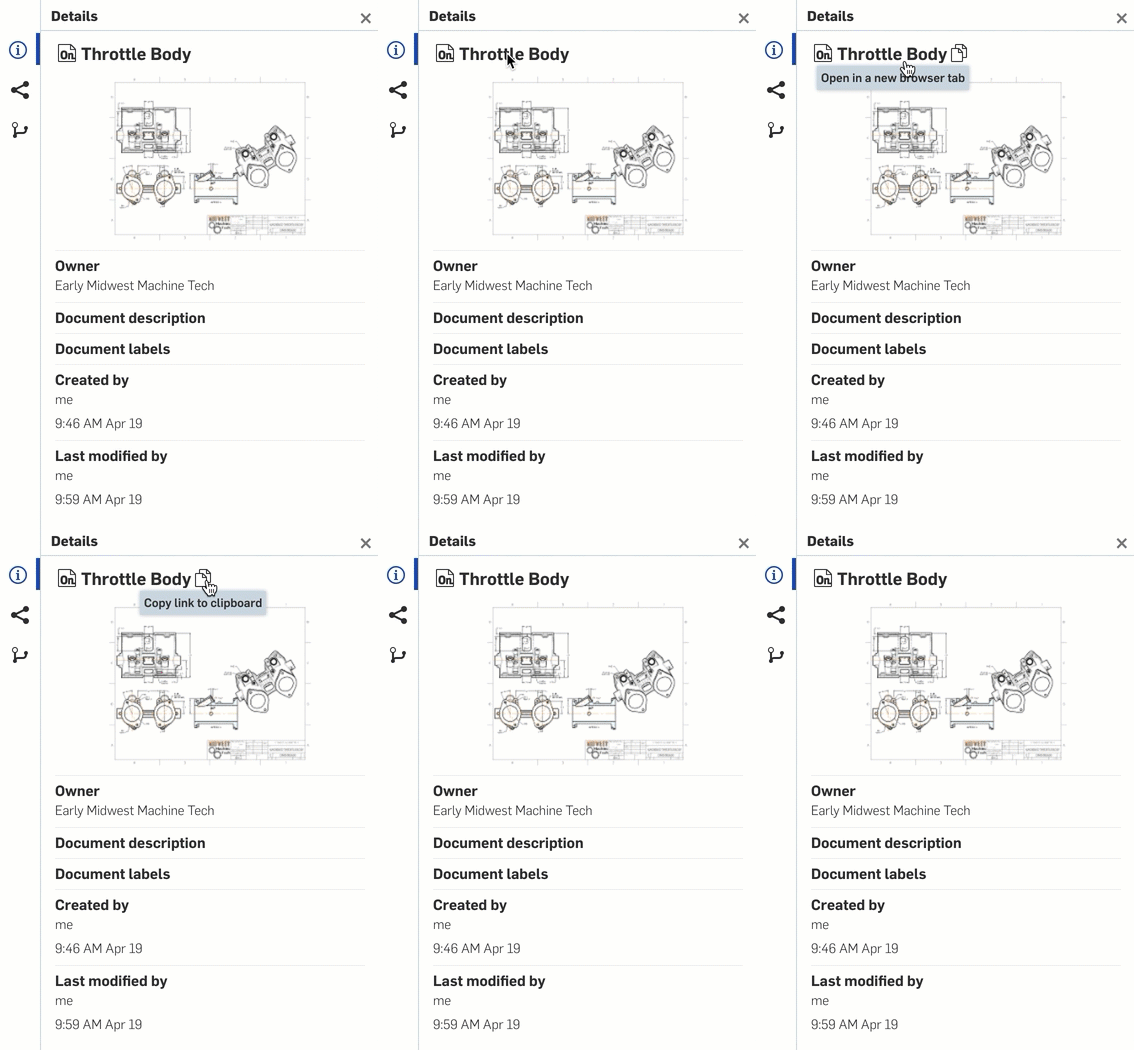
The Details panel has been improved to include a direct link and copy link as a part of the Document Title.
EXPORT RULE IMPROVEMENTS
Export Rules have been expanded to be more versatile. Export rules now include Part Studio properties. They also trigger when exporting a face or sheetmetal flat pattern. Additionally, for Enterprise and Professional, Export Rules can reference the referenced part properties.
MOBILE IMPROVEMENTS
ANDROID ASSEMBLY CONFIGURATIONS
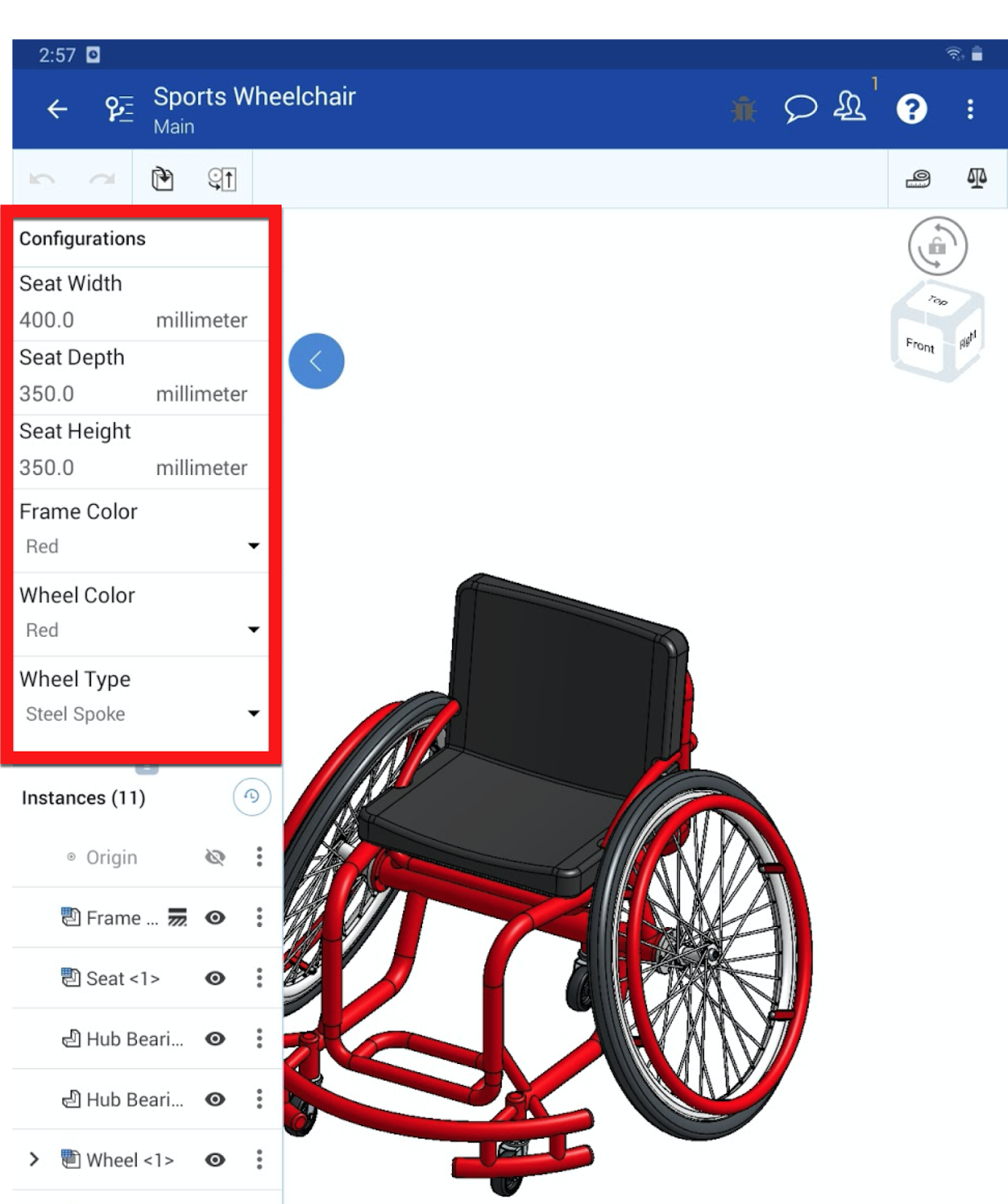
Android now supports changing configurations within an assembly.
ANDROID AND IOS WHERE USED FOR ENTERPRISE
Enterprise users can take advantage of Where Used with Android and iOS apps.
ENTERPRISE IMPROVEMENTS
RELEASE CANDIDATE ALIASES
Release Management is now improved with the use of Aliases.
CLASSLINK SSO
ClassLink has been added as an SSO provider for Onshape. To set it up, follow the directions in the Help.
LEARNING CENTER IMPROVEMENTS
ONSCALE TRAINING
We’re excited to announce that Onscale, creators of the cloud connected simulation app, have created the Onscale Solve Simulation Fundamentals training course in the Onshape Learning Center. This new course has 4 sections, 11 lessons, 2 exercises, over 2 hours of video.
Please take a moment to try out these new features and improvements and leave your comments below. For a detailed list of all the changes in this update, please see the changelog.
Remember: The updates listed here are now live for all users when creating new Documents and over the next few days these features will also be available in Documents created before the date of this update.
Comments
-
Full round fillets! Excellent. The export, drawing improvements, and mobile support are much appreciated also.www.accuratepattern.com1
-
-
I've been missing full fillet rounds. The export file naming is great when sending files to a manufacturer, keeping them straight and understanding where the exports came from. And, my favorite is layout sketches in drawings. I'm starting to drive my designs with layout sketches throughout assemblies & drawings. This is a good practice controlling design intent, helping the next guy understand the design and most importantly documenting the whole process giving your designs better control. It's a good idea to capture the initial napkin sketches and the fundamental concepts for your design. You can build with them in an assembly and show'm in a drawing capturing everything.
Onshape is beginning to capture the big picture better than any previous CAD system.
2 -
Full round of applause for full fillets!2
-
 for Android assembly configurations 0
 -
These updates are awesome! Cant wait for you guys to add assembly mirroring!2
-
loving the new fillet improvement! More like this please lol1
-
Супер!! Но почему бы не сделать скругление с помощью выбора одной поверхности? А прилегающие поверхности выбирались бы автоматически.0
-
@sergey_dzus
Представьте себе куб, и что выбрана одна грань. Есть два варианта как её скруглить. Поэтому и нужен дополнительный выбор.
Ilya Baran \ VP, Architecture and FeatureScript \ Onshape Inc1 -
Full round fillet is nice.
Thanks for adding the option to turn off view simplification. (I would rather take a performance hit than NOT HAVE MY PARTS ON THE DRAWING) 3 -
Thanks for the export rule update. I actually submitted a request about this one when the export rules were first released. Now we can have the part/assembly on the drawing used for the export filename, instead of the drawing itself. Thanks!4
-
Fillets, sketches - very nice update!All the nice tools encourage us to create awesome detailed 3d models .. details create more lines and shapes .. which begins to be a problem when box selecting stuff in part studio.For example right now I would need to select portion of imported pretty complex ~4000 part model. It seems to be next to impossible; Onshape either logs me out due to inactivity or if I change the view to keep it active then selection applies same box area to new view and I need to start over..
With plenty of frustration I wen't to create improvement request for simply selecting only parts in part studio similar to what box or click select does in assembly workspace. IR can be voted here: https://forum.onshape.com/discussion/16159/select-only-parts-mode-in-part-studio
//rami1 -
@sergey_dzus
 3
3 -
Fillets helped me alot i have done alot of round drawings balls eggs .
1 -
1 -
I would love to see an improvement of the wrap tool so I can have it work on non-circular surfaces like how it is in Solidworks (Idk if I explained it that well lol)1
-
-
I keep forgetting why I haven't started using the export rules - and then come to the sad realization that I can't use the part properties ( or easily transfer them to the drawing properties )mike_hölscher said:Thanks for the export rule update. I actually submitted a request about this one when the export rules were first released. Now we can have the part/assembly on the drawing used for the export filename, instead of the drawing itself. Thanks!
There are lot of areas that require redundant data entry - I will stick to manually editing the file name, I guess 0