Welcome to the Onshape forum! Ask questions and join in the discussions about everything Onshape.
First time visiting? Here are some places to start:- Looking for a certain topic? Check out the categories filter or use Search (upper right).
- Need support? Ask a question to our Community Support category.
- Please submit support tickets for bugs but you can request improvements in the Product Feedback category.
- Be respectful, on topic and if you see a problem, Flag it.
If you would like to contact our Community Manager personally, feel free to send a private message or an email.
Best Of
Re: drawing - dimension not correct

Re: drawing - dimension not correct
I would say the 'Accepted' diagnosis is incorrect. A measurement is absolute, to consider any other value based on a view is absurd.
I may suggest this phrasing ... and further direction ...
Not supported = Can perform the action. Resulting action provides an Error notification ( or no action / no result / out of scope of product ).
Bug = Can perform the action. Resulting action is incorrect.
Bug(s) should be corrected in the product as they are misleading and incorrect.
Thank you.
 mr_deek
Custom Feature: Tangent Fill
FeatureScript link
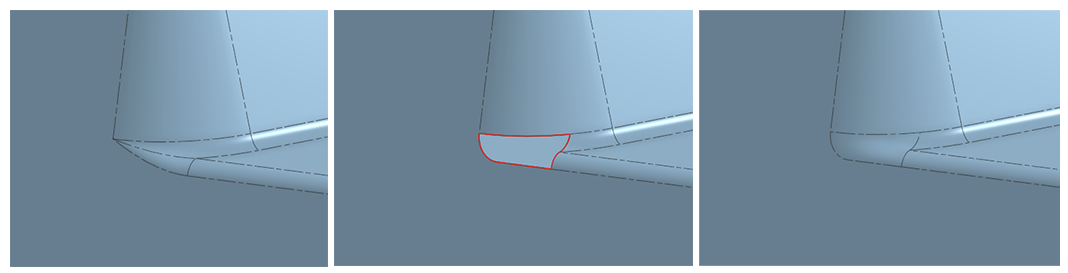
I've been using SolidWorks a lot lately (not by choice) and one of the features I found that is nice is the Tangent option in the Filled Surface feature for when you're filling in patches in places where fillets leave sharp pinch points.
Now, while the native Onshape Fill already does this, it's a PITA having to click on each dropdown to select Tangent. So here it is, folks. That's all this does. It defaults every edge continuity to tangent. I did throw in a select Open Loop edges option for the extra lazy folks like me.
On the off chance that no else has built this yet, just look at how many clicks I've saved you! In the example below, using regular Fill, it takes 12 clicks, while Tangent Fill needs only 1 click. I just gave you 15 seconds of your life back. Or else, let me know if this already exists, so I can delete this post (or the equivalent of that) and I can forget about this script I hastily put together.
 ry_gb
ry_gb
Deform (New Custom Feature!) 🆕twist | bend | scale | morph | wrap | flex
.
 CADSharp &
 RENDERCAD have sponsored a new custom feature:
.
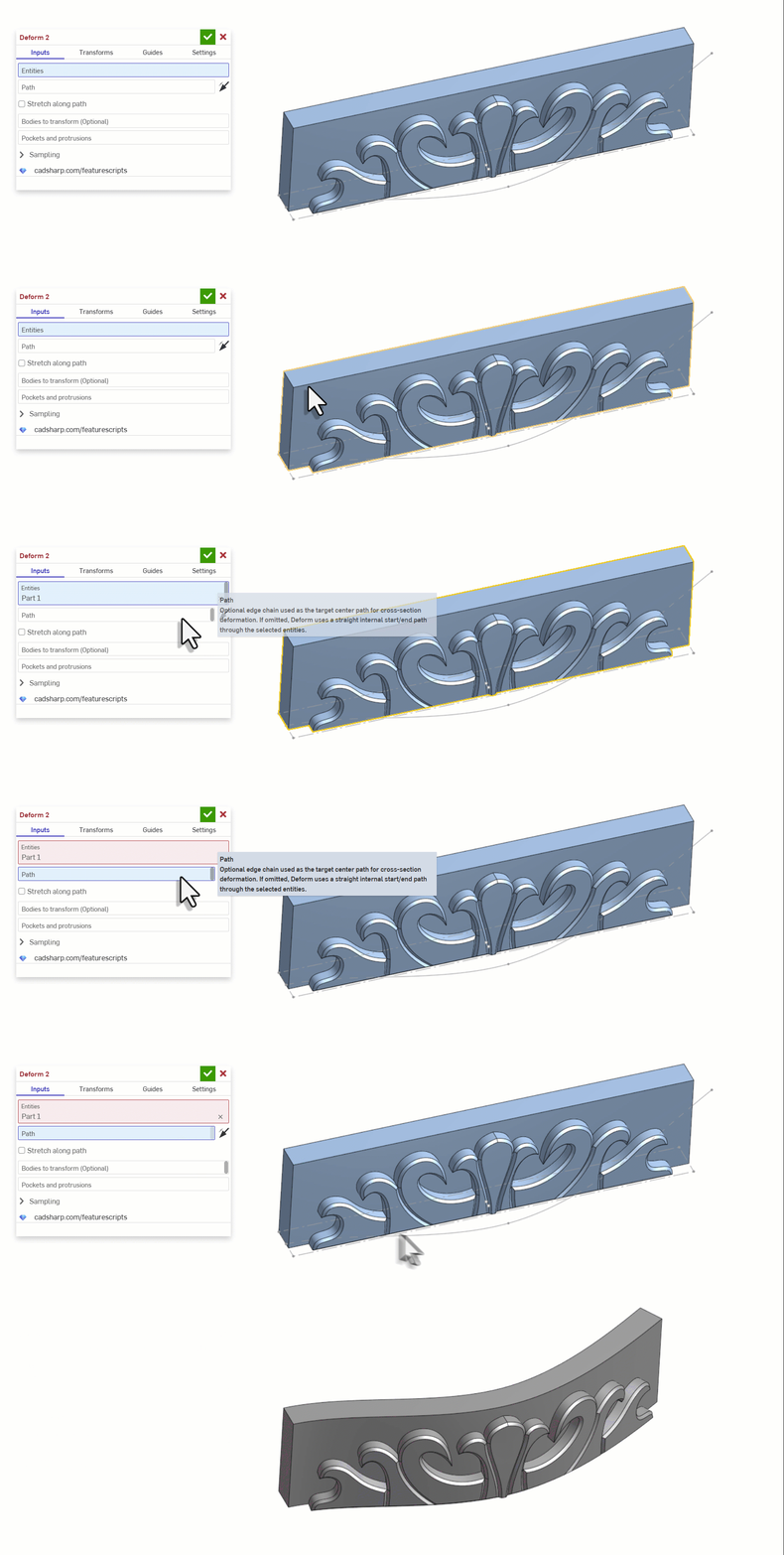
 Deform
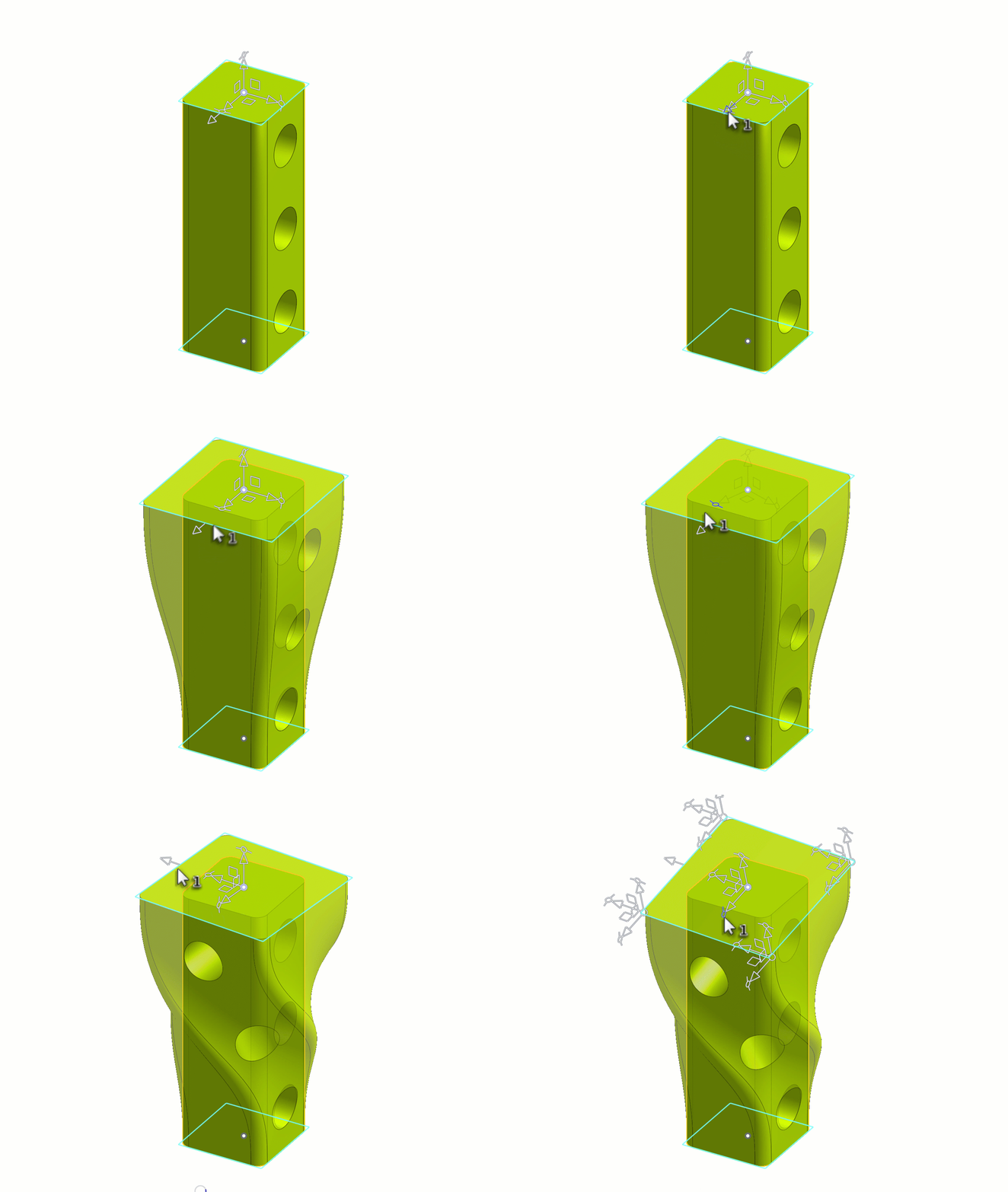
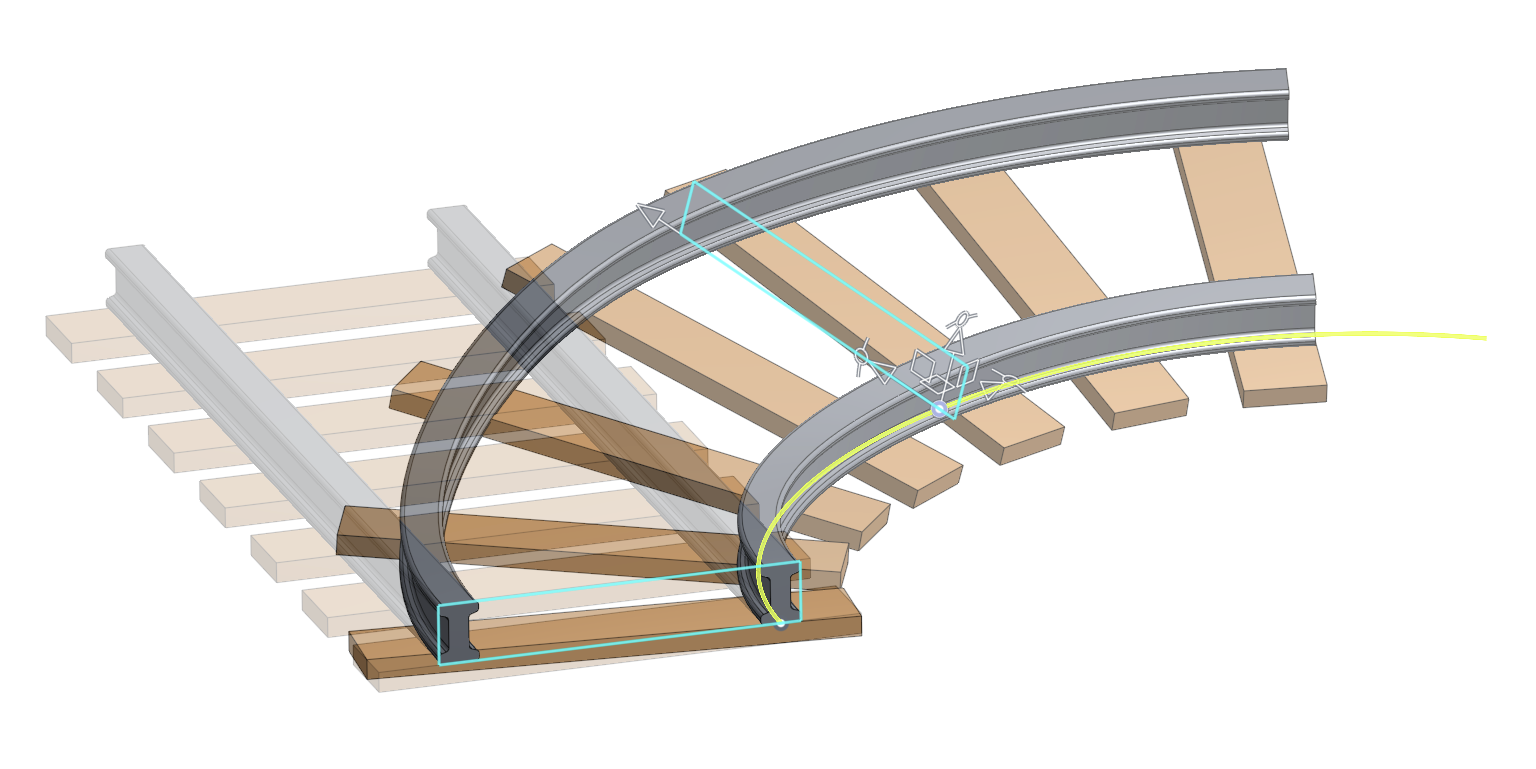
It deforms a parts and surfaces via profile sections or lattice grids along a path. Useful when you need to bend, twist, and scale parts after they have already been modeled.
Note: It is still a work in progress but I think its good enough for first release.
https://cad.onshape.com/documents/303775db976a02780499bec3/w/80a914faf16b9cdbd2f23c0e/e/0f0912aaf…
Special thanks to:
- @Derek_Van_Allen_BD for laying the b-spline surfacing groundwork with Tween Surfaces.
- @vesa_timonen for laying the general geometry groundwork with Flex
- @EvanReese for laying the manipulator groundwork with Freeform Spline
- @GregBrown for laying even more manipulator groundwork with Routing Curve
- And last but not least thanks to GPT 5.5 for writing this entire feature in a single afternoon;
for those who couldn't tell via the 5000 lines of code… 🤣

Adding FeatureScript Syntax Support to VSCode
I do a lot of vibe coding of FeatureScript using Codex and VSCode. I've wanted better FeatureScript syntax highlighting support for VSCode. Codex and ChatGPT developed a .VSIX extension which you can install. It knows the syntax and standard library and it will use sticky scrolling to show headers of functions and other blocks while you scroll.
https://github.com/gatrall/featurescript-language-support
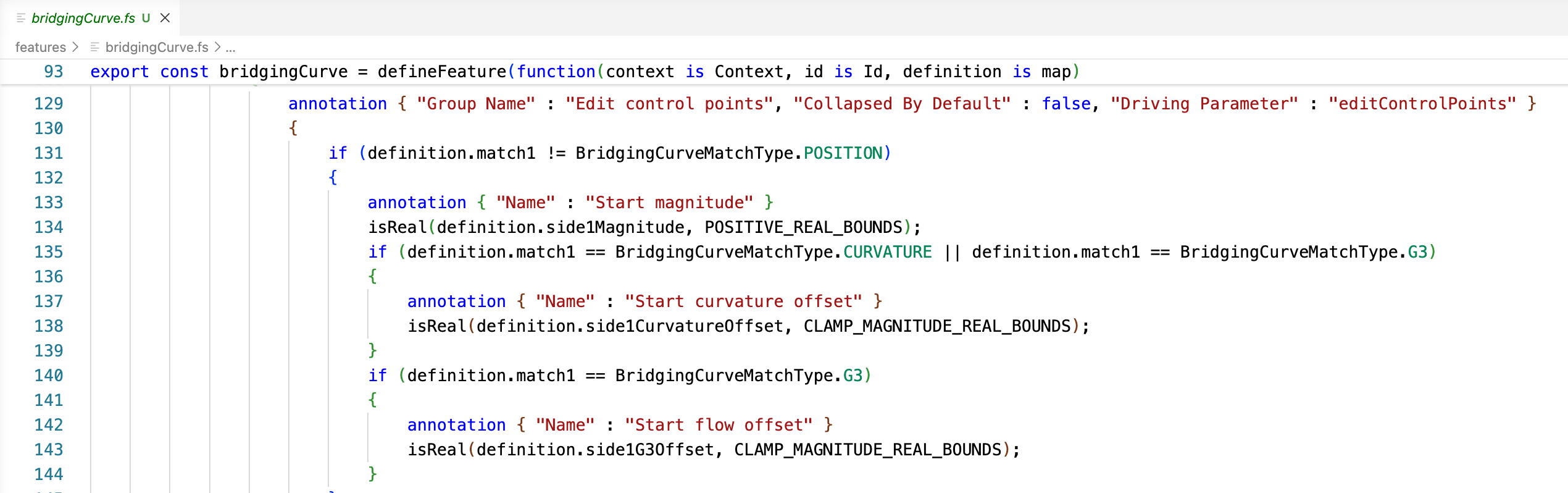
Please follow up here with bug reports or improvement requests.
 S1mon
S1mon
Re: Improvements to Onshape - April 24, 2026
Subfolder sharing and multi-document releases has come up a lot lately, glad to see those update. Should make a lot of people happy.
