Welcome to the Onshape forum! Ask questions and join in the discussions about everything Onshape.
First time visiting? Here are some places to start:- Looking for a certain topic? Check out the categories filter or use Search (upper right).
- Need support? Ask a question to our Community Support category.
- Please submit support tickets for bugs but you can request improvements in the Product Feedback category.
- Be respectful, on topic and if you see a problem, Flag it.
If you would like to contact our Community Manager personally, feel free to send a private message or an email.
Best Of
Re: How to Calculate laser cutting length ?
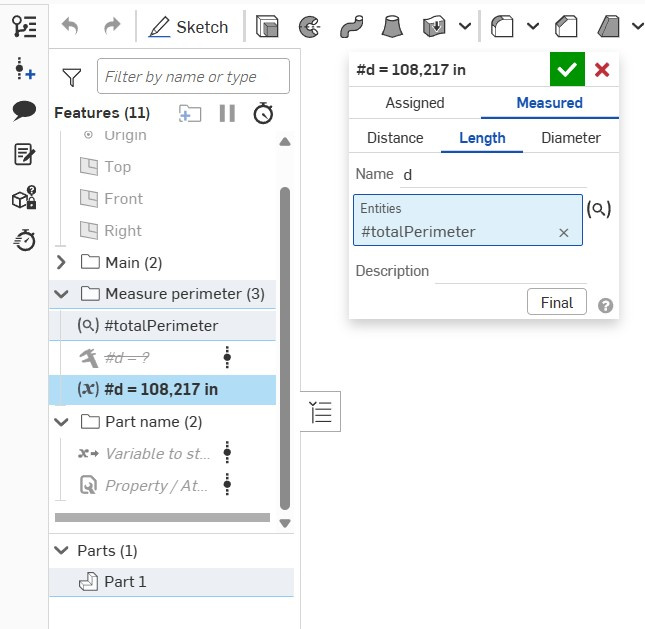
I wondered about the need for the CF 'Measure value' and tried the regular variable feature in Measured mode. And voilà!

Re: Improvements to Onshape - September 19th, 2025
Yeah. Assembly mirror is one I've been waiting for. Great!
But we should also mention folder drag and drop. That's one of the small improvements that make everyday life a little easier. :0) Even though many believe paper drawings are out of fashion, illustrations are not, and the use of named section views will help a lot in assembly instructions and user manuals. I'll certainly be using this.
This update is a big leap.

Re: A new one for help😊
There are a few ways you could do this. One way would be to create a iterating feature pattern or variable feature pattern, but these can be overly complex.
A simpler way would be to use a custom feature like
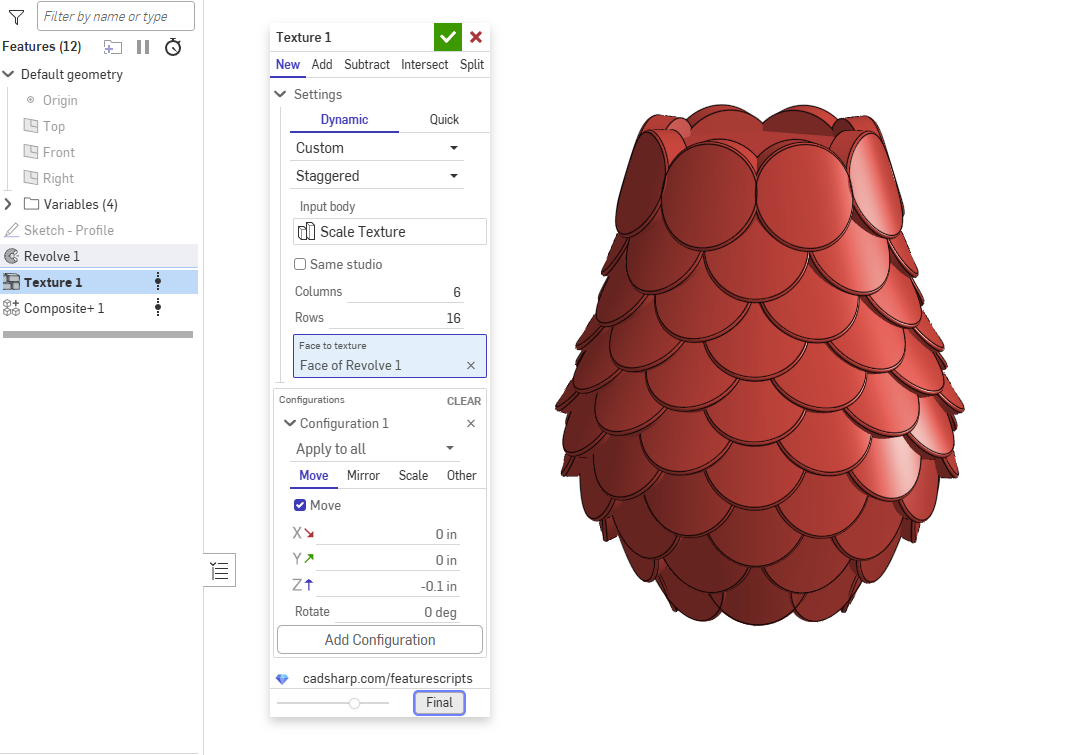
 Texture. Just add it to your toolbar, then use it to pattern your own texture templates. Here is an example of how to do it in relation to your image:

Re: Improvements to Onshape - September 19th, 2025
With assembly mirror, still no winners yet:

Re: Rotate entire string of text on a plane
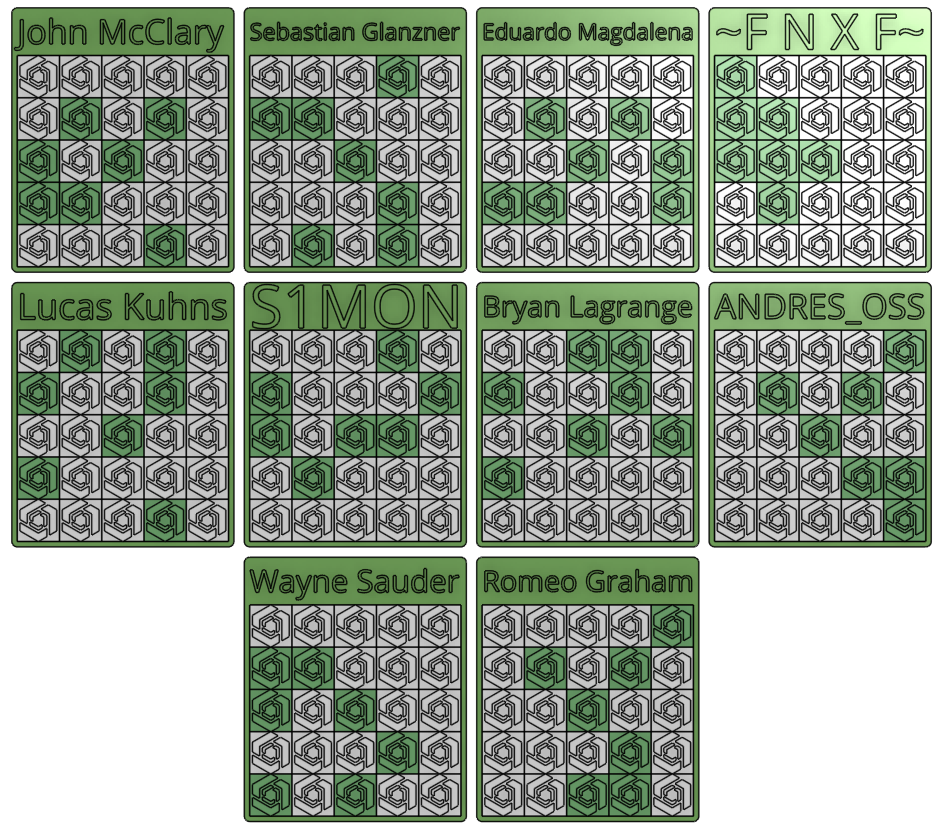
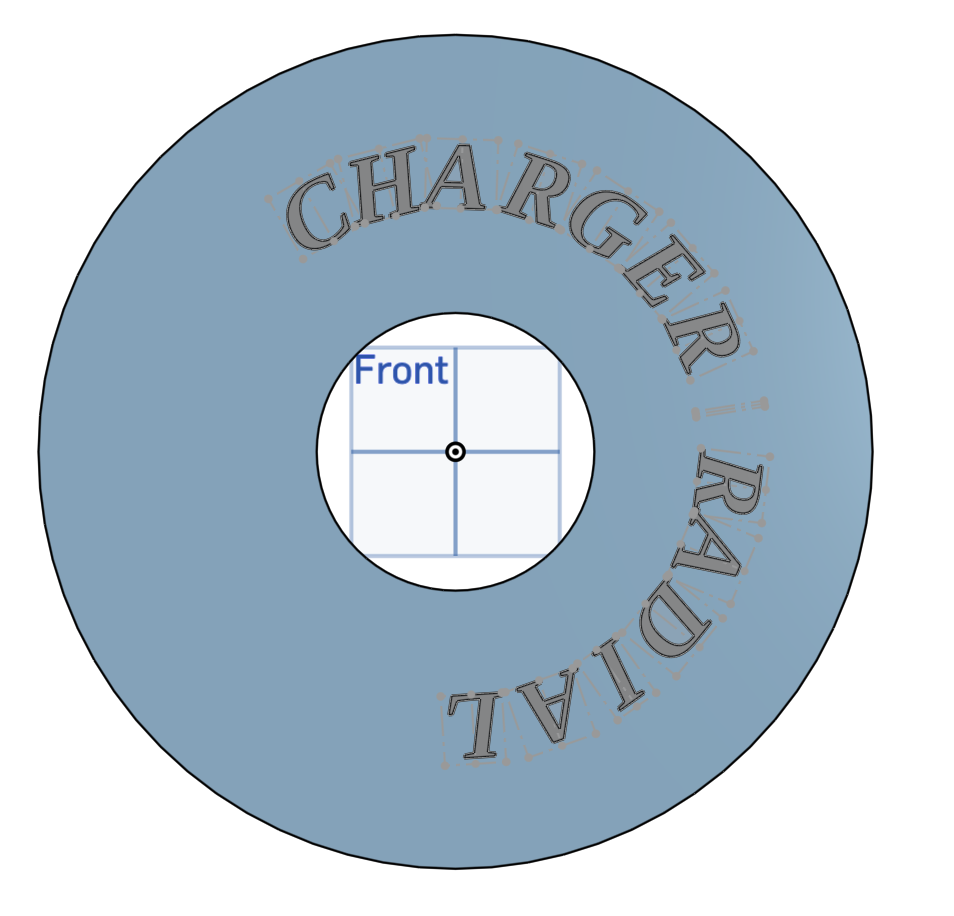
People have good success with Surface Text but I ended up writing my own feature "Text" to solve this type of problem. Here's what I got:
It looks like this:
https://us.v-cdn.net/5022071/uploads/XT38OXXCDAPW/greenshot-2025-09-22-17-36-40.png
The "Text" feature works by defining a "path" for the text to follow. I draw the arc I want it to follow, and orient the text on it how I want it to look, then it generates the sketches (and bodies, if you want). You can enable per-character tweaks in Text to get exactly what you want (mimicing the kerning control available in Surface Text).
You can read about it here:
You can grab it here (latest is 3.1) https://cad.onshape.com/documents/4e187c2b2f7f4974f4e2b612/v/4446c75baffebee73f367acc/e/baeb80e186f64d9ff71a5cd9
 jnewth
Re: Improvements to Onshape - September 19th, 2025
Sometimes coming into the office on Monday is a great thing! Assembly mirror is amazing! And by the looks of it, Onshape has indeed nailed the implementation. Looks to have loads of control in all the right places. 🤩. Hoping for mirrored sheet metal; to be able to include there flat pattern as well. 🤨

Re: Looking for some help with release packages in the API
Hi Jon, not sure if you still need this, but for anyone else coming across this post:
wfid here is the workflowId.
You can get this using /GET https://cad.onshape.com/api/companies/{yourcompanyid}/policies
Look for the key releaseWorkflowId

Re: Pattern on a sphere
I see what you mean, just adjust your sketch profile in that area to have more depth. \__/