Welcome to the Onshape forum! Ask questions and join in the discussions about everything Onshape.
First time visiting? Here are some places to start:- Looking for a certain topic? Check out the categories filter or use Search (upper right).
- Need support? Ask a question to our Community Support category.
- Please submit support tickets for bugs but you can request improvements in the Product Feedback category.
- Be respectful, on topic and if you see a problem, Flag it.
If you would like to contact our Community Manager personally, feel free to send a private message or an email.
New Sketch Function: Hershey Text

Link to Hershey Text
I have seen a few improvement requests related to adding single line fonts for CNC engraving. After some research I found these 31 single line or "Hershey Fonts" available online here, and an explanation on how to decode them. I converted the data into a CSV for FeatureScript to interpret and tried to copy the behavior of skText() as best I could. The skHersheyText() function takes the same inputs aside from an additional "lineSpacing" which is lacking in skText(). I tried to make this a drop in replacement for easy integration with existing custom features.
This tester feature is just that. I am working on a more general Label Feature that will use this but it is not ready yet. I will also be publishing an Engrave Feature soon that will create the geometry a v-groove bit would on this text.

Hope this helps some people cleanly label their parts!
Comments
-
Very nice. Very handy.
0 -
As promised here is the new custom Engrave Feature.
4 -
This feature just got a full rewrite, sparked by the new FeatureScript MCP. The original decoded 31 Hershey fonts from a CSV. The new version carries 59 fonts across 42 families, adding the EMS and Relief single line SVG fonts. 41 of them now take accented and extended characters, and the SVG faces bring real curves instead of straight segments only.
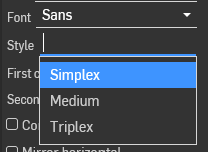
There is also a new font picker you can drop straight into your own feature's precondition: a family dropdown, plus a style dropdown for families with more than one. The function is renamed skSingleLineText() and still works as a drop in replacement for skText(), same inputs plus the optional lineSpacing.
If you built on the old version, the rename is the one breaking change.
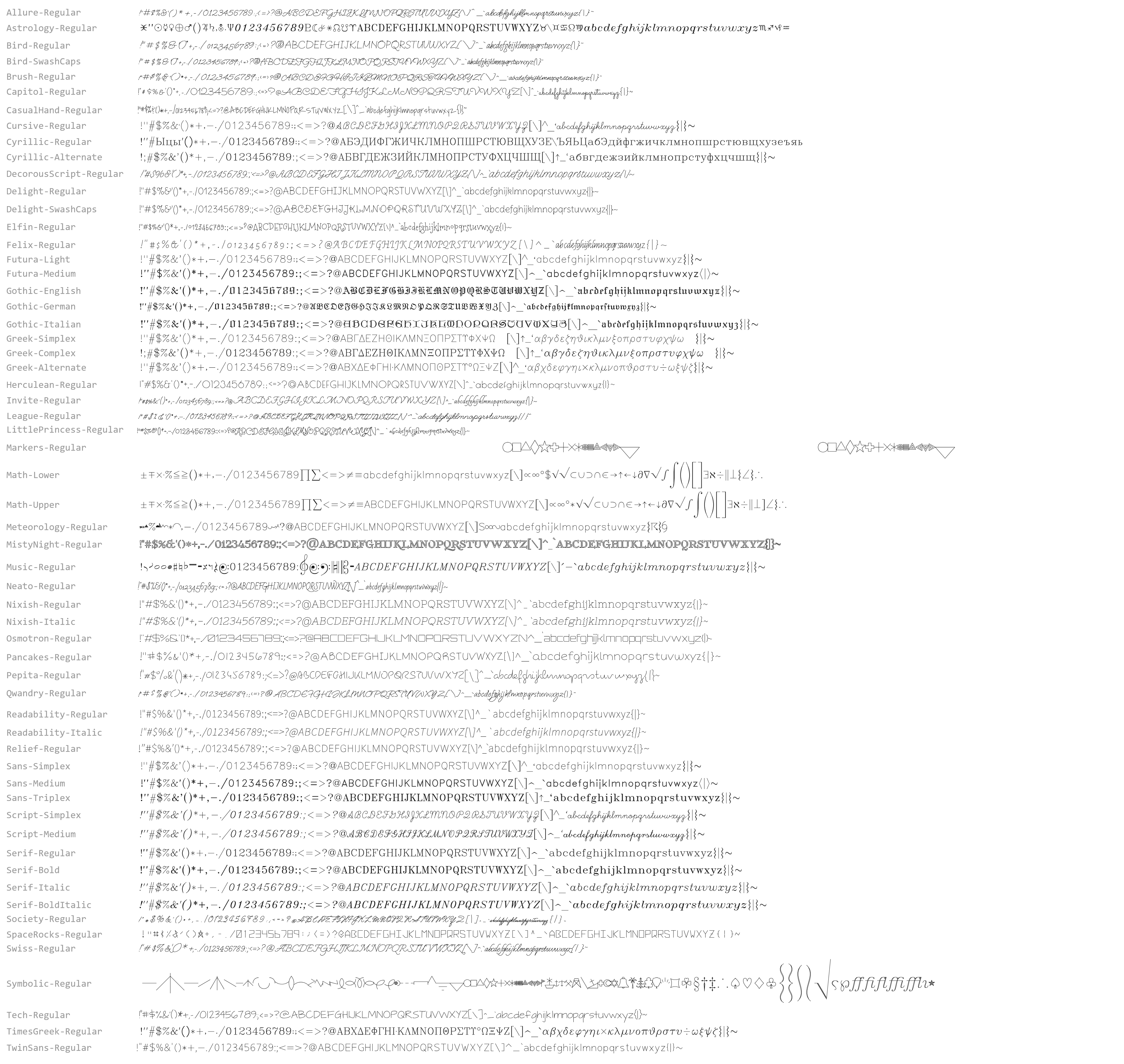
The document publishes an All Fonts image showing every font's ASCII range, plus per font credits and licences. 30 of the fonts are SIL Open Font License and the rest are Hershey derived, and neither restricts what you model with them.
1
