Welcome to the Onshape forum! Ask questions and join in the discussions about everything Onshape.
First time visiting? Here are some places to start:
- Looking for a certain topic? Check out the categories filter or use Search (upper right).
- Need support? Ask a question to our Community Support category.
- Please submit support tickets for bugs but you can request improvements in the Product Feedback category.
- Be respectful, on topic and if you see a problem, Flag it.
If you would like to contact our Community Manager personally, feel free to send a private message or an email.
Issues with DXF files

I'm laying out pieces to laser cut to have an estimate of how much sheet metal will be used. Something like such (just pulled an image from the internet):
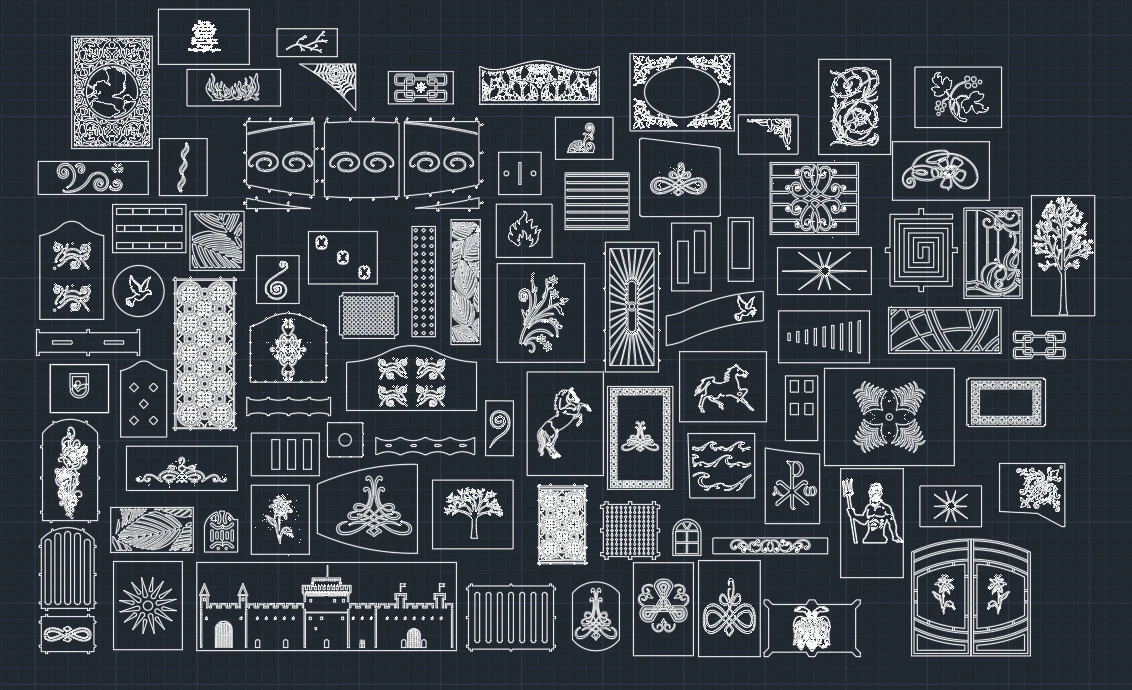
I have like ~100 individual pieces to laser cut and Onshape becomes embarassingly slow when I try to place them as plain sketches on a "big canvas". Now I export my sketches as DXF, then import back them back into onshape to reuse. But when trying to move a sketch, arcs/circles don't get selected and everything turns into a mess:
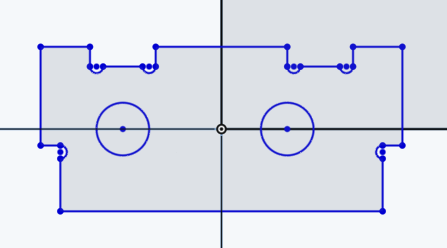
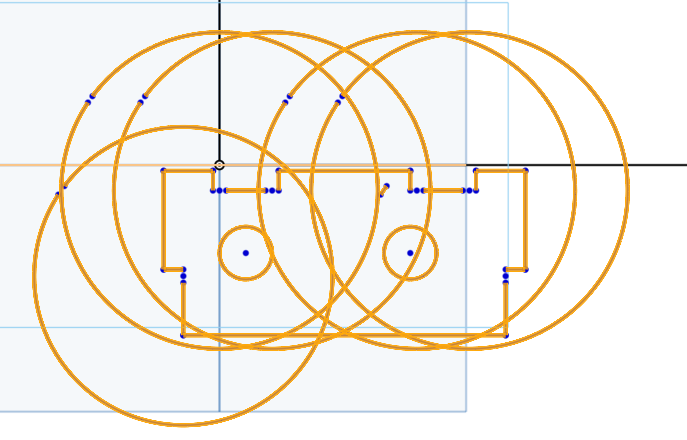
What to do? What workflow to use? Should I just drop onshape and do this step in something like LibreCAD (don't really want to, since I already have parametric models and want to tweak everything inside of Onshape)
Best Answer
-
I regularly work with hundreds of sheet parts in single part studios and the secret to getting them laid out is to extrude them or make them into full geometry first then use a custom feature like the Auto Layout feature. That'll give you your material estimate and an actual usable (mildly inefficient) nest to send out using a 1:1 drawing view on a blank template. I actively avoid any working with .dxf file formats in favor of 3d formats like .step due to how much more stable they are and how much better manufacturing software plays with them.
2

Answers
-
Can you place your 100 parts individually on a sheet. rather than trying to do it in one single sketch. onshape isn't gonna like that very much. maybe you can do it in an assembly for easy moving and rotating? not really sure what the answer is as I don't have context. but maybe that will spark something.
0 -
I regularly work with hundreds of sheet parts in single part studios and the secret to getting them laid out is to extrude them or make them into full geometry first then use a custom feature like the Auto Layout feature. That'll give you your material estimate and an actual usable (mildly inefficient) nest to send out using a 1:1 drawing view on a blank template. I actively avoid any working with .dxf file formats in favor of 3d formats like .step due to how much more stable they are and how much better manufacturing software plays with them.
2 -
Wow, didn't think that having them as parts is less straining on the system than sketches (even though fully constrained). Thanks for the help!
0
