Welcome to the Onshape forum! Ask questions and join in the discussions about everything Onshape.
First time visiting? Here are some places to start:- Looking for a certain topic? Check out the categories filter or use Search (upper right).
- Need support? Ask a question to our Community Support category.
- Please submit support tickets for bugs but you can request improvements in the Product Feedback category.
- Be respectful, on topic and if you see a problem, Flag it.
If you would like to contact our Community Manager personally, feel free to send a private message or an email.
Why Choose Onshape Render Studio for CAD Visualization?
 hanen_bdioui58
Member Posts: 5 PRO
hanen_bdioui58
Member Posts: 5 PRO
Onshape Render Studio is a cloud-native rendering environment built directly into the Onshape platform. Because it runs entirely in the browser, you can create photorealistic images without installing extra software or relying on high-end hardware.
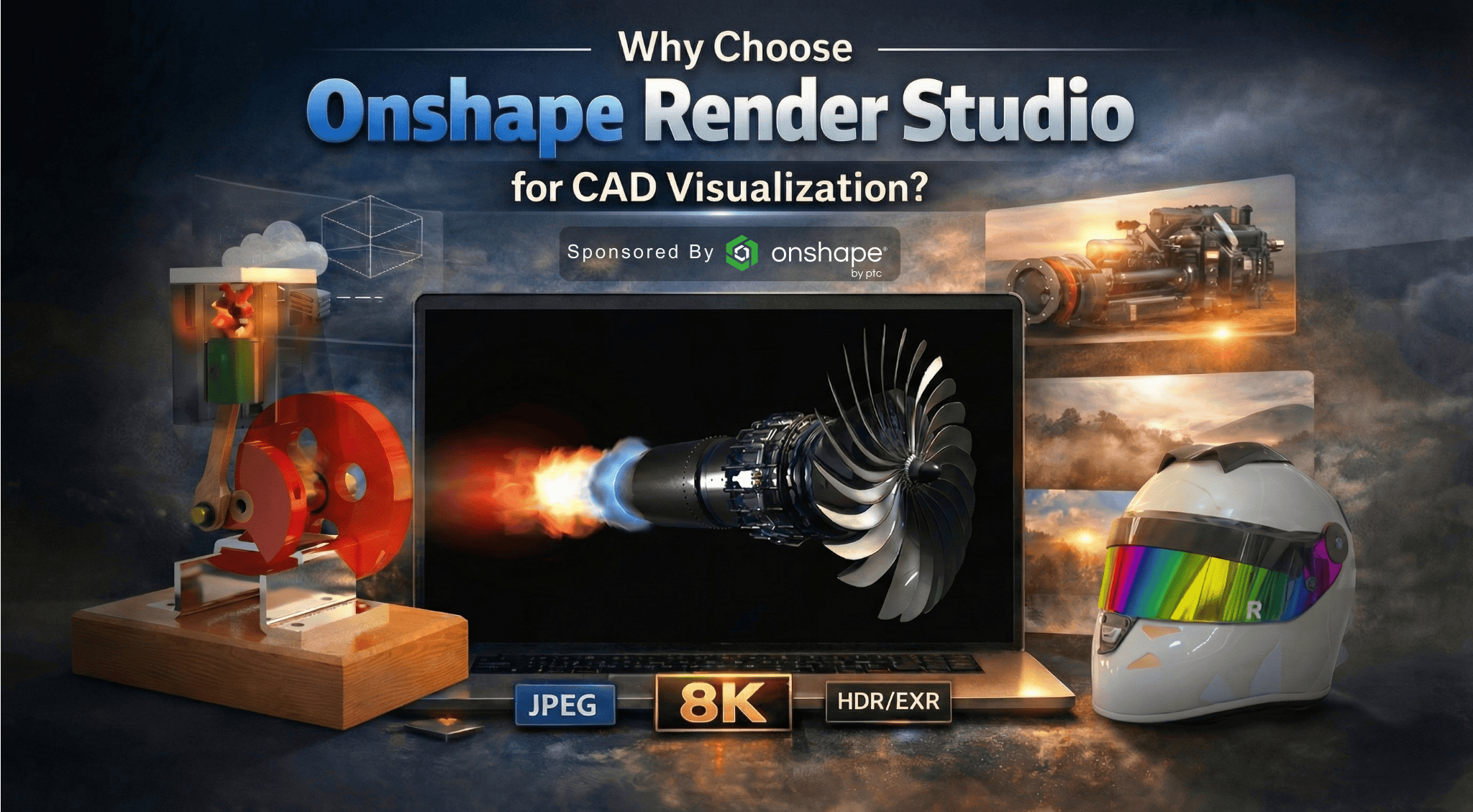
One of the biggest advantages is that Render Studio stays linked to your Part Studios and Assemblies. There’s no file export or translation step—when the CAD model changes, the render can be updated instantly.
Inside Render Studio, you work directly with:
- CAD geometry from Onshape
- Materials and appearances (drag-and-drop)
- Scene environments and lighting
- Cameras and depth of field
- Visual effects like transparency, glow, and volumetric effects (Advanced)
Render Studio can be launched directly from a Part Studio or Assembly tab, and once created, the Render Studio tab remains connected to the original model.
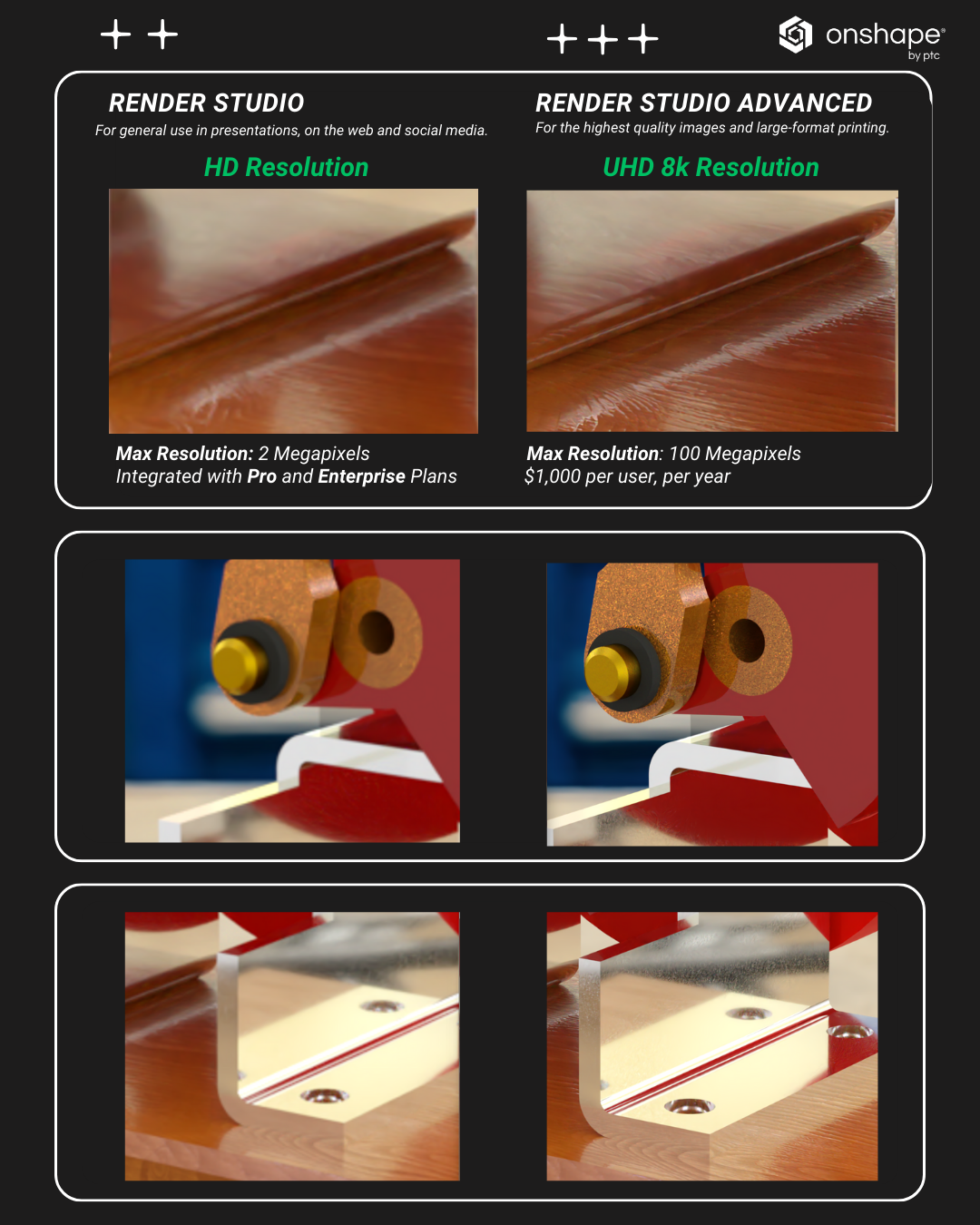
For those wondering about Render Studio vs. Render Studio Advanced:
- Render Studio is ideal for design reviews and presentations, with fast cloud rendering and image export up to HD and Full HD.
- Render Studio Advanced targets high-end visualization, offering 4K–8K output, AxF measured materials, volumetric effects (smoke, fog, fluids), and panoramic or stereo rendering.
I also cover newer features like AI denoising for cleaner renders, volume entities for realistic smoke and fog, and projector manipulators for precise texture control.
If you’re interested, I shared the full walkthrough here:
🔗
Comments
Sadly being an education account we don't get it… I end up exporting my geometry as STEP into Fusion and render it there (since their education account does have it). It's helpful when teaching to render an image for the lecture (I mean it's 2026, who wants flat shaded polys in the slide deck!).
I haven't needed the render studio for previous work, but I have been diving back into it in the last few days. It seems the limitation is me, not the program for sure! It is nice to be able to iterate and update references as things change.