Welcome to the Onshape forum! Ask questions and join in the discussions about everything Onshape.
First time visiting? Here are some places to start:- Looking for a certain topic? Check out the categories filter or use Search (upper right).
- Need support? Ask a question to our Community Support category.
- Please submit support tickets for bugs but you can request improvements in the Product Feedback category.
- Be respectful, on topic and if you see a problem, Flag it.
If you would like to contact our Community Manager personally, feel free to send a private message or an email.
How to make a slanted hole specifically 72 degree angle
 peter_ly
Member Posts: 6 ✭
peter_ly
Member Posts: 6 ✭
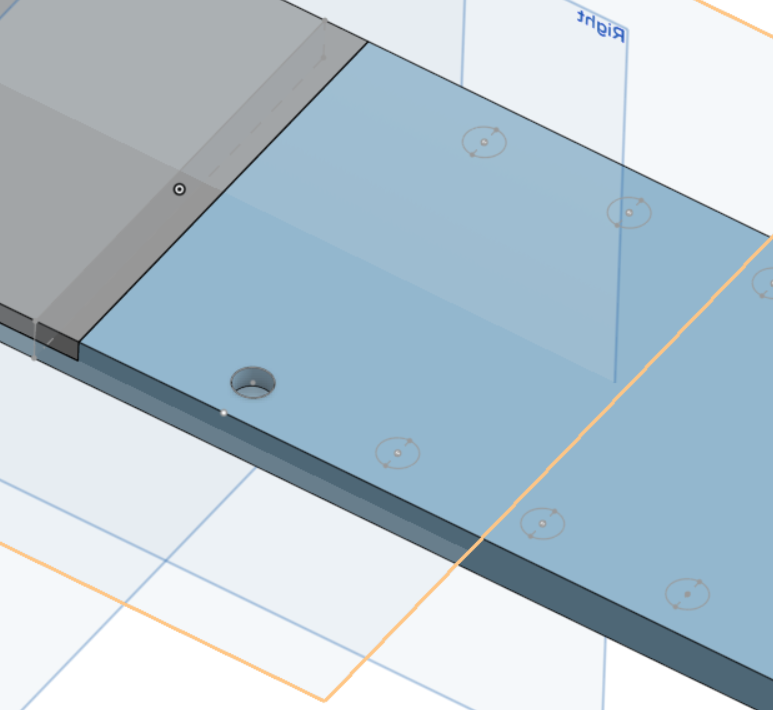
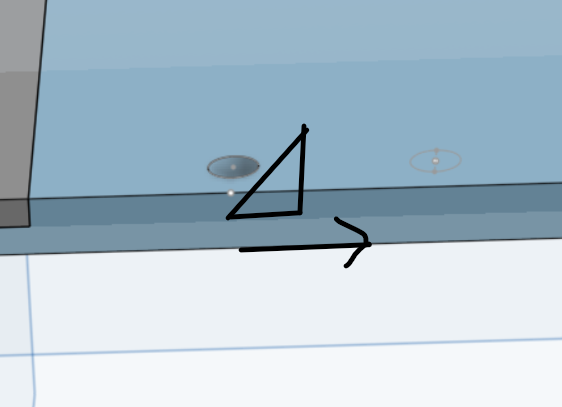
Trying to drill a hole slanted for truss in a model bridge build
0
Comments
use 'direction' in the extrude feature
That would result in an elliptical hole by cross section. You either have to set up the sketch on a tilted coordinate system to start with or move it after the fact with a move face.
Derek Van Allen | Engineering Consultant | Meddlergood call
To clarify, to sketch on a tilted coordinate system, use the Mate Connector selector when selecting your sketch plane. Then, you can modify that Mate Connector and rotate it 72 degrees.
Hi Thank you for responding, I am sorry but its hard for me to understand since its all text and pictures. Can you please provide a video example?
Much obliged,
Peter
Why not just build the hole feature on a Mate connector that can be rotated into any desirable position?
https://cad.onshape.com/documents/d5fb8e70c12cc26cd37f38ae/w/fc39d77c9770a41bef19209f/e/674f0548bf03781af7d9faf4?renderMode=0&uiState=697bd299ad52fdfd1cccbcf5
no need to create a mate conector. Just create a new plane, using the existing face as a reference and an offset angle. than sketch your hole in this new plane and extrude it (use use the hole feature)
No need to create a plane. Just create a Mate connector, using the existing face as a reference and an offset angle. Then forget about sketching your hole in this new plane and extrude it, just use the hole feature instead. ;0)
Thank you very much guys!!!