Welcome to the Onshape forum! Ask questions and join in the discussions about everything Onshape.
First time visiting? Here are some places to start:- Looking for a certain topic? Check out the categories filter or use Search (upper right).
- Need support? Ask a question to our Community Support category.
- Please submit support tickets for bugs but you can request improvements in the Product Feedback category.
- Be respectful, on topic and if you see a problem, Flag it.
If you would like to contact our Community Manager personally, feel free to send a private message or an email.
Use Volume calculation to drive parametric sketch???
 SMURFCAD
Member Posts: 61 ✭
SMURFCAD
Member Posts: 61 ✭
Want to drive a sketch dimension based on a calculated volume. Is this possible?
What I really want to do: Simple example
Define a "cup" volume and have that drive the sketch height of the cup.
I realize this requires recursion or a formula for height to volume, which is easy for a cylindrical cup. But what if my "cup" looks like this? Ignore the obvious holes.
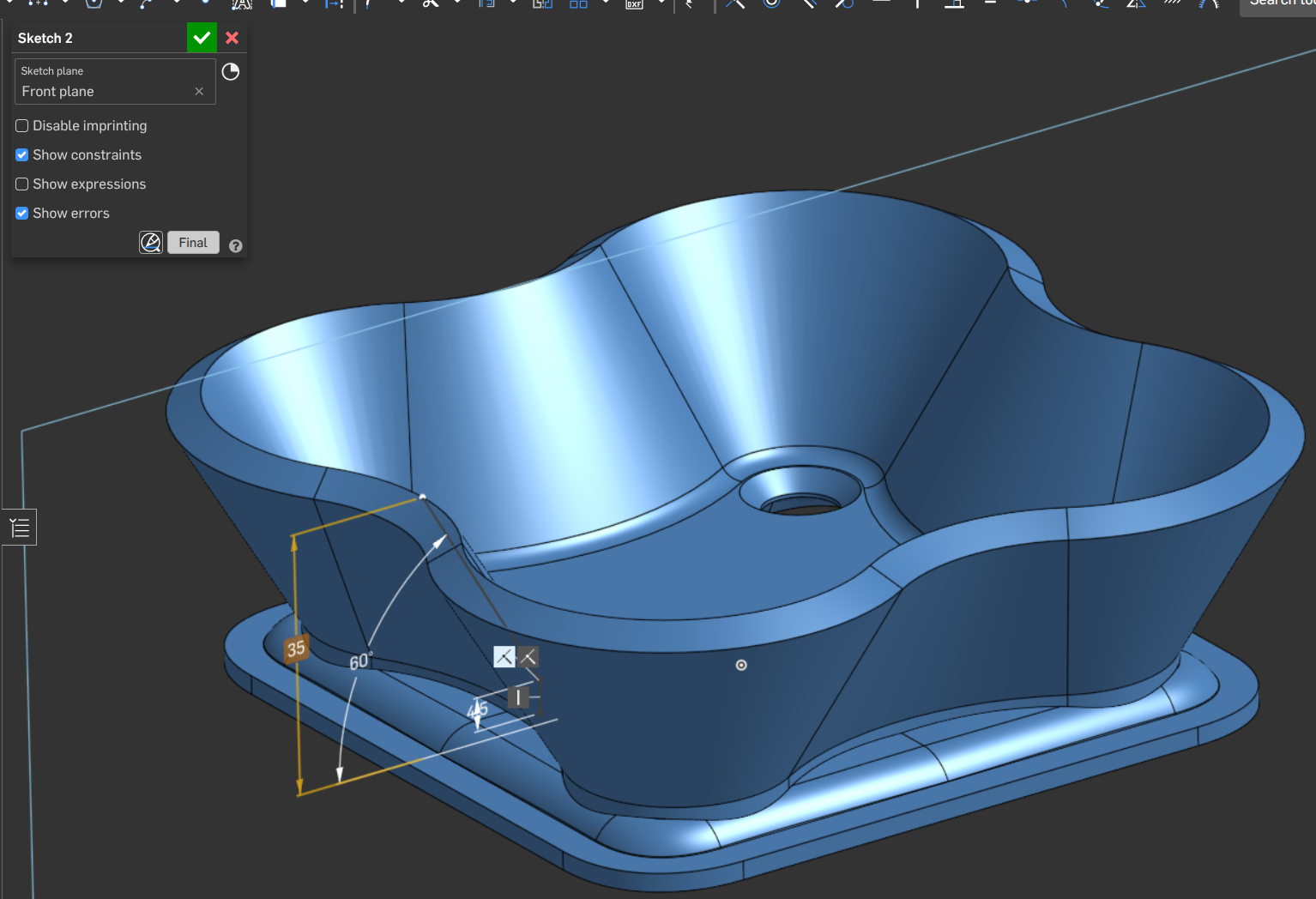
I created a part to calculate the volume from.
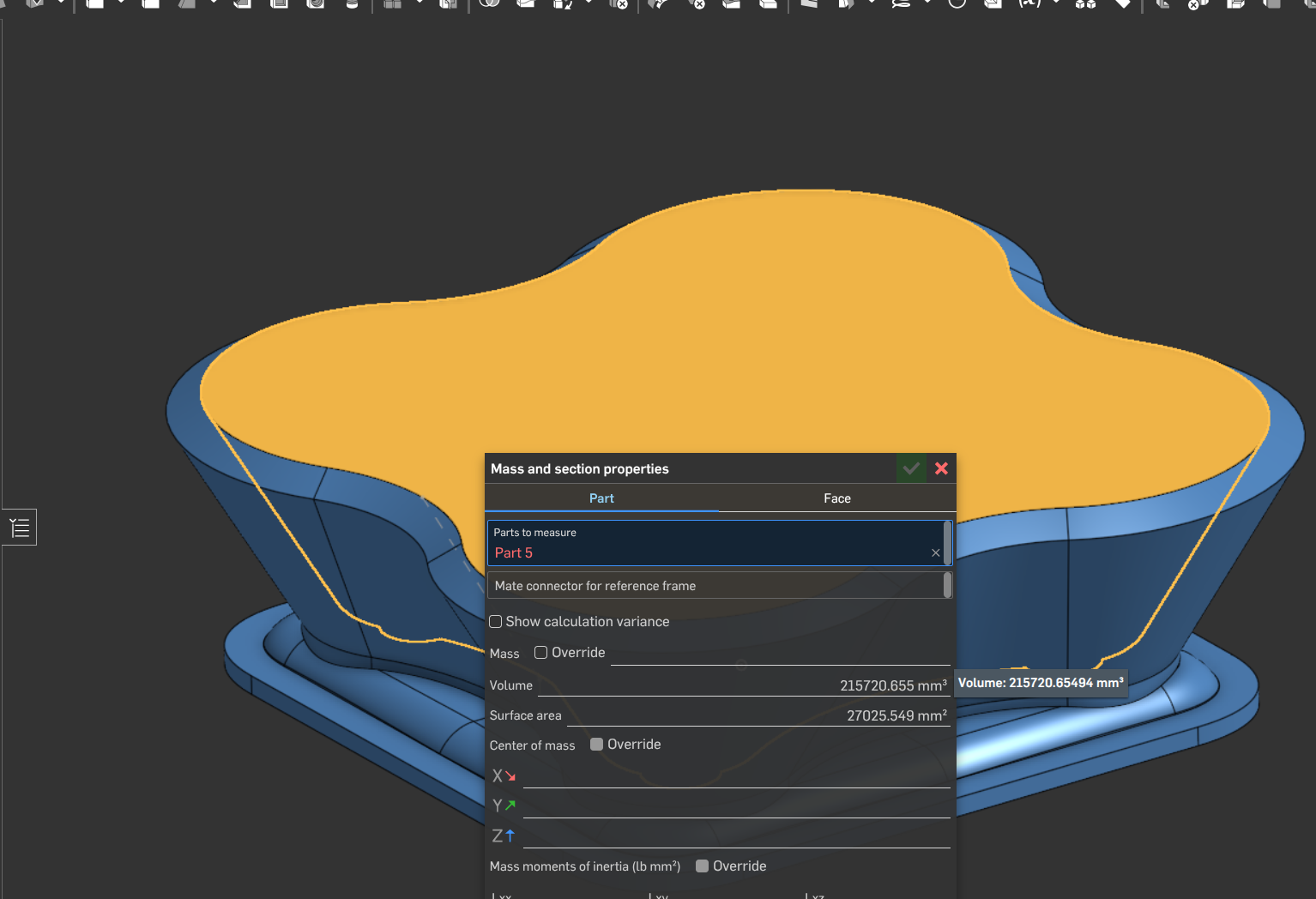
Stuck there. I believe I could do this in Creo, but that's neither here nor there.
-S
0
Comments
Yes it's possible - this feature was created as a proof of concept - you should be able to adapt it to your needs:
https://cad.onshape.com/documents/6b79cf2e96a74c4dec55438d/w/34aac8a7a009a2961f2a61e1/e/8399f141b68e7c6b6affc0ec
Thanks Neil,
I looked at the document and it's not immediately obvious how you did that. I'll have to study it further.
New to Onshape and haven't delved into the FS thing yet. Is that a FS that you wrote for that specific example.. or is this a general purpose FS that I can access and use?
TIA
-S
I made a similar thing in solidworks using excel years ago and wanted to replicate it in Onshape but better. If you look at it, it is using an offset plane driven by a configuration variable to split a volume similar to yours. Then the feature iterates that configuration variable to get to the desired result. If you are struggling I can help.
Thanks, I'll let know if I need some direction.