Welcome to the Onshape forum! Ask questions and join in the discussions about everything Onshape.
First time visiting? Here are some places to start:- Looking for a certain topic? Check out the categories filter or use Search (upper right).
- Need support? Ask a question to our Community Support category.
- Please submit support tickets for bugs but you can request improvements in the Product Feedback category.
- Be respectful, on topic and if you see a problem, Flag it.
If you would like to contact our Community Manager personally, feel free to send a private message or an email.
FeatureScript IDE (Secret menu) 😎
 MichaelPascoe
Member Posts: 2,775 PRO
MichaelPascoe
Member Posts: 2,775 PRO
.
While doing some FeatureScripting earlier, I was late for a meeting and reached over to grab my headphones and accidentally opened up a secret menu. After arguing with GPT about what the hotkey could have been, I systematically started pressing all the logical hotkey combinations for an IDE (Integrated Development Environment) aka Feature Studio. Eventually found it!

Did you know…!
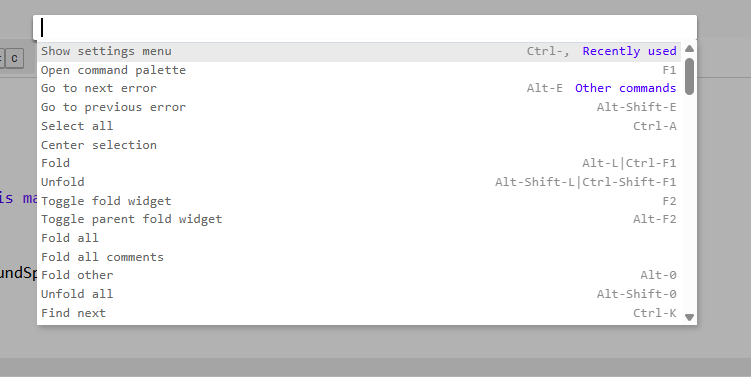
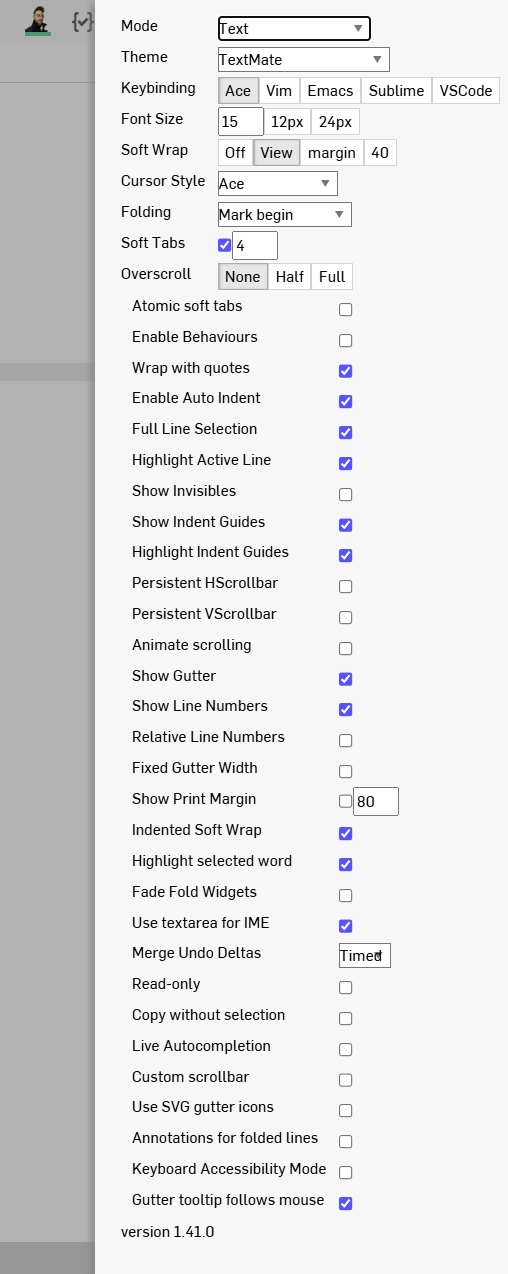
That while in FeatureStudio, you can press F1 to open up the FeatureScript IDE hotkeys where you can then access the IDE settings?
.
IDE Hotkey menu
.
IDE Settings Menu
.
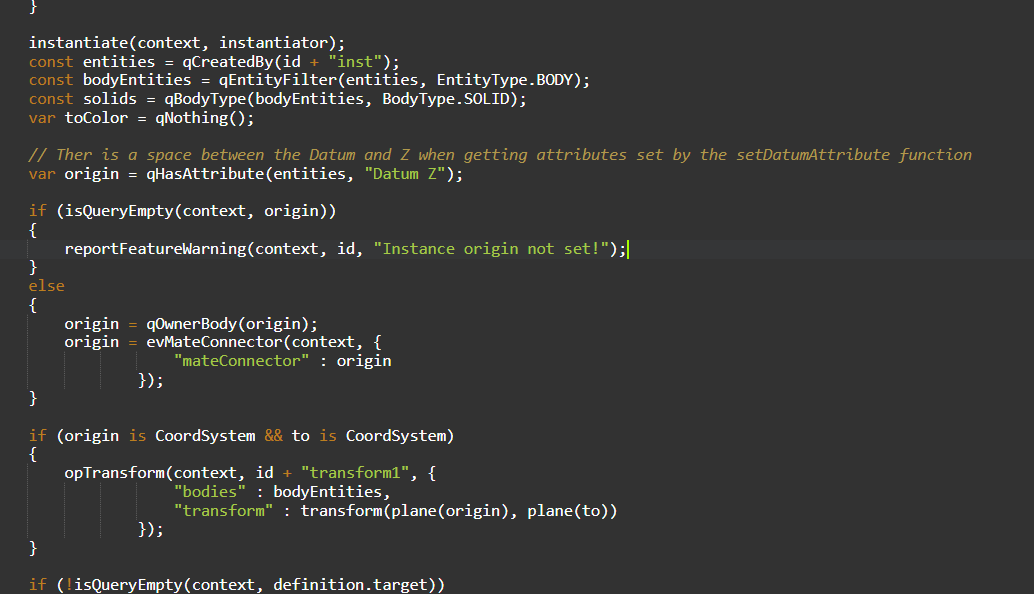
One of the IDE dark themes
.
Learn more about the Gospel of Christ ( Here )
CADSharp - We make custom features and integrated Onshape apps! Learn How to FeatureScript Here 🔴
Tagged:
5
Comments
😮
Simon Gatrall | Product Development, Engineering, Design, Onshape | Ex- IDEO, PCH, Unagi, Carbon | LinkedIn
.
For those who don't care about coding but want another secret menu.
While in any studio, you can press CTRL + D to open the secret menu that shows statistics about your studio:
Learn more about the Gospel of Christ ( Here )
CADSharp - We make custom features and integrated Onshape apps! Learn How to FeatureScript Here 🔴
ooooooh! I'm going to try out the evil secret IDE menu. I DID know about the second one because it's often the solution when you have a weird rendering issue (like a face disappears and you don't know why). Click "clear local display cache" and shift+refresh.
The Onsherpa | Reach peak Onshape productivity
www.theonsherpa.com
The featurescript editor is built on "ACE".
Which is why theres a bunch of hidden keyboard shortcuts.
Like the fs editor support macros (ctrl-alt-e to start/stop and ctrl-shift-e to replay). Although not all shortcuts seem to be supported.
Experts in Onshape Automation - Custom Features and Integrated Applications
Use Alt+D if you don't want to favourite/bookmark the page.
IR for AS/NZS 1100