Welcome to the Onshape forum! Ask questions and join in the discussions about everything Onshape.
First time visiting? Here are some places to start:- Looking for a certain topic? Check out the categories filter or use Search (upper right).
- Need support? Ask a question to our Community Support category.
- Please submit support tickets for bugs but you can request improvements in the Product Feedback category.
- Be respectful, on topic and if you see a problem, Flag it.
If you would like to contact our Community Manager personally, feel free to send a private message or an email.
Hole Center Marks
 Carlos_natal
Member Posts: 2 ✭
Carlos_natal
Member Posts: 2 ✭
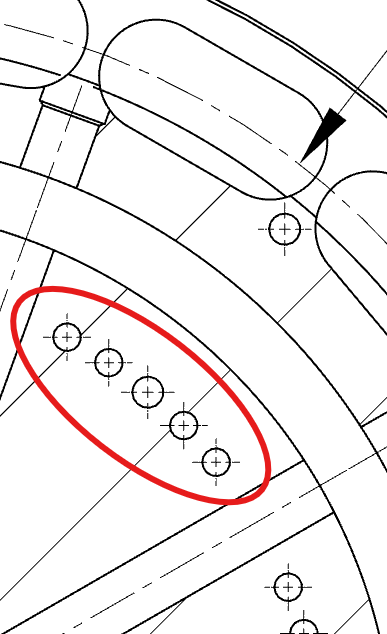
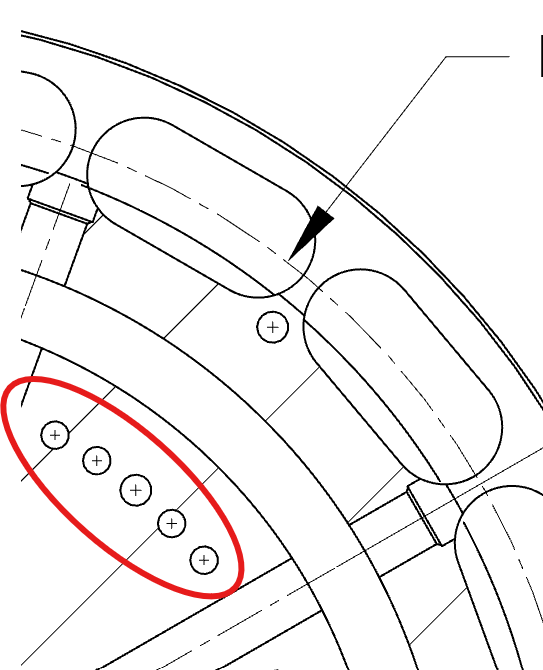
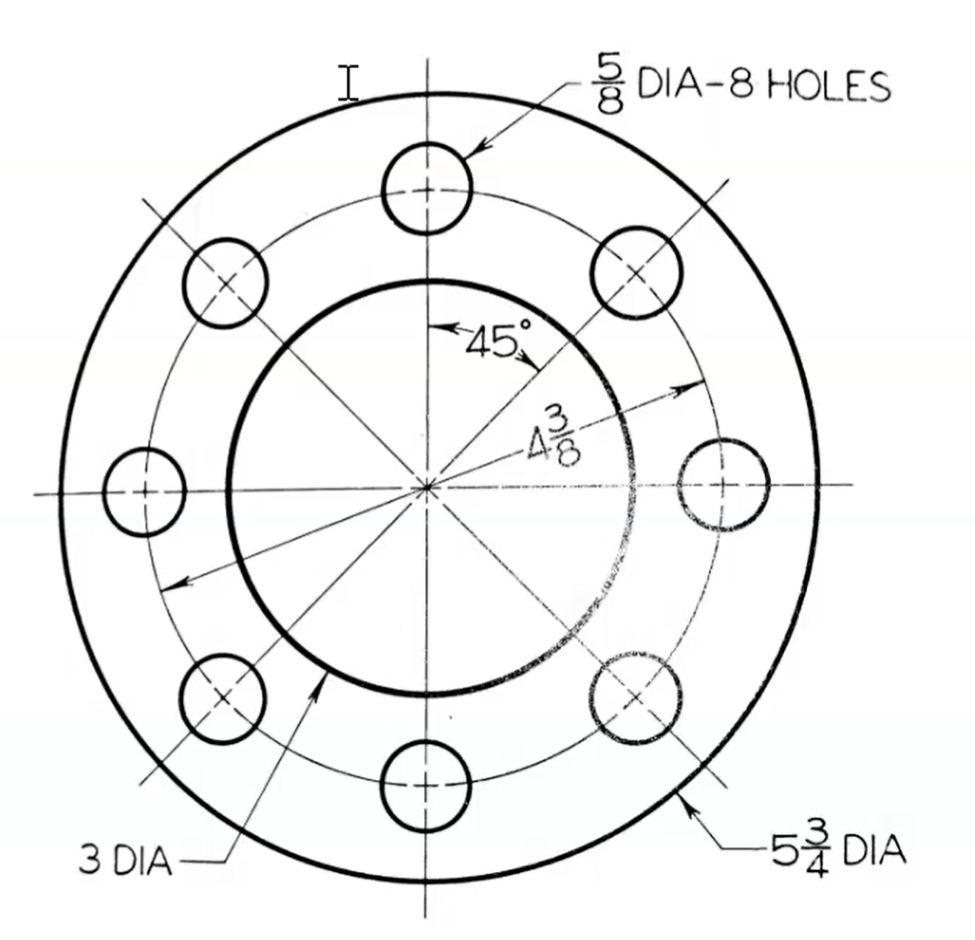
Is there a way to completely get rid of the hole center marks that come in with view. I tried the drawing properties "Extended lines" but it still leaves the annoying mark in the center. I am trying to make clean bolt hole circles like the ones in Solid Work (last pic. below).
0
Answers
Right-click the view (not the lines) → show/hide → hide auto centermarks.
@Carlos_natal A few things here. You actually don't need to hide them first. You can just create manual ones as you want using the manual centermark tool in drawings and we'll basically convert them to what you want without first needing to hide them.
Secondly, if you modeled these holes with a circular pattern in the part studio, we can automatically create the circular pattern marks as well.