Welcome to the Onshape forum! Ask questions and join in the discussions about everything Onshape.
First time visiting? Here are some places to start:- Looking for a certain topic? Check out the categories filter or use Search (upper right).
- Need support? Ask a question to our Community Support category.
- Please submit support tickets for bugs but you can request improvements in the Product Feedback category.
- Be respectful, on topic and if you see a problem, Flag it.
If you would like to contact our Community Manager personally, feel free to send a private message or an email.
When is an anchor point not an anchor point?
 spencer_arnold
Member Posts: 11 ✭
spencer_arnold
Member Posts: 11 ✭
I am creating a shape on a custom plane, with rough values. I anchor the corner rectangle at the bottom right (see pic 1) and drag to approx values.
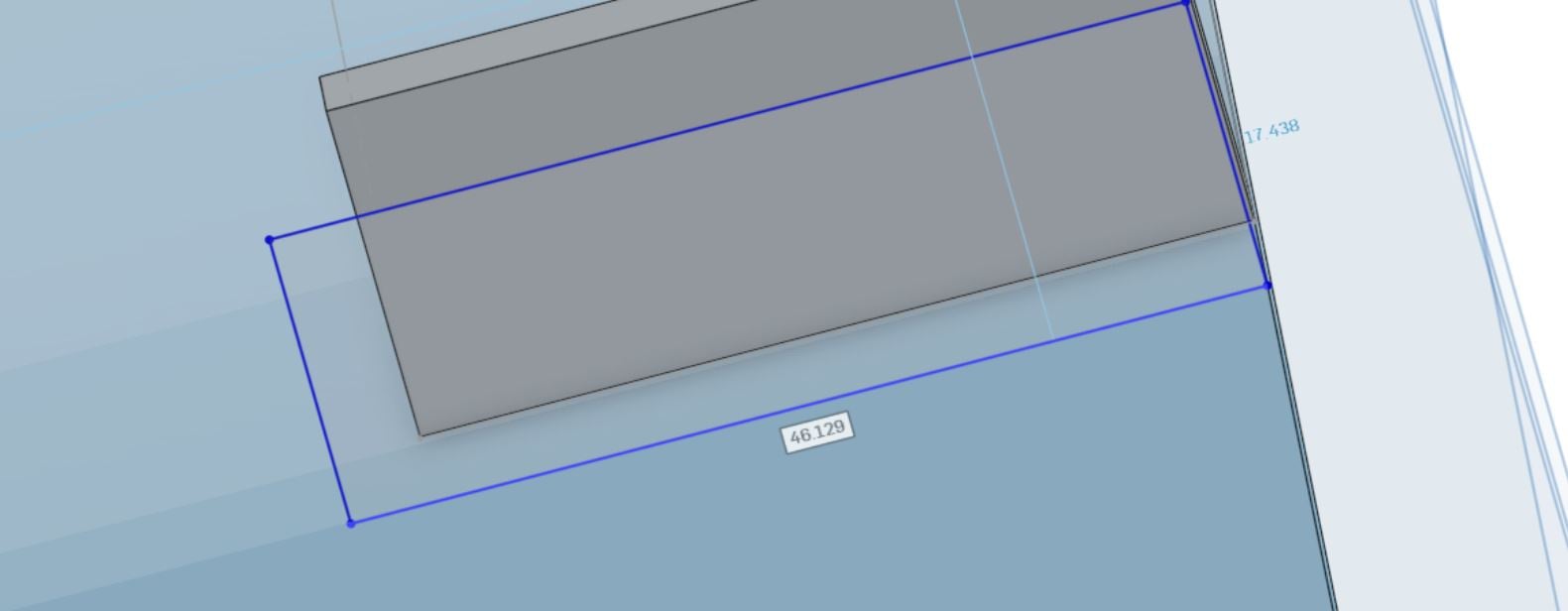
When I dimension the values, it moves the anchor corner (see pic2).
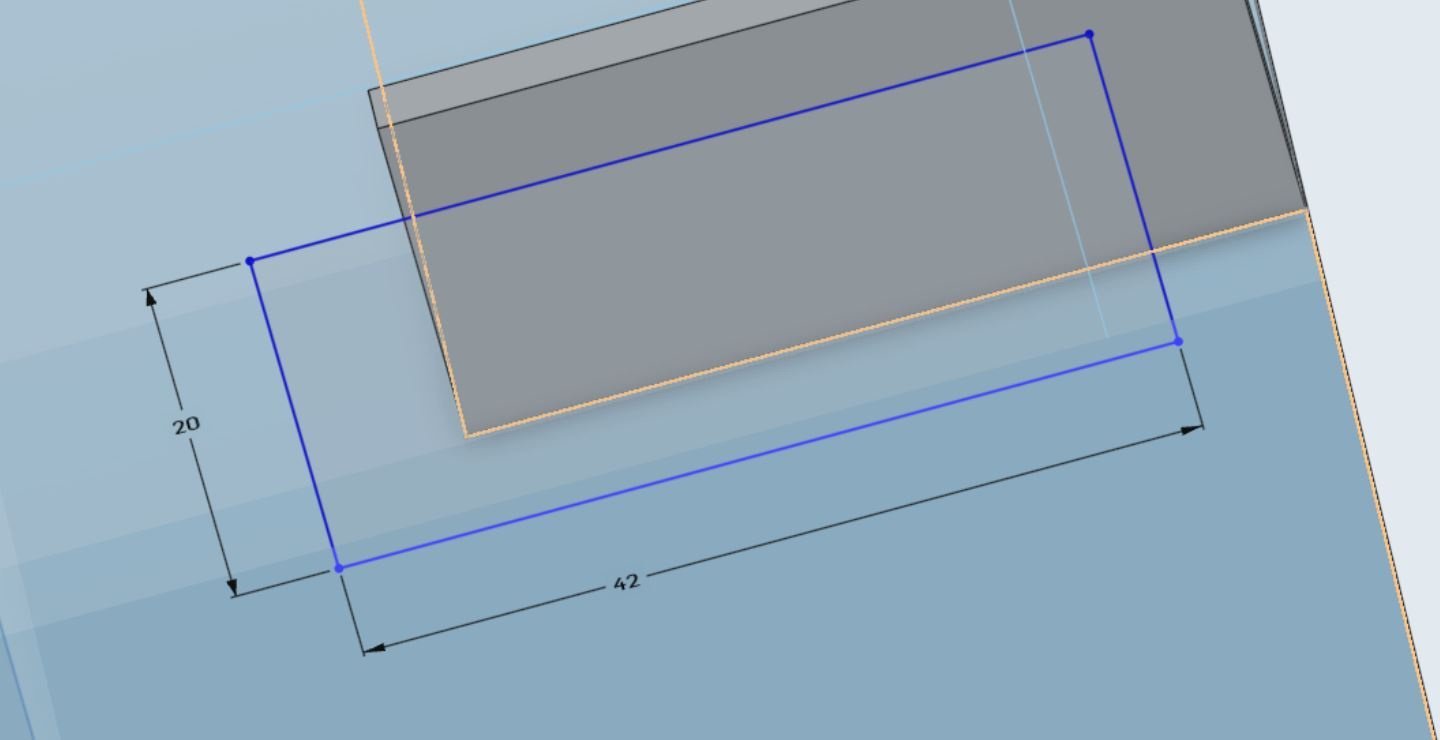
Why is the origin point being moved? the reason I chose that point is that I don't want it changed.
0
Comments
Q: When is an anchor point not an anchor point?
A: When it's not anchored to anything 😁
All sketch elements are free to move unless they are constrained to something.
Hey Spencer. I think perhaps you initially didn't 'catch' the edge of that part. Try using the Use tool and the Construction tool to capture the edge of the part. Then select the construction line created and the corner point of your rectangle and give them a Coincident constraint. - Scotty