Welcome to the Onshape forum! Ask questions and join in the discussions about everything Onshape.
First time visiting? Here are some places to start:- Looking for a certain topic? Check out the categories filter or use Search (upper right).
- Need support? Ask a question to our Community Support category.
- Please submit support tickets for bugs but you can request improvements in the Product Feedback category.
- Be respectful, on topic and if you see a problem, Flag it.
If you would like to contact our Community Manager personally, feel free to send a private message or an email.
BOM table in template becomes empty table in new drawings
 Adam_Winstead
Member Posts: 11 ✭
Adam_Winstead
Member Posts: 11 ✭
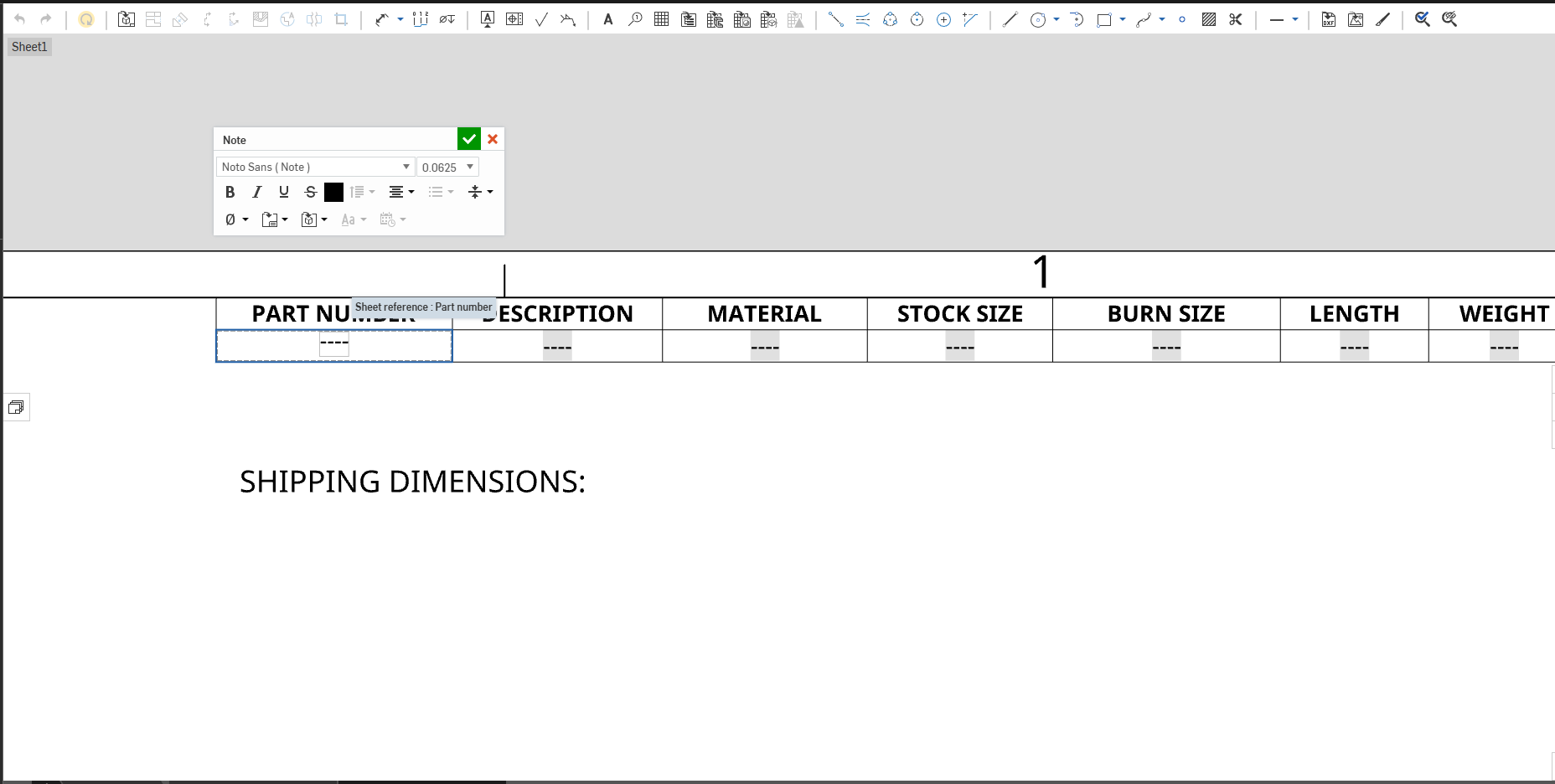
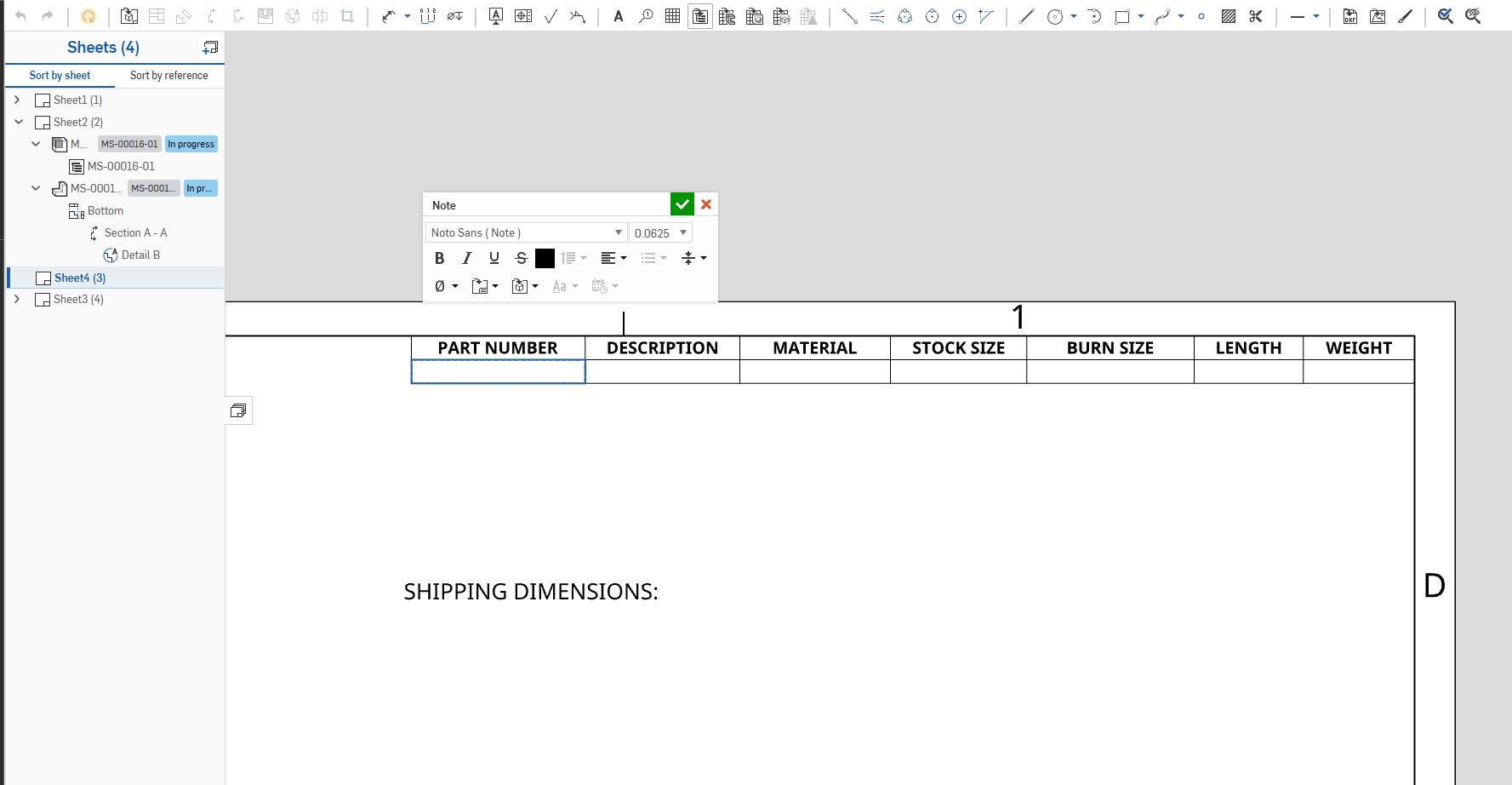
Since last week, the BOM table in my new drawings doesn't have the variables for properties/metadata.
The drawing template has the properties there, and it was working not long ago.
Did something break it?
0
Answers
Is it happening on all new drawings or just this one? If just this one, double check the BOM table is referencing the model. Right click on the BOM table>BOM table properties>Reference. That should be your asm model.
If it's not there, then go to the view of the model in the drawing, rt click, View Properties, and at the very bottom is BOM table reference. You can change it there.