Welcome to the Onshape forum! Ask questions and join in the discussions about everything Onshape.
First time visiting? Here are some places to start:- Looking for a certain topic? Check out the categories filter or use Search (upper right).
- Need support? Ask a question to our Community Support category.
- Please submit support tickets for bugs but you can request improvements in the Product Feedback category.
- Be respectful, on topic and if you see a problem, Flag it.
If you would like to contact our Community Manager personally, feel free to send a private message or an email.
How do I do this (newbie)
 susanna_smith
Member Posts: 6 ✭
susanna_smith
Member Posts: 6 ✭

Hi folks,
I am new to onshape and I need some advice. I have been to challenge my learning having done the initial course.
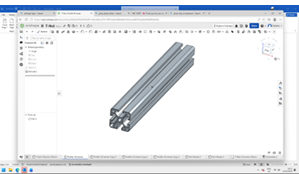
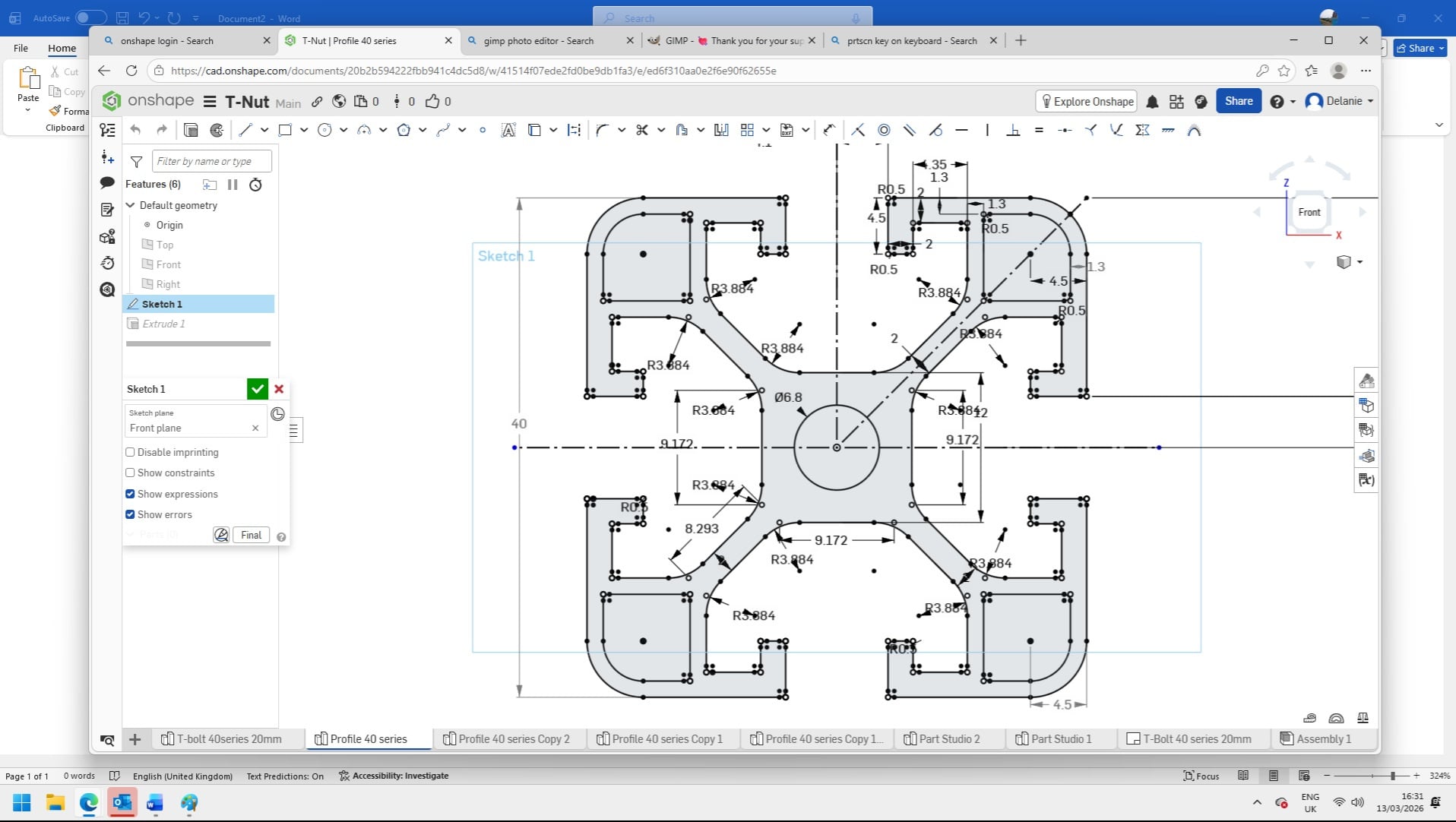
so I copied the above design for an aluminium extrusion with a view to eventually designing a monitor arm , okay a sillly project but i decided to use it as practice.
It took me a while to figure out all of the contraints but I did it and tghen extruded it.
Now what I want to do is make the next part which is twice as wide. I have tried mirroring the part along one of the verticle edges but the contraints do not get duplicated, I also want to edit out the combined face so I have a smooth cetre section, this again seems to mess with the constraints.
so my question is what am I not doing right? and is there a better way to do this?
Thanks in advance Susanna
Comments
Not a direct answer to your question, but learn the Frames feature. There’s a training module called Frames. It has all of the aluminum extrusions built in, and it’s really easy to locate them in places. That feature will save you a ton of time overall.
Thanks I'll look that up but to be honest I just needed a project for practice and as the profile was complicated but symetrical I thought it would be a chalenge.
When doing symmetrical stuff try to break it down to a single repeatable piece of geometry to simplify things and use the bare min of constraints. In the case of your extrusion, you can easily see you can just do 1/4 of the design and save a lot of constraint headache. You can even take it further and just do 1/8 if you wanted to. The other 7/8 is just sequential mirror operations.
you can copy the part by transforming it and using the copy part check. Then with the new part, you could split it into pieces and move the pieces around. Then merge the pieces back together by drawing in some filler geometry. I would advise against copying the sketch and editing the copy. Definitely try to keep the one sketch as the master for all your variations. Copying the sketch in this context would be bad in my opinion because if you need to change the sketch, you have to then replicate that change in all the sketch copies you made. Creating a construction part that you copy out into different variations means, and sketch change follows downstream. Then you can use the construction parts to continue creating more geometry from. I would probably use the parts to create a profile surface which I would copy about to create new extrusions.
But, your definitely better getting familiar with the frames feature and also in setting up sketches so you can configure them. My last explanation would be more of a bandaid (I don't feel like restarting my work right now) or if I had imported geometry I didn't want to replicate logic for.
@susanna_smith
MDesign and Shawn are right. I'd go one step further, though, for there are things that can be better done in 3D:
I'd only create a small sketch of just one groove, because all the grooves, wherever they go, are identical. Crude example:
One could of course polish that a bit. I'd then apply the first groove as a remove-extrude on an extruded rectanglular profile and then feature-pattern that, add the 4 edge fillets.
That'd probably be the least number of clicks, and it would allow for fast sketching, easy editing and allow creating all variants of the profile from just one set of features.
https://cad.onshape.com/documents/1dfd31f4d5ecd580a5b18745/w/72db265a3e565ce72d1fe309/e/ecacffc3580ac18b42bdc2aa?renderMode=0&uiState=69b552ae1cca71a41c2eaa72