Welcome to the Onshape forum! Ask questions and join in the discussions about everything Onshape.
First time visiting? Here are some places to start:- Looking for a certain topic? Check out the categories filter or use Search (upper right).
- Need support? Ask a question to our Community Support category.
- Please submit support tickets for bugs but you can request improvements in the Product Feedback category.
- Be respectful, on topic and if you see a problem, Flag it.
If you would like to contact our Community Manager personally, feel free to send a private message or an email.
drawing is printing a lot smaller than object measures in onshape
 julian_carr097
Member Posts: 2 ✭
julian_carr097
Member Posts: 2 ✭
I apologize, I'm new at this, so I am still learning. I didn't want to ask for help since I need to know this, but I've tried for the past 3 days and I'm getting no where.
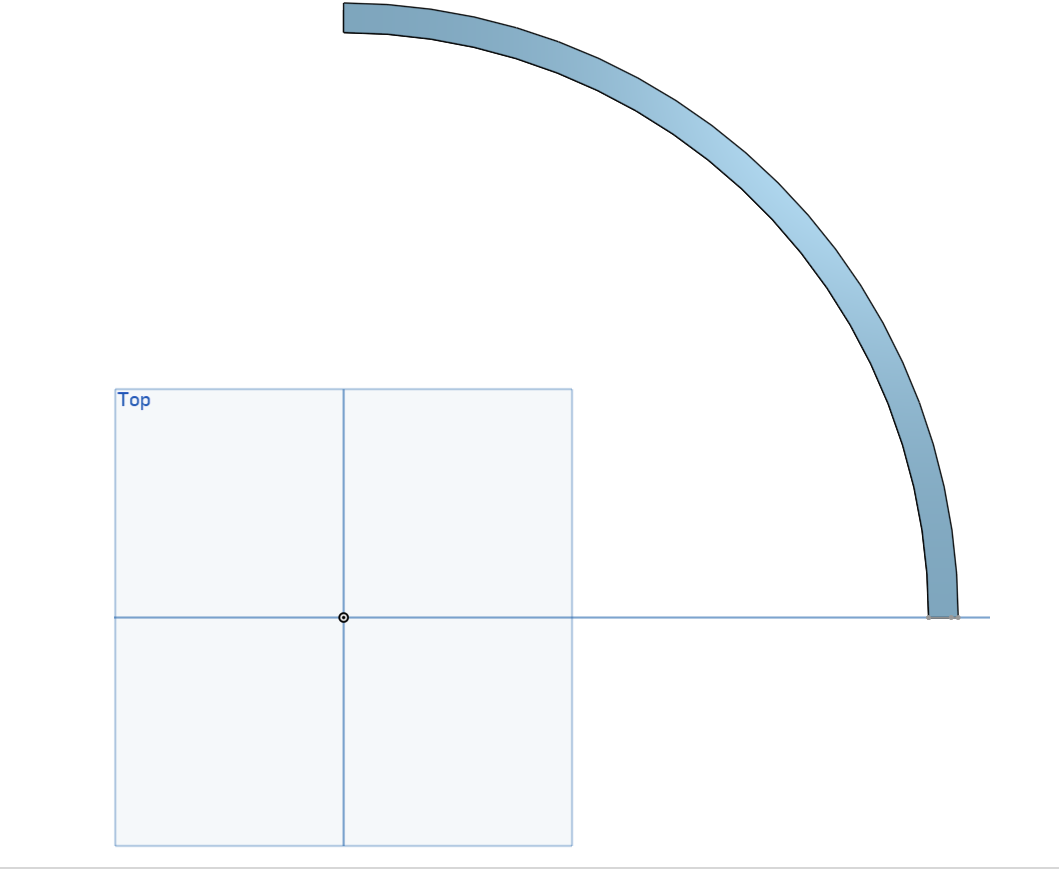
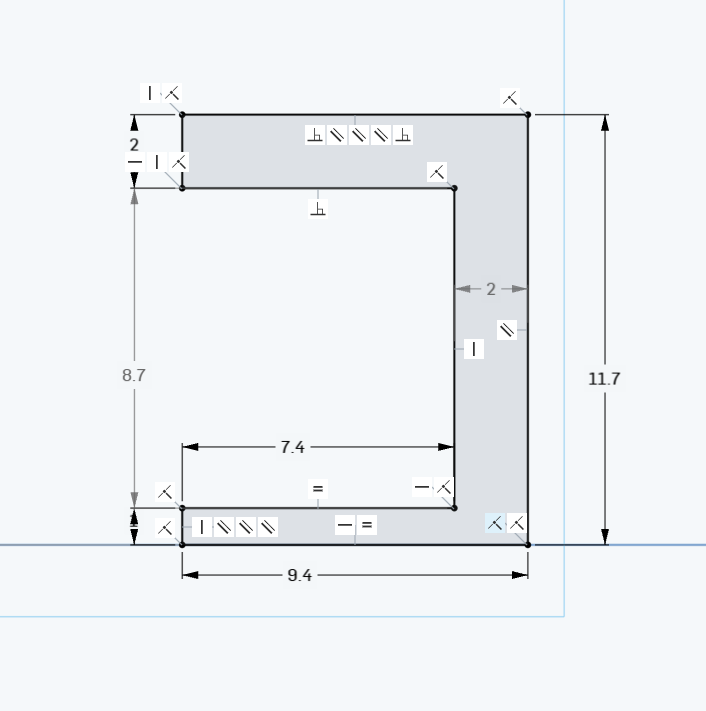
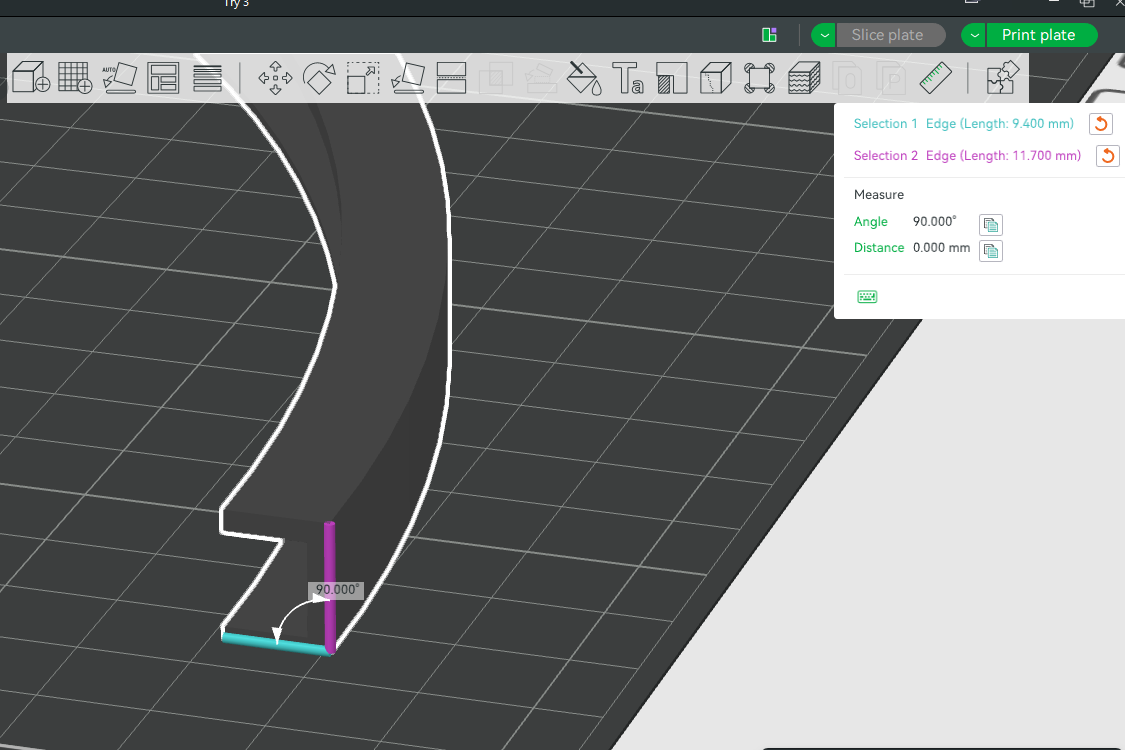
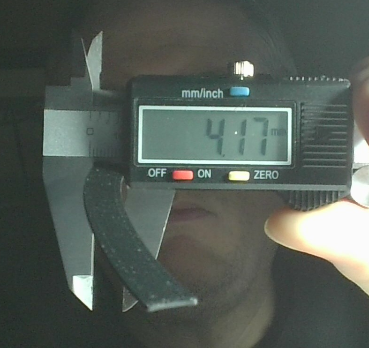
I get everything created in Onshape, export it to an STL file, and open it in Bambu Studio. When I go to print it, it is less than half the indicated size in the drawing and in Bambu. I've shared the files here. If anyone wouldn't mind taking a look at them and see if you can figure out what I've done wrong, I'd really appreciate it.
Thanks,
J.
Tagged:
0
Answers
Less than half? About a factor of 1/2,54? Smells like an inch/metric conversion issue. You probably need to check te unit settings.
Huh, my first though was unit differences. I.e. export in inch from Onshape and import in Bambu Studio as cm, or vise versa, but it don't seem like that's the case since Bambu Studio is showing the same dimension. STL is by definition dimensionless, so any import/export needs to be told what unit interpret the values as. But this don't seem to be the case here.
Does other things print in the correct size from Bambu Studio?
Gut feel is that there's a unit mismatch in Bambu Studio/ Gcode/printer settings, but I've not used Bambu Studio myself so I can't tell you where to exactly look. But I'd look for export or printer settings in Bambu Studio, and some machine settings menu on the machine. Double check that all units match in all places you can find.