How do i fill this part?

I have created a multi faced object that, as far as i can tell, is completely enclosed (all edges meet other edges). I created it by making planes and adding sketches and using the "use" line and then adding additional lines to the plane as necessary. I realize that maybe i should have started with a base shape then extruded it, but have no idea how i would have generated the shape with the precise cutout inside to get what i have here but filled in.
I did see this post which sems like what i want to do, but wasn't really able to follow what was being directed. If someone can walk me through it a bit more or has a video of something similar, it would be appreciated.
This is the part … https://cad.onshape.com/documents/055565bf3eb240db6652d6b2/w/e22e354a8ffcecd0126c02f7/e/c8e9b351c02456c00cd70f4b?renderMode=0&uiState=69d8e2dfa698fc854d3a52e2
Thank you
Answers
-
This might be the most inefficient way you could create a shape like this!
You could try to use an "enclose" feature but I don't think it will be able to deal with all of this in one go.I would highly recommend going through the "new to CAD" learning pathway in the learning center… Learning how to use the tool the way it was meant to will save you a ton of time and frustration in the future…
You can probably create the whole thing with a few extrudes, draft/chamfers, maybe a be couple of lofts for the odd corners.1 -
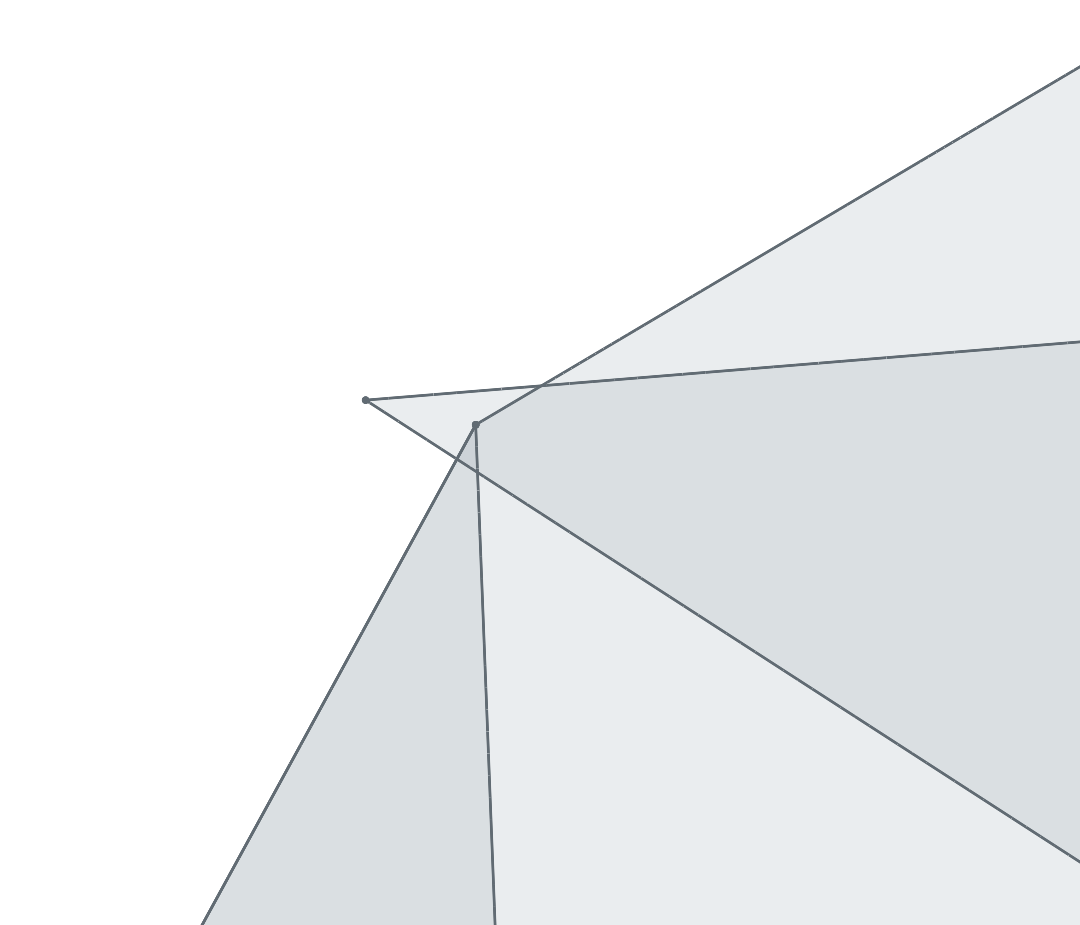
The two very top most corners aren't aligning properly, leaving the shape not closed.
 0
0 -
If you're really particular about where every vertex ends up, you could draw all the edges in manually I guess. But I would use fill to create the faces and then enclose those to create a solid. That way you only have to draw every edge once, and you need way fever planes and sketches. I think I fixed your document and did just that. It was quite therapeutic honestly, but I wouldn't want to do it often.
https://cad.onshape.com/documents/0ae2954fdd7dc39f51fc2827/w/68fcb73c1977c11a13a76f4b/e/null
0
