Welcome to the Onshape forum! Ask questions and join in the discussions about everything Onshape.
First time visiting? Here are some places to start:- Looking for a certain topic? Check out the categories filter or use Search (upper right).
- Need support? Ask a question to our Community Support category.
- Please submit support tickets for bugs but you can request improvements in the Product Feedback category.
- Be respectful, on topic and if you see a problem, Flag it.
If you would like to contact our Community Manager personally, feel free to send a private message or an email.
'Extrude 2 did not regenerate properly' Error when trying to extrude part of a logo.
 daniel_phebus
Member Posts: 4 ✭
daniel_phebus
Member Posts: 4 ✭
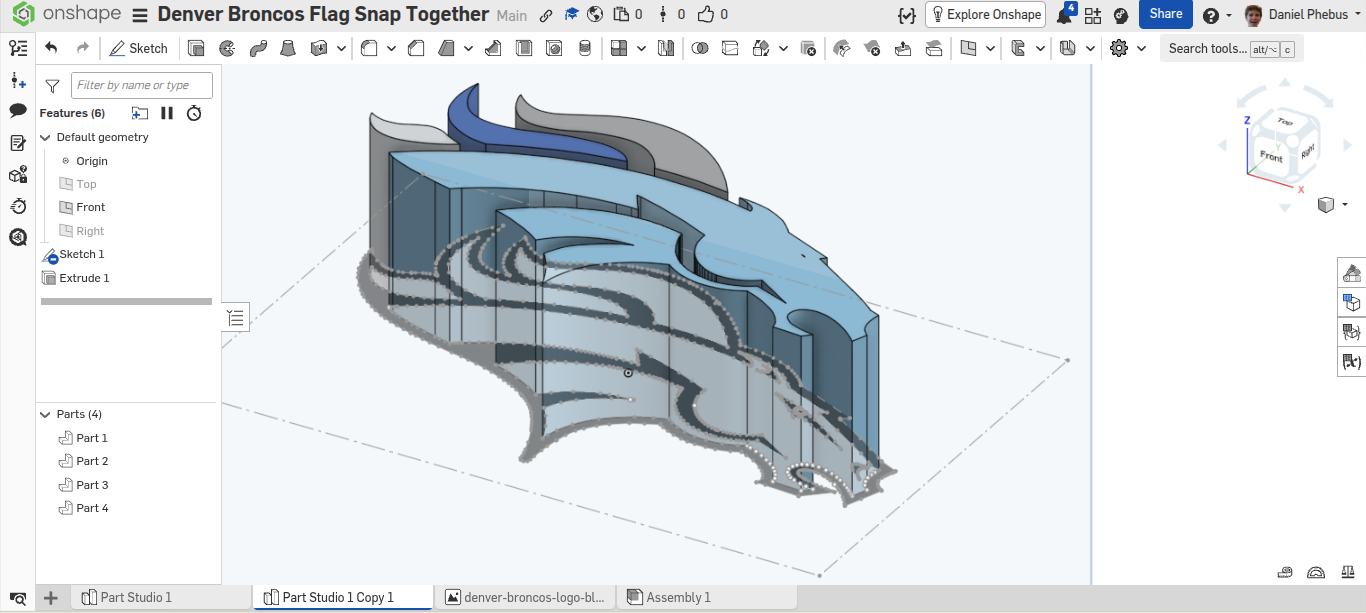
I am trying to make this logo and eventually turn it into a flag that I can 3d print (long story), but I have gotten stuck before really extruding anything. I can extrude other parts (image with all the parts I can extrude)
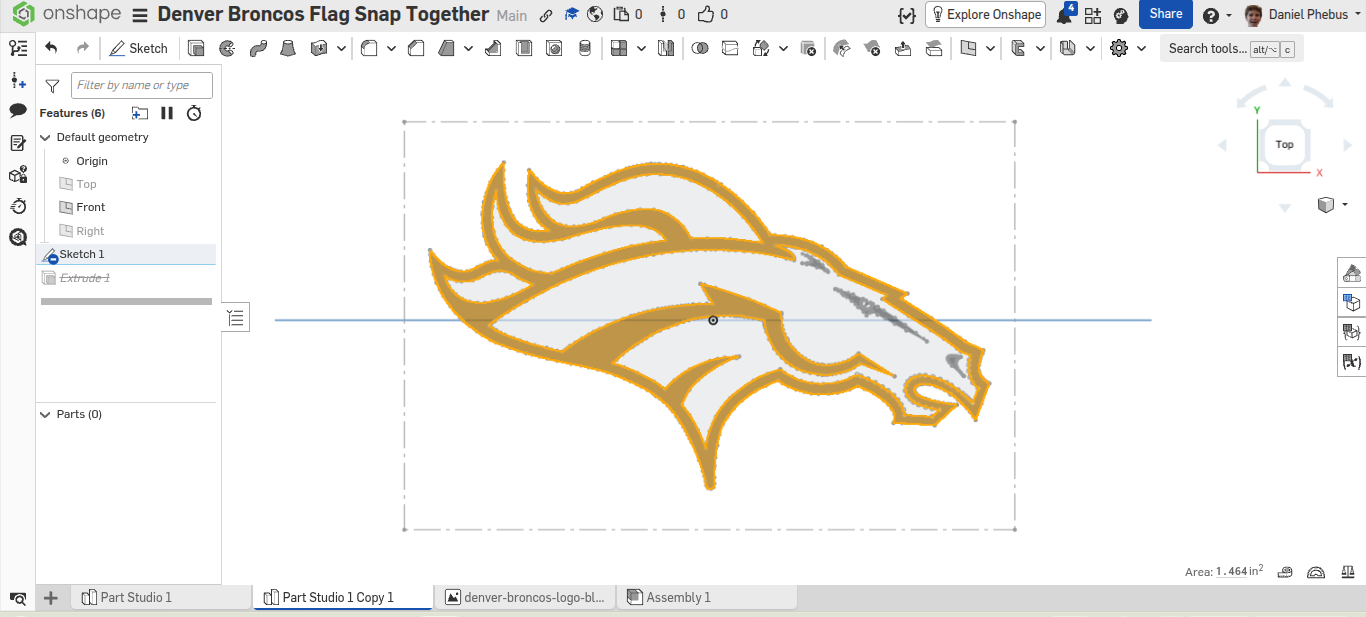
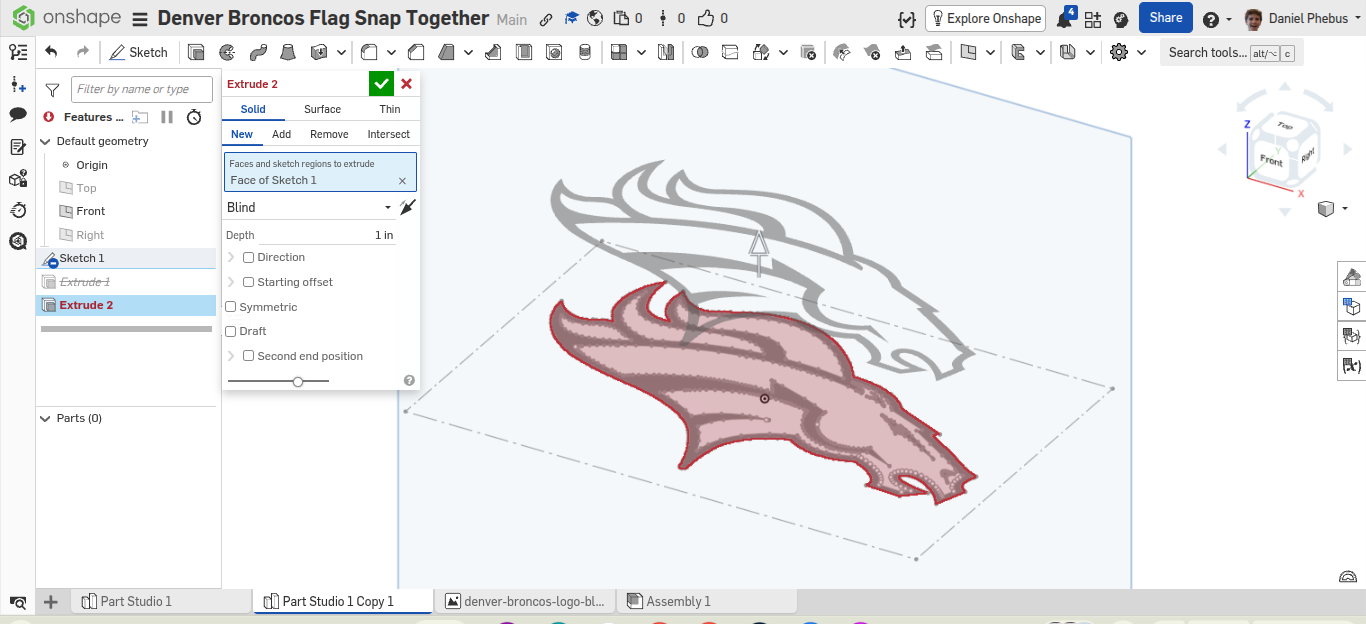
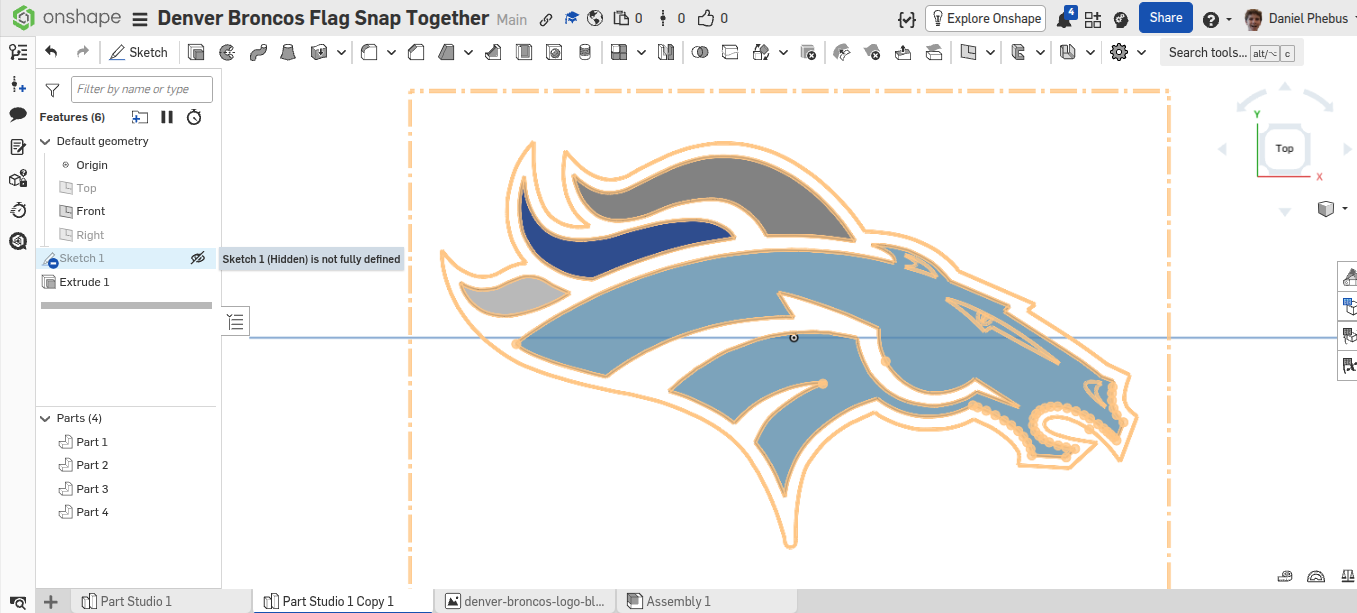
, but I can not extrude this part for whatever reason. I made sure nothing was a construction line, and I looked to see if anything overlapped. I didn't see anything, but there is a lot, so let me know if I just missed something. I also verified that the shape is fully enclosed, as can be seen here. The error is 'Extrude 2 did not regenerate properly: Failed to extrude selections, check input'

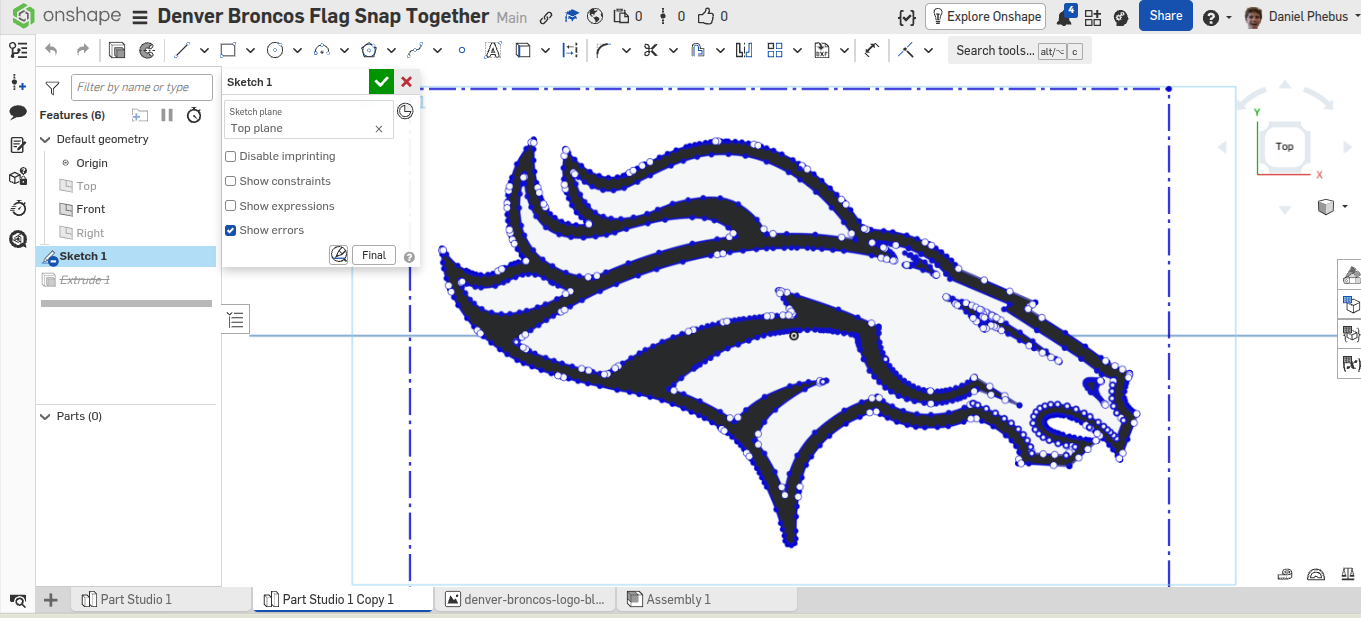
Here are other screenshots. I don't know what is useful, but I have zero idea what is happening. Thanks for any and all help! (Here is the link to my project if you want to see for yourself: https://cad.onshape.com/documents/2be351654d85c6df7862ef69/w/614074157f589e5fffb5aa85/e/2e51a97e2a3b3ffbcb44002e?renderMode=0&uiState=6951b7590b72c6ca60c55ed5)
Comments
when you open sketch one, next to the final button there's a button that will expose 'sketch diagnosis tools'.
With the profile inspector, it'll show you loose ends that may be causing the issue
You've got some non-manifold geometry here.
Zoomed in all the way it looks like this.
How I located that was I drew a line across the sketch to split the profile in half. I extruded the half that didn't have issues. I then moved the line around with "final" enabled to see when the extrude would fail.
Thank you so much! I didn't think about how the movement of the spline could cause that. I was mainly looking for the part being not closed somewhere. I'll have to use that line trick in the future!