Welcome to the Onshape forum! Ask questions and join in the discussions about everything Onshape.
First time visiting? Here are some places to start:
- Looking for a certain topic? Check out the categories filter or use Search (upper right).
- Need support? Ask a question to our Community Support category.
- Please submit support tickets for bugs but you can request improvements in the Product Feedback category.
- Be respectful, on topic and if you see a problem, Flag it.
If you would like to contact our Community Manager personally, feel free to send a private message or an email.
Extrude a mostly mirrored sketch doesn't work?

nocry3
Member Posts: 30 ✭✭
Hello,
I have created a sketch for an aluminum system profile. 1/8 is drawn (meassured part) and the rest is mirrored. Unfortunately, I can not create extrusion from the sketch. Only why is not clear to me.
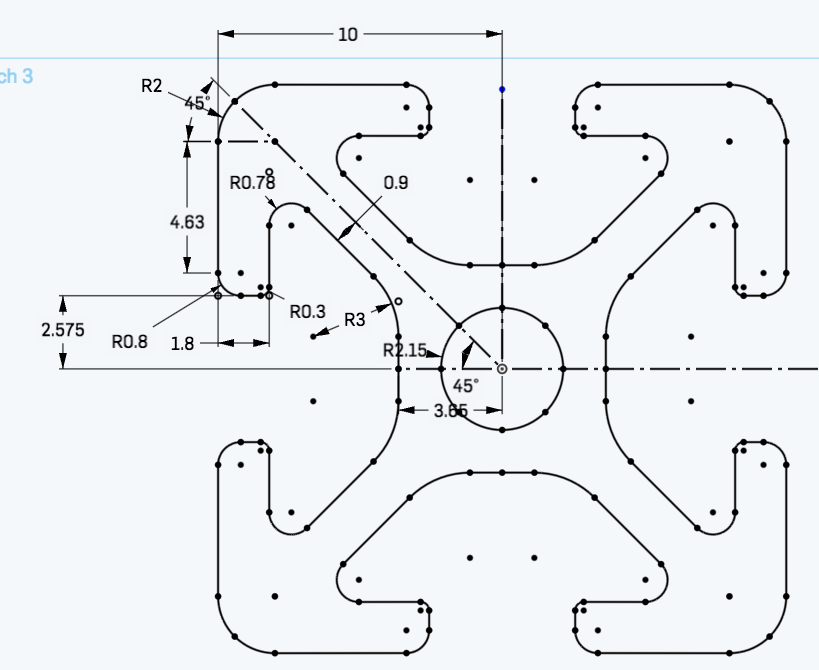
I have created a sketch for an aluminum system profile. 1/8 is drawn (meassured part) and the rest is mirrored. Unfortunately, I can not create extrusion from the sketch. Only why is not clear to me.
0
Best Answers
-

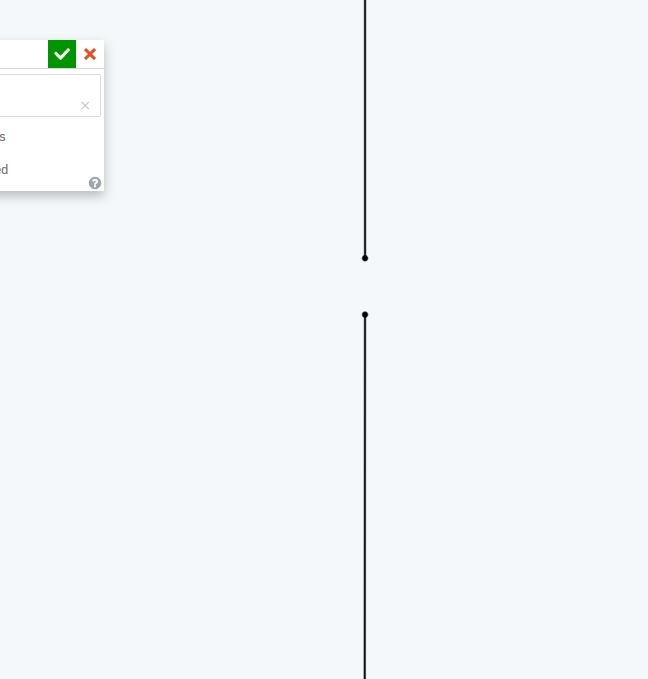
That is a strange one - zoom into the area marked red, there is a gap. The vertices marked green have a concentric constraint? You should be using coincident. Try deleting your mirrored profiles and turning your construction lines back to normal ones (so your initial profile is shaded) then mirror those.Senior Director, Technical Services, EMEA5 -
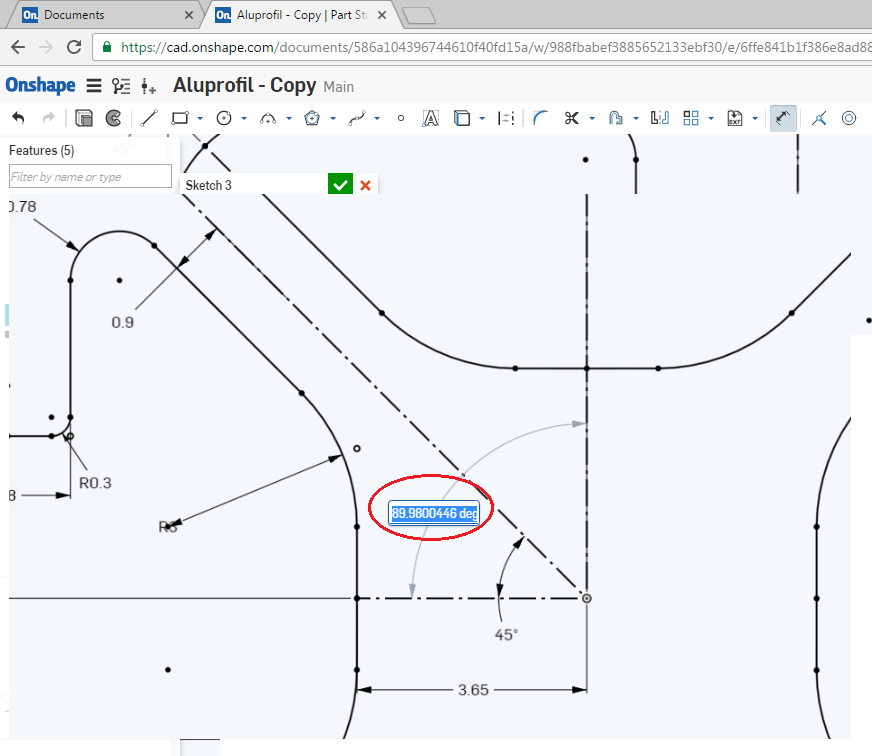
@ralf, This gap problem is occurring because your reference mirror plane is not perpendicular to each other. So make horizontal reference plane as a horizontal then it will come correctly. please refer below video for more detail.

5




Answers
-
There must be a gap in your profile somewhere - if the area is shaded then it is good for extruding. A trick to find the gap is to draw a horizontal (or vertical) line through the sketch and drag it up and down to see which areas of the profile are shaded or not.Senior Director, Technical Services, EMEA0
-
Great tip. But I can move the line arbitrarily and all partial amounts are represented as gray area. Only the whole profile not. Is this perhaps a bug?
0 -
Not a bug - keep searching. You could also show constraints (in the sketch dialog) to see if there is a coincident constraint at each vertex.Senior Director, Technical Services, EMEA0
-
-
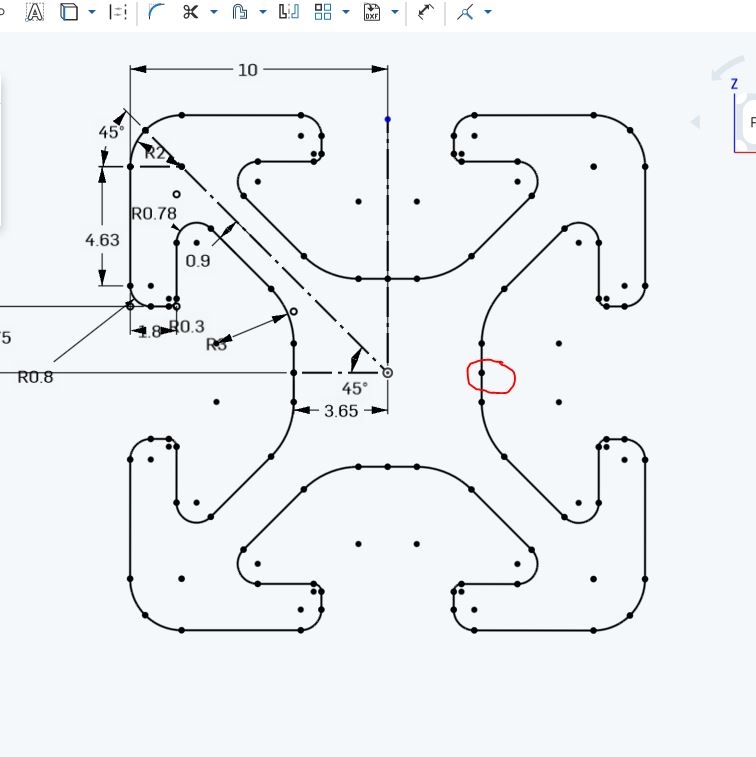
I think I've encircled the error, but I do not understand it. It seems that the point in the rectangle is the problem. But why? All the other mirrored points are working?

0 -
That is a strange one - zoom into the area marked red, there is a gap. The vertices marked green have a concentric constraint? You should be using coincident. Try deleting your mirrored profiles and turning your construction lines back to normal ones (so your initial profile is shaded) then mirror those.Senior Director, Technical Services, EMEA5 -
@ralf, This gap problem is occurring because your reference mirror plane is not perpendicular to each other. So make horizontal reference plane as a horizontal then it will come correctly. please refer below video for more detail.
5 -
Thanks for your help. My mistake but hard to find :-)
0