Welcome to the Onshape forum! Ask questions and join in the discussions about everything Onshape.
First time visiting? Here are some places to start:- Looking for a certain topic? Check out the categories filter or use Search (upper right).
- Need support? Ask a question to our Community Support category.
- Please submit support tickets for bugs but you can request improvements in the Product Feedback category.
- Be respectful, on topic and if you see a problem, Flag it.
If you would like to contact our Community Manager personally, feel free to send a private message or an email.
Improvements to Onshape - October 9, 2026


CAD IMPROVEMENTS
PROPAGATE CONFIGURATION INPUTS TO REFERENCES
When building configured Part Studios, Assemblies, or Variable Studios, you often need to match the configuration inputs of each reference to the inputs of the current tab. Each configuration input now includes an option to propagate its values to any references that have a matching input and values. You can also propagate all of the current tab's inputs at once from a single dialog, associating every relevant reference and its configuration in one go. See Input propagation for more information.
PERSISTENT CENTER OF MASS INDICATOR IN ASSEMBLIES
You can now keep a center of mass indicator visible in Assemblies without the mass properties dialog open. Right-click an instance or the top-level Assembly in the Instance list to show its center of mass, and watch the indicator update as you drag parts and change the design. Show indicators for several instances at once, and hide them from the same menu or by right-clicking the indicator itself.
ASYNCHRONOUS SIMULATION IMPROVEMENTS
Asynchronous simulation in Assemblies can now run at a version's default position, in addition to named positions. Onshape also notifies you about the simulations you requested, and you can delete completed or failed runs you no longer need (requires delete permission on the document). Together, these updates make it easier to send off a simulation, keep working, and keep your results organized.
IMAGE LIBRARY FOR REFLECTION ANALYSIS
Reflection analysis now uses the same image library as sketch images and decals. Choose the reflection image from one consistent library, including the standard images Onshape provides, to find the image that best reveals the quality of your surfaces.
FEATURE STUDIO IMPROVEMENTS
STANDARD LIBRARY VERSION SEARCH FOR FEATURESCRIPT
FeatureScript workspace search now includes a standard library version search mode that finds every standard library import in your Feature Studios by version or version range. Jump to any matching import, or update all matches to a new version at once, making it easy to keep your custom features on a current standard library.
Although this quickly repoints imports to the latest version of std, different versions may introduce breaking changes that affect how the feature works. Be sure to test affected features after updating.
DRAWING IMPROVEMENTS
COMMENT TAGS FOR DRAWING VIEWS AND ANNOTATIONS
You can now attach comments directly to drawing views, dimensions, and annotations. Clicking the attachment in the comments panel takes you to the drawing, switches to the correct sheet, and zooms to the referenced area, making it easier to communicate ideas and run design reviews on your drawings.
FORESHORTENED DIMENSION COMMAND
Onshape makes it easier to create foreshortened diameters with a dedicated Foreshortened dimension command in the dimension pull-down (Shift+H). Once created, these dimensions can be toggled between linear and foreshortened diameters from the right-click context menu, and when dimensioned to an arc, you can drag the leader to the minimum or maximum extents of the arc.
DATA MANAGEMENT IMPROVEMENTS
DISPLAY PARTS LIST PROPERTIES
Onshape now displays instance properties such as Part Number, State, and Revision in Part Studio parts lists. Right-click the parts list and select "Show part list properties," or turn them on by default from the Preferences section of your account settings. See Showing part properties for more information.
MAKE PERSONAL COPIES IN EDUCATION ENTERPRISE
Users in an Education Enterprise can now make personal copies of one or more documents and send them to another Onshape space, by default to their personal account. Students leaving the Enterprise can keep the assignments and projects they created there. Each copy has the same content as a regular document copy, without versions, history, or comments.
API IMPROVEMENTS
API KEY EXPIRATION DATES AND NOTIFICATION EMAILS
You can now set an optional expiration date when creating an Onshape API key, and each key's expiration date is shown in your list of API keys. Onshape also emails you when a key is created, as its expiration approaches, and when it expires, helping you keep integrations secure and avoid unexpected interruptions.
CAM STUDIO IMPROVEMENTS
DELETE KEY SUPPORT FOR CAM JOB ELEMENTS
You can now use the Delete key to remove any element of a CAM job, making it faster to clean up and rework your toolpaths.
OVERRIDE MACHINE RETRACTS
Now you can override machine retracts at the operation level. Each operation still follows your global post settings by default.NEW MACHINES AND POST-PROCESSOR UPDATES
CAM Studio adds support for the Langmuir MR1 and Laguna SmartShop M machines. Post-processors now support the "Override machine retract" setting, with machine retract updates for Brother, MachMotion, Masso, ShopBot, and Thermwood posts.
MOBILE IMPROVEMENTS
AR VIEW ON ANDROID
Onshape on Android now supports AR View, so you can place your Part Studio or Assembly model on a real-world surface using your device's camera. Detect a flat surface, tap to place the model, then scale, rotate, and reposition it to review your design at full size in its real environment.
EDIT IN CONTEXT IMPROVEMENTS ON ANDROID
Edit in context on Android now matches the latest web improvements. The context menu uses clearer labels, separates existing contexts from creating a new one, and shows edit in context as a single option when no contexts exist yet.
COMMENTS PANEL ON THE LEFT SIDE ON ANDROID
On Android, the comments panel now opens in the left side panel of the document on tablets (and from the bottom on phones) instead of as a dropdown from the top. It matches the web and iOS experience and can be resized just like the versions panel.
ATTACH COMMENTS TO SKETCH DIMENSIONS ON ANDROID
On Android, you can now attach comments directly to sketch dimensions, not just sketch entities. It's an easy way to highlight critical dimensions and share information about a specific value with your team.
MINI S-KEY TOOLBAR FOR APPLE PENCIL ON IPAD
The S-key mini toolbar is now available on iPad. Press and hold in the graphics area with your Apple Pencil to open a compact toolbar of frequently used tools right where you're working, with a different set of tools for sketches, Part Studios, and Assemblies. Long-pressing a finger on the screen also works, as does the "S" key on a connected keyboard.
AI ADVISOR ON IOS
The Onshape AI Advisor is now available in the Onshape iOS app on iPhone and iPad. It delivers the same AI Advisor experience as the web in a mobile-friendly panel, using your existing signed-in session, so you can get help without leaving your work.
LEARNING CENTER IMPROVEMENTS
- Best Practices for Creating Onshape Drawing Templates
- Hardware Recommendations
- Onshape Importing Guide
- Working with a Document's Historical Data
Please take a moment to try out these new features and improvements, and leave your comments below. For a detailed list of all the changes in this update, please see the changelog.
Remember: The updates listed here are now live for all users when creating new documents. Over the next few days, these features will also be available in documents created before this update. Mobile improvements roll out in the days after the release and are updated via the Apple App Store or Google Play Store.
Comments
-
Sweet! Config Propagation is HUGE!
Thank you for the Center of Mass in Assemblies :)
Nice to see more Android Improvements!
2 -
Config Input Propagation is indeed huge. Been wanting that for years.
Center of Mass in Assemblies.
And Parts List Properties!
[edit: also async simulations are much improved!]
Simon Gatrall | Product Development, Engineering, Design, Onshape | Ex- IDEO, PCH, Unagi, Carbon | LinkedIn
0 -
PROPAGATE CONFIGURATION INPUTS TO REFERENCES
Yes. Love it
1 -
I did some video recording yesterday about configurations and now I have to re-shoot. Rude!
jk the config propagation is awesome!
4 -
Next we could use Propagate Display States.
When we have several sub assemblies, we like to use display states to hide show parts since we still need the BOM qty totals.
When you have to go through several assemblies and hide the same parts on each it is time consuming.
This could be a button next to the update display state, which propagates current hide/show status from it's children assemblies.
4 -
+1
Senior Director, Technical Services, EMEA4 -
While we're wishing… propagate Named Positions and elevate named positions to a more serious tool - or… get rid of them and allow assembly configurations to exclude inputs from properties.
Simon Gatrall | Product Development, Engineering, Design, Onshape | Ex- IDEO, PCH, Unagi, Carbon | LinkedIn
0 -
Exclude from properties in Assemblies would be a huge unlock for a number of things I'm hitting with clients.
4 -
Is there a way to check devices for the Android AR compatibility? Or is the mobile app not updated yet. I'm pretty sure my Samsung Galaxy S21+ has the arcore support but I'm not seeing the option show up on our models
0 -
I just updated and I didn't see the option either, I'm using S26 Ultra
0 -
I'm going to have to try propagating configs as this is a big deal! Tagging entities in drawings should also help as it was sometimes a bit tricky to make comments specific enough (without having to resort to an annotated screen cap)!
0 -
Maybe in the next set of drawing enhancements we could see a baseline dimension command to quickly and evenly space dimensions that start from a common baseline.
1 -
TBH the only drawing enhancements my team needs are general performance improvements for larger assemblies. Our approval drawings take forever to put together to the point we're considering just screenshotting everything to put into pages to make things fast enough to be workable, which feels bad because it desyncs from the live document.
1 -
Updates to the mobile apps typically roll out to Google Play and Apple App Store in the days following the release.
AR Core is the capability required.
Regards,Mike LaFleche @mlaflecheCAD0 -
This seems to happen to you a lot. Just start making videos on all the things you want fixed.
Config propagation is going to be such a time saver.
Its nice seeing API keys have expiration dates. It makes discussion of security easier, and can help ease some concerns when working with outside consultants (like me). I would still like to see more scoping options for the API Keys / Oauth apps. But progress is good to see!www.smartbenchsoftware.com --- Renaissance --- Kestrel -- SmartLink
Experts in Onshape Automation - Custom Features and Integrated Applications0 -
Either it's because I'm prophetic, or because Onshape adds new kickass stuff every 3 weeks, but I'll make sure to talk about wanting "exclude from properties" in assembly configs just in case
2 -
Yay! Assembly Center of Mass, that's the point! :0) (Says Me who just got an aerospace job.)
1 -
Great to see the new improvements. The first 2 will get put straight to use in a project I am working on today.
0 -
Quick, start making a video about assembly featurescript
2 -
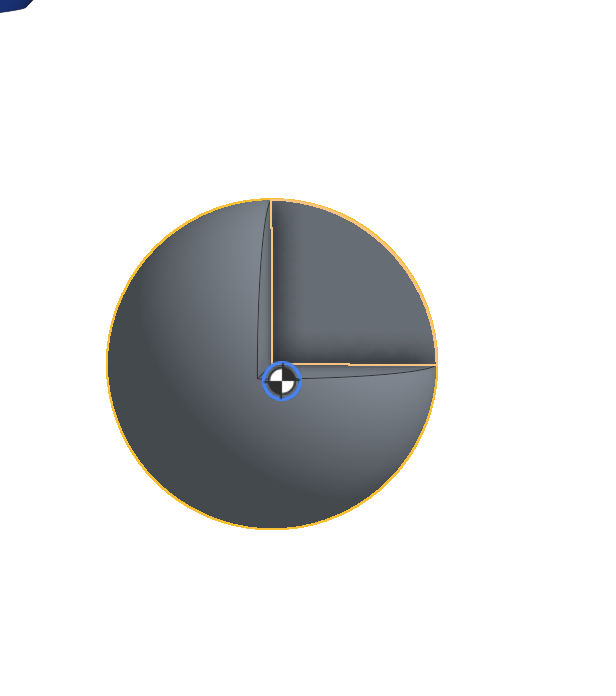
goodbye COG Ball
 2
2 -
Configuration Input Propagation, Parts List Properties, Asynchronous Simulation…. fantastic updates, This is a real 'make life easier' update….love it!
0 -
I like the DISPLAY PARTS LIST PROPERTIES
Can we have this to be customised to be able to display selected custom company properties?
Would save a lot of time clicking into each part properties to check if a field has been correctly filled out.
Improvement request?0 -
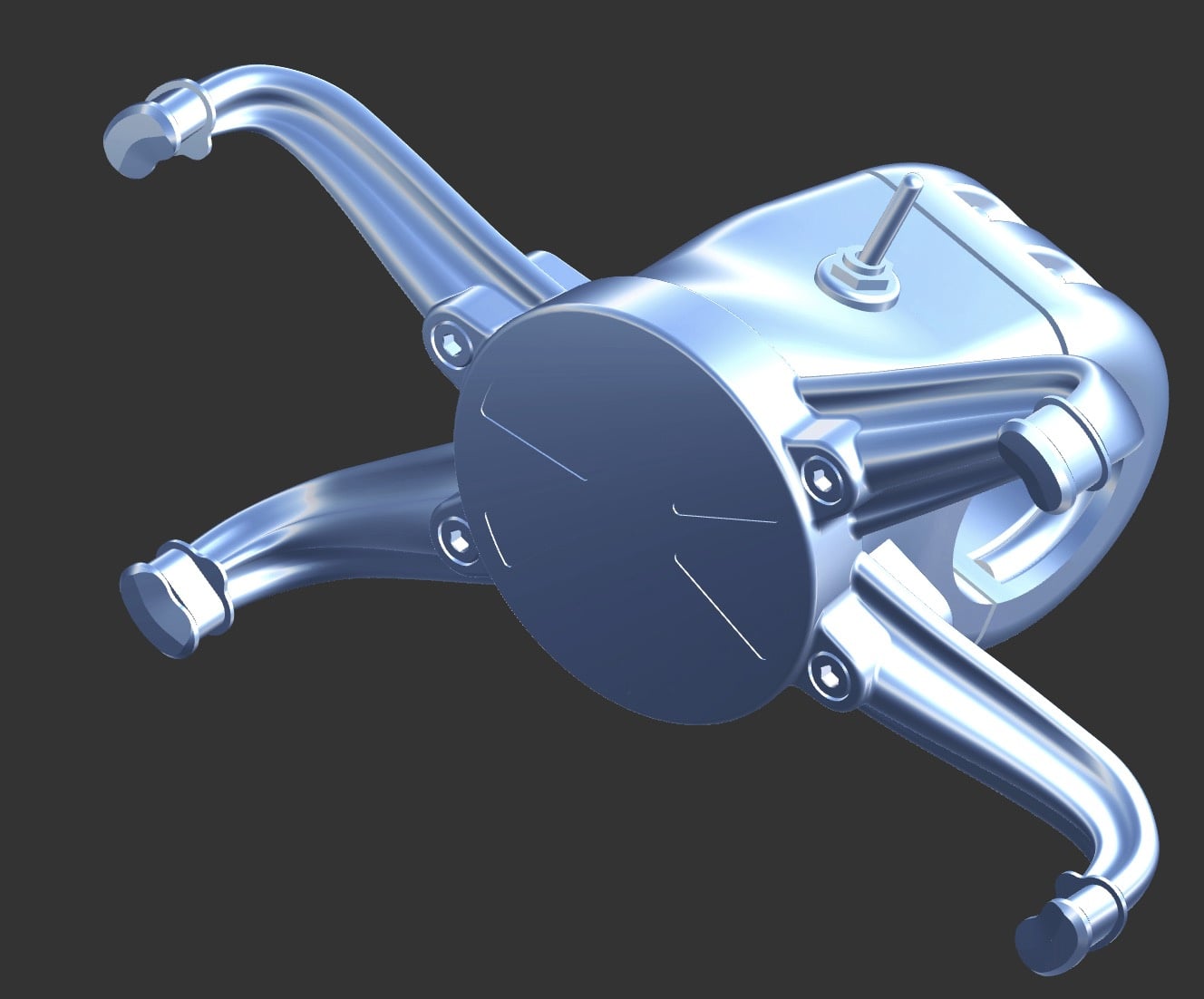
Oh yeah baby!. Could we make it so different parts have different analysis? Now I can have brushed nickel, brass, fly cut aluminum. This could be really cool.
Gloss enamel black:
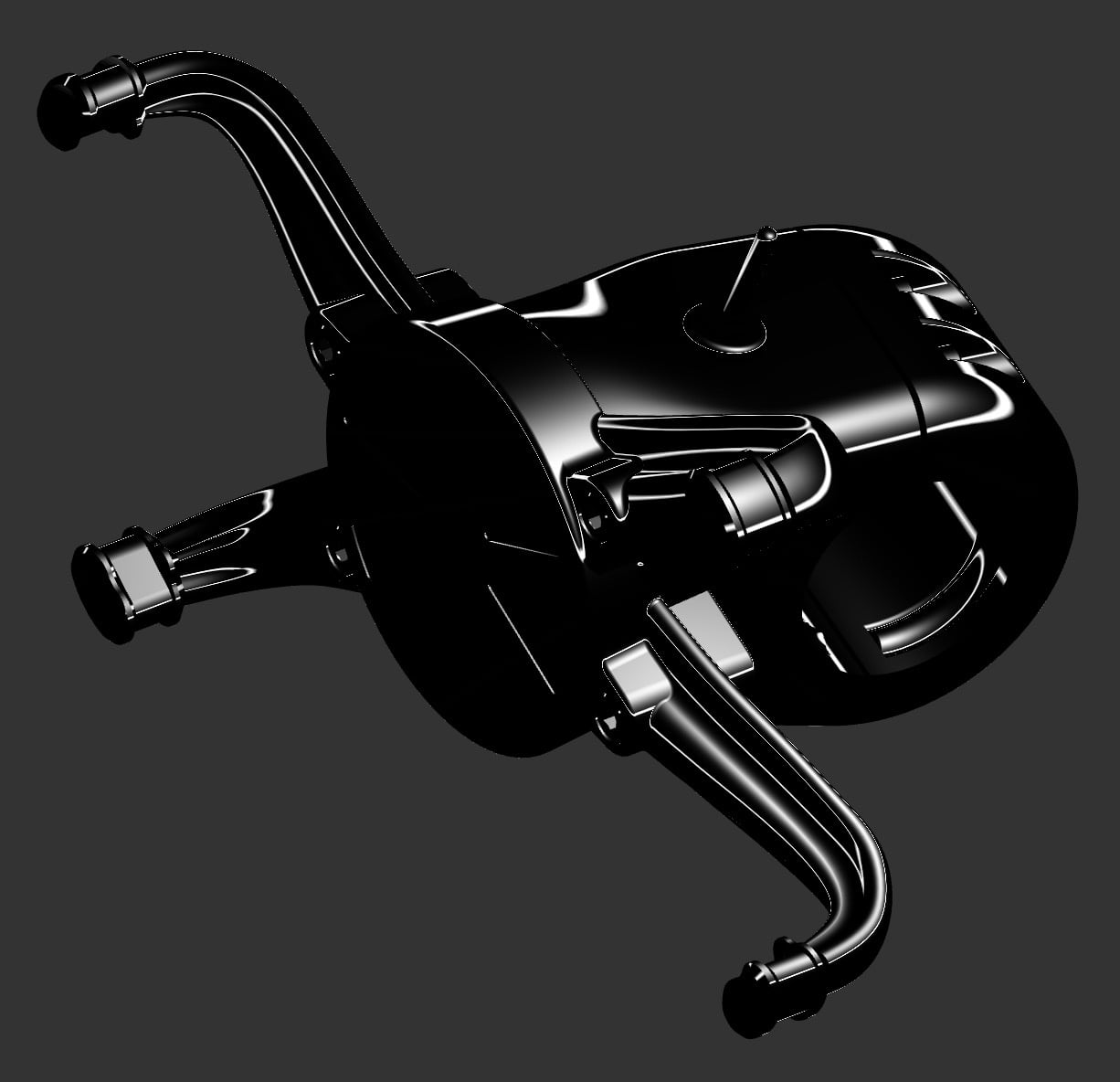
Come on, throw me a bone. Map these to individual parts and let me live a little.
0 -
The CoM marker should be able to be selected as a mate connector
2 -
Love the updates. Drawing improvments, center of mass, and propagation is great.
0 -
I was actually EXPECTING that first thing when I read about it, then got quite a bit disappointed when I found it was more or less eye candy, at least in the modeling context. It makes no sense just to look at it. We need it's location to reference things to it. If it can't be directly used as an MC, we should at least be able to attach one to it. Mates should work on it (yes, it makes sense to attach a part to the center of mass of e.g. another rotating part). Also, there needs to be a way to connect it to a formula or a variable. Geometry like counterweights might need to follow it's location or be calculated from it.
As it stands now, there isn't even a rudimentary coordinate readout, unlike with any standard mate connector. I think this should be given a second thought to make it usful as an engineering tool, beyond documentation in drawings.
Also, I found that the CoM detached from the assembly after the session got suspended due to timeout: It would then stop moving with the parts and required more than a browser refresh to get back to work. I needed to hide and then show it again, from the tree.
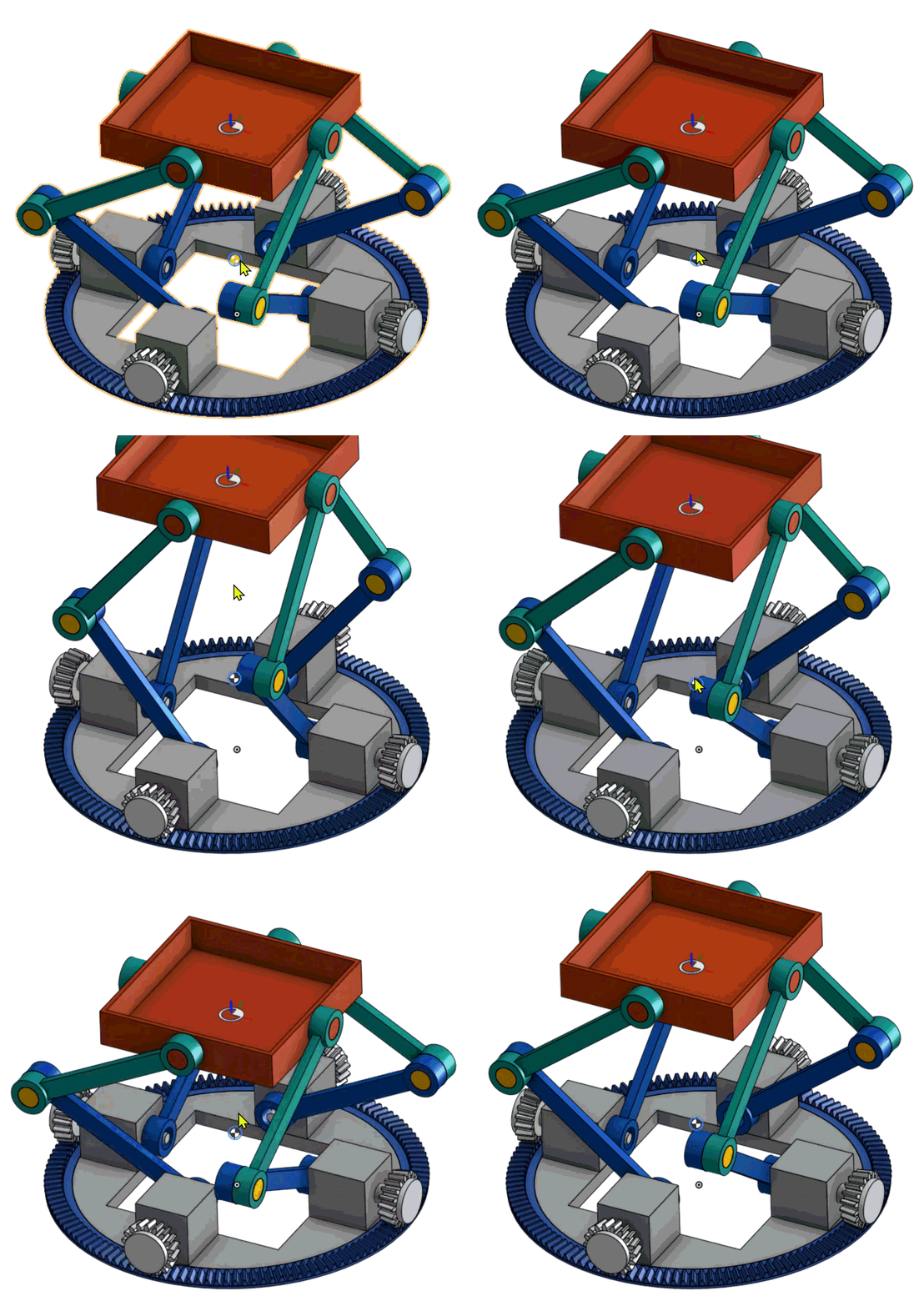
On the other hand, I found it surprising that I could grab the CoM marker and 'animate' the whole mechanism (Sample) just by dragging the marker. So there IS an interactive bidirectional connection going on somewhere inside …
 3
3