Welcome to the Onshape forum! Ask questions and join in the discussions about everything Onshape.
First time visiting? Here are some places to start:- Looking for a certain topic? Check out the categories filter or use Search (upper right).
- Need support? Ask a question to our Community Support category.
- Please submit support tickets for bugs but you can request improvements in the Product Feedback category.
- Be respectful, on topic and if you see a problem, Flag it.
If you would like to contact our Community Manager personally, feel free to send a private message or an email.
How to make loft follow guidelines on edge?
 yanni_papadimitriou
Member Posts: 6 ✭
yanni_papadimitriou
Member Posts: 6 ✭
Hi there,
I'm trying to make an F-35, but have some issues with the front portion.
I've created a loft, and added guidelines using 3D fit splines which go from vertex to vertex. However, when I add this as a guideline to the loft, it doesn't touch the curve at all!
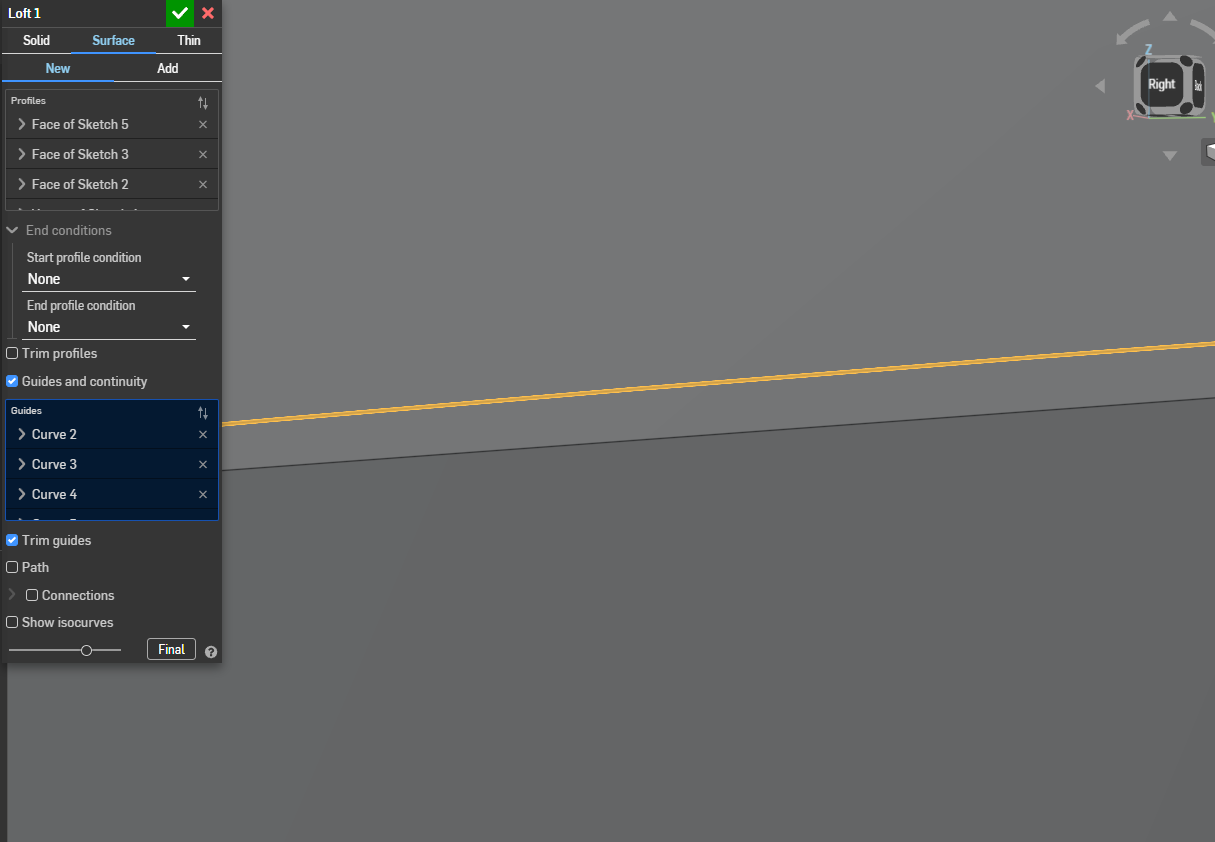
Additionally, when I pierce the curve, and connect a vertex to it, it doesn't actually intersect with the curve.
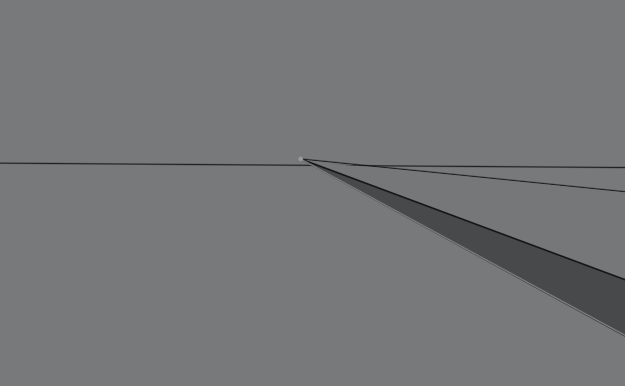
How do I fix these issues, so that the loft follows the guideline on the edge and make the pierce actually intersect the curve.
Thanks!
Tagged:
0


Answers
It's possible that these are just display artifacts. Try hitting shift-R to temporarily turn on high quality.
Simon Gatrall | Product Development, Engineering, Design, Onshape | Ex- IDEO, PCH, Unagi, Carbon | LinkedIn
try high quality display setting.
Thanks, that makes sense!