Welcome to the Onshape forum! Ask questions and join in the discussions about everything Onshape.
First time visiting? Here are some places to start:- Looking for a certain topic? Check out the categories filter or use Search (upper right).
- Need support? Ask a question to our Community Support category.
- Please submit support tickets for bugs but you can request improvements in the Product Feedback category.
- Be respectful, on topic and if you see a problem, Flag it.
If you would like to contact our Community Manager personally, feel free to send a private message or an email.
Improvements To Onshape - March 7TH, 2016

cody_armstrong
Moderator, Onshape Employees, Developers, csevp Posts: 228 
Another few weeks have passed and it is time for another update! This one is packed with user requested features so let's dig in...
 https://youtu.be/wJ70PpUiQiI
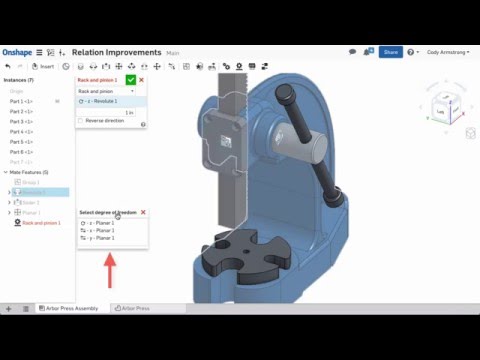
2. Improvements to relations - More mate types are now supported when creating relations
 https://youtu.be/L1KzfQzA4tI
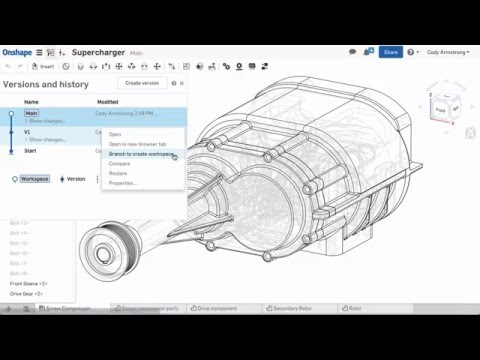
3. NEW Create version command - A new create version command that creates a version and automatically gives it a name
 https://youtu.be/96havHlaUCw
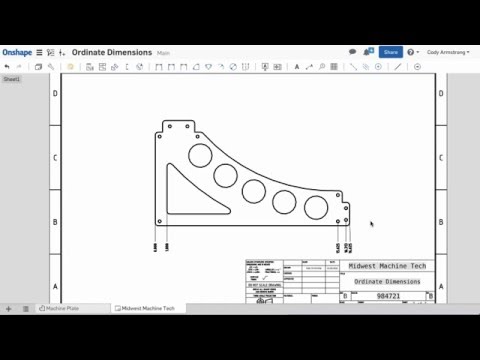
4. NEW Ordinate dimensions in drawings - Ordinate dimensions can now be created in Onshape drawings
 https://youtu.be/g8OorvcSr6U
5. NEW Rotate drawing views - Drawing views without parent/child associations can now be rotated
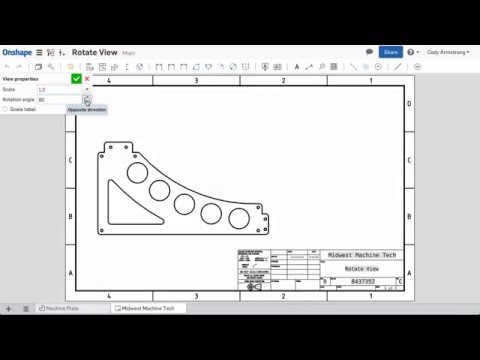 https://youtu.be/i7xX1EsuIXE
6. Improved graphics on curved edges - Graphics quality of curved edges has been improved with this update


Honorable mentions:


So please take a moment to check out these new features and let us know what you think!
Remember: The updates listed here are now live for all users when creating new documents and over the next few days these features will also be available in documents created before the date of this update.
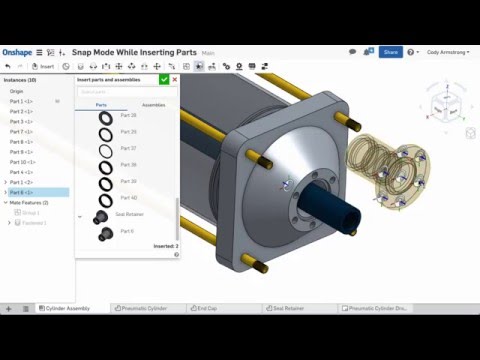
- Snap mode while Inserting components - Snap mode is now supported while inserting components in an assembly
https://youtu.be/wJ70PpUiQiI2. Improvements to relations - More mate types are now supported when creating relations
https://youtu.be/L1KzfQzA4tI3. NEW Create version command - A new create version command that creates a version and automatically gives it a name
https://youtu.be/96havHlaUCw4. NEW Ordinate dimensions in drawings - Ordinate dimensions can now be created in Onshape drawings
https://youtu.be/g8OorvcSr6U5. NEW Rotate drawing views - Drawing views without parent/child associations can now be rotated
https://youtu.be/i7xX1EsuIXE6. Improved graphics on curved edges - Graphics quality of curved edges has been improved with this update
Honorable mentions:
- Improvements to feature patterns and derived features including the ability to hide derived and patterned sketches, helices, mate connectors, etc.
- Centerlines can now be made shorter than the distance between reference points
- 3D curves are now flattened into lines when generating drawing views. This makes it possible to dimension to 3d curves using the line dimension tools (Line to line, Line to line angular, and Point to line dimensions)
So please take a moment to check out these new features and let us know what you think!
Remember: The updates listed here are now live for all users when creating new documents and over the next few days these features will also be available in documents created before the date of this update.
4
Comments
-
Great update once again, can't wait to give snap mate a proper test drive..
New version hot button will certainly get more people using this great functionality and I'm sure it will be a time (and nerve) saver in future with cross reference parts.
Thanks for fixing the annoyance with graphics even though it is not part of core functionality.
//rami3 -
Thanks to the Onshape team for adding Ordinate dimensions, Rotate drawing views in drawings and Snap mode while Inserting components in assembly. It will be catalyst for user in modelling
 .
.
1 -
Thanks for the improvements. Drawings seem to be getting better with each release.
Looking forward trying the mate's, I've only just mastered the snap mate, so this will be even better with snap on insert and it will really make my mate connectors on my fasteners worthwhile.
Just hope the graphic change doesn't effect speed too much. Still think maybe a button to refine tessellation with a cut to speed, but only use when required for reviewing or taking screen shots would be a better option but hope to be proven wrong.
3 -
Just tried ordinate dimensions and rotate view. Very impressed.2
-
Bruce - it's actually better than that. Prior to 1.43 (this release), we were simply applying one of 3 chordal deviation settings based on the number of faces in the part studio and reusing those parts at that resolution in assemblies regardless of whatever else was in there. The problem is that big arcs looked terrible and tiny nuts had more than enough detail. I am not going to give away all our secrets, but the new algorithm gives way better image quality and about a 10% improvement in framerate (something to do with phds in computer graphics). We are working on even smarter code and you will see the fruits in coming releases - all without giant settings dialogs, button or modes. It should just work! To quote one of our founders Jon Hirschtick - 'we are just getting started'brucebartlett said:Thanks for the improvements. Drawings seem to be getting better with each release.
Just hope the graphic change doesn't effect speed too much. Still think maybe a button to refine tessellation with a cut to speed, but only use when required for reviewing or taking screen shots would be a better option but hope to be proven wrong. Philip Thomas - Onshape3 -
I know it's only cosmetic, but I really like the improved graphics. My models look good again! I'm also happy to see the ordinate dimensions added to drawings. Nice update everyone!2
-
Thanks for adding the ability to hide derived features!!!2
-
Graphics look really good. Nice job!
I've been loading both large and small assemblies without any slow downs.
2 -
I take back what I said about the graphics. Moving and rotating for me just became very clunky and slow. Both with the regular mouse and my 3D mouse :-(0
-
@juan_aviles - i just spoke to tech support about your comment. You should be experiencing faster performance with this release. They have asked that you first try a shift-refresh to clear your current browser session and reload the session. At that point, if you still perceive the rotational performance as being slower, please open a ticket and we will sift through the logs to see if we can find the source. Thank you for your support of Onshape Philip Thomas - Onshape0
-
Can we please have a dialog for the 'create version' button?
I have already managed to click the button twice by accident, which created two unnecessary versions that I can't get rid of. Also, I want the ability to turn some versions obsolete. It would be nice to have the ability to flag some versions as obsolete with an option to hide them from the version graph. Nice and tidy.
Dries4 -
The improved graphics is really appreciated. It makes working on projects with large radii more agreeable and helps satisfy grumbling clients. I posted a couple of before and after images. There is still room for improvement but the change is most welcomed.


1 -
Agreed ... Large radii could do with being a little bit rounder ... small radii could lose a little bit roundness perhaps ... It should be adaptive ... by field of view vs distance or somesuch ...
0 -
The new "hot buttons" is too hot to touch.DriesV said:Can we please have a dialog for the 'create version' button?
I have already managed to click the button twice by accident, which created two unnecessary versions that I can't get rid of. Also, I want the ability to turn some versions obsolete. It would be nice to have the ability to flag some versions as obsolete with an option to hide them from the version graph. Nice and tidy.
Dries
I agree needs a dialogue with a rename and cancel ability.0 -
Quoting myself here, but I want to add to this...DriesV said:Can we please have a dialog for the 'create version' button?
I have already managed to click the button twice by accident, which created two unnecessary versions that I can't get rid of. Also, I want the ability to turn some versions obsolete. It would be nice to have the ability to flag some versions as obsolete with an option to hide them from the version graph. Nice and tidy.
Dries
I would also like to request the ability to completely flush the undo stack ('Show Changes') and/or the ability to set a limit on the amount of recorded actions.
I always wonder why it is necessary to have a complete log of every single change in my documents. E.g. If I hide the Front plane, show it again, then hide it again, I get three permanent (and quite useless) entries into the undo stack.
Very neat from a technical standpoint, but it seems a bit too much to be honest. And the list of changes gets terribly difficult to navigate as the document expands. It would be great to at least have some granularity as to which actions/changes are actually included in the undo stack.
I have version control to create set in stone states of my documents, I don't really have any need for an unlimited undo stack. And I know I don't have to expand the 'Show Changes' if I don't want to, but still I think it is distracting.
Dries1 -
I think all changes should be recorded. There should be an option for collapsing repeated dos and undos though.
0 -
+1 for ability to remove / suppress obsolete versions (that are not referenced in other docs)
+1 for marking instances that actually change the model from history list, I've had couple times broken assembly because colleague has been inspecting some part studio (hide/show & rollback) - it is not easy to see if there has been some actual changes between hide/show//rami1 -